

Pivots for N-table portlet
Analytics
KYC/Know Your Customer Process
Monitoring & Analytics
.Net
Monitoring & Analytics
SFDC Case & Endpoint
Monitoring & Analytics
User Replay v3 & Competitive Analysis
Monitoring & Analytics
Compliance and Vulnerabilities
Security
SOQL vs JDBC Driver
Salesforce.com
Analytics - Pivots for N-table portlet
Description
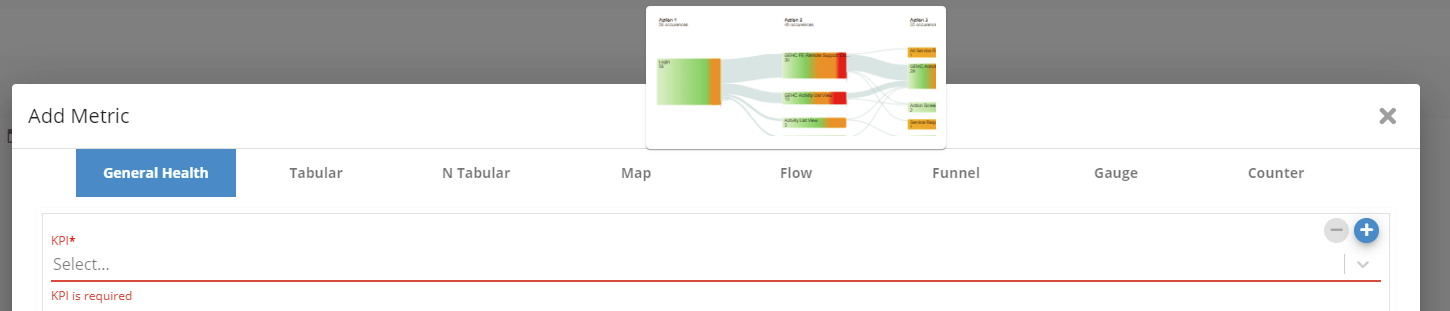
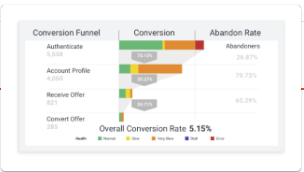
Ability to Pivot on kpi on a N-table portletExamples



Monitoring & Analytics - KYC/Know Your Customer Process
Description
This client monitors KYC Business Processes, in real-time and 24x7, using Germain.Benefit
Business impact is always one the most important notion while assessing the severity of a technology, operational or UX issue. This BP monitoring feature gives our Customer the ability to understand whether a business operation got affected by a functional or technological issue. Sometimes, a part of infrastructure may fail yet the business may or not be affected… and vice versa, the infrastructure is fully available yet the business operations are getting completed on time either due to slow running infrastructure or user experience issue.Example
Germain’s BP configuration screen below shows the KYC steps that are required, for a CSR/Client Service Representative, to register a new Client in the bank’s CRM systems. Once enabled for monitoring, that KYC process performance is monitored (in near real-time, by Germain), including the time it takes from start to finish, the time each KYC step took, any frictions and drop-offs, as well as the list of CSRs that were involved in performing each KYC process.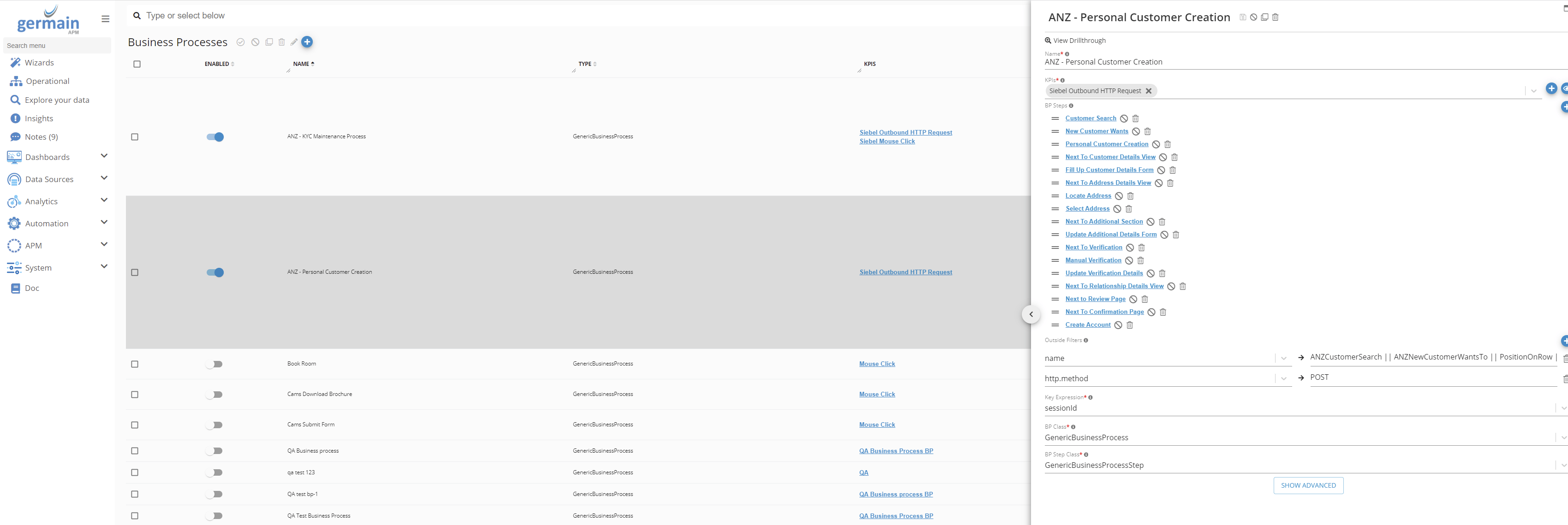
Configure
This feature has been available in Germain since 2014 and been enhanced over the years. More details onMonitoring & Analytics - .Net
Description
Latest updates on .Net versions that Germain supports and how-to docMonitoring & Analytics - SFDC Case & Endpoint
Use Cases
Example of use cases where germain tracks and alerts whenever:1
Credit Card (of a Case in SFDC/Salesforce.com) stays in “submitted” status for more than 30 minutes
2
Membership Orders (of a Case in SFDC) stays in “submitted” status for more than 30 min
3
HTTP endpoint is changed
4
MX Orders endpoint is changed
Notes
- To monitor SFDC Cases (or any other Business Data), you need:
- Access to one of these 3 SFDC data sources:
- SFDC SOQL
- SFDC JDBC Driver
- SFDC UI
- Deploy one of these 2 germain components
- Engine/Rule (for SFDC SOQL or JDBC Driver)
- Browser Extension (for SFDC UI)
- Configure Document Audit feature
- Access to one of these 3 SFDC data sources:
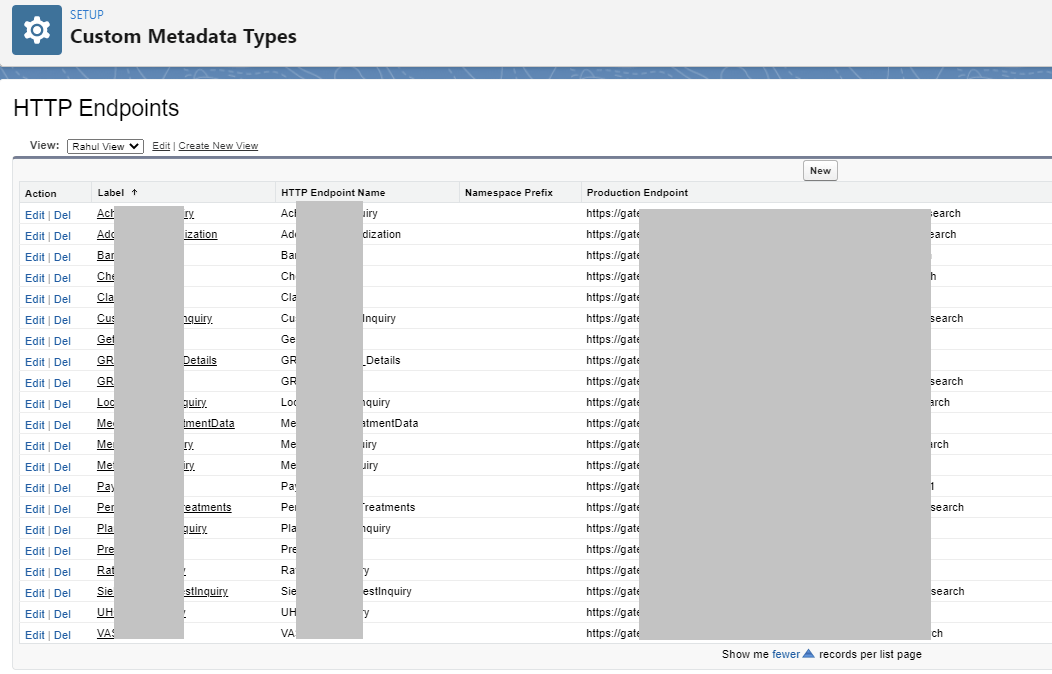
- SFDC Endpoints are available in SFDC: Setup > Custom Metadata Types > HTTP Endpoints
Monitoring & Analytics - User Replay v3 & Competitive Analysis
Description
V3 of Germain’s Real User Monitoring & Replay is GA on 5/31/22: User Session Monitoring, Replay & 6 HeatmapsNotes
- Please note that the below analysis does not cover any of the other features that are offered in Germain
- Germain’s User Session Recording & Replay V3 is available in Germain 2022.2 release
- Germain’s was released mid 2017
Security - Compliance and Vulnerabilities
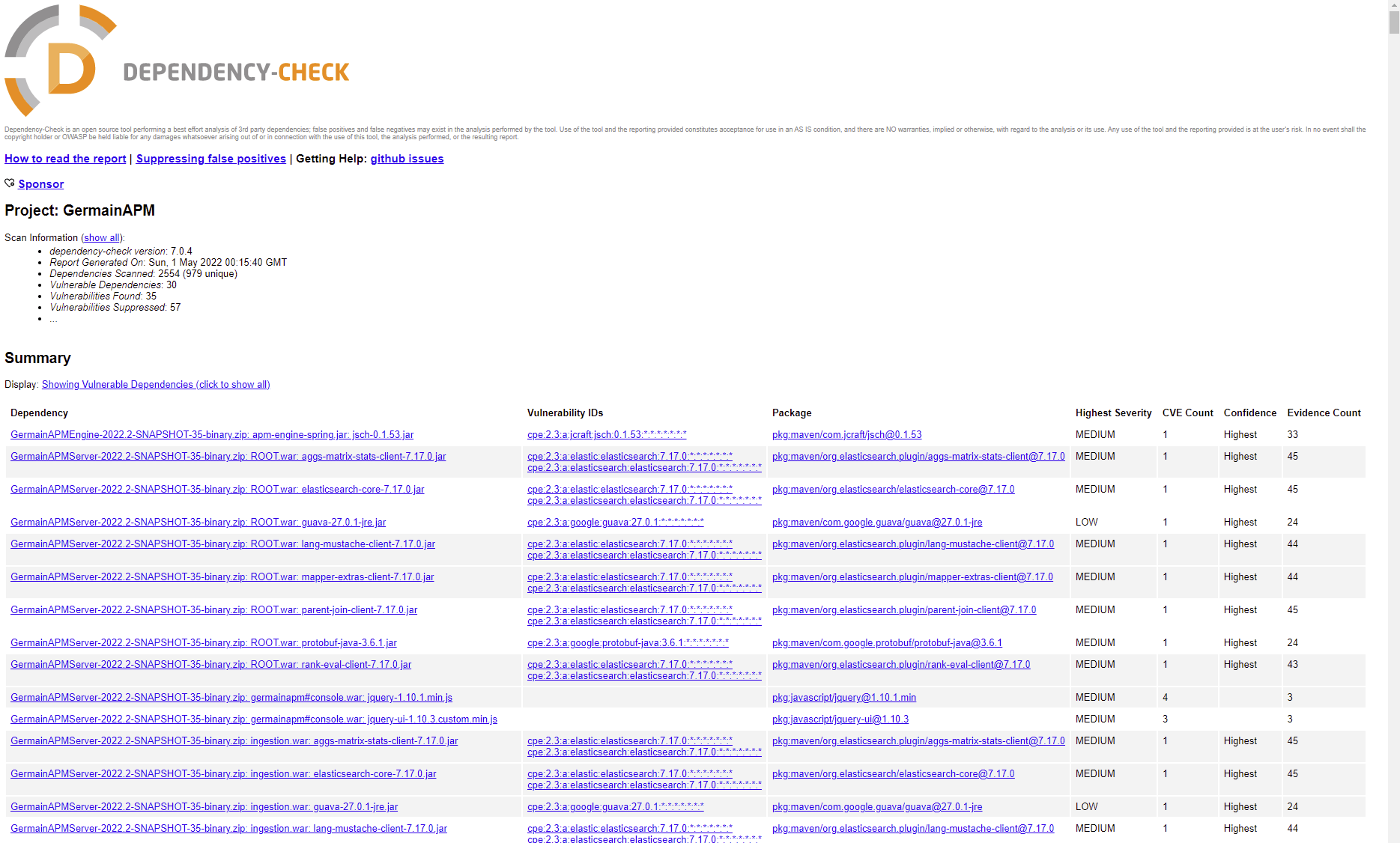
Vulnerability Review (Automatic & Weekly)
Integrated an automatic Vulnerability scan into our Jenkins build pipeline, which is scheduled to run weekly. This is based onhttps://owasp.org/www-project-dependency-check/. Last scan result that was performed on May 1st 2022 is available below.Vulnerability Review result (performed on May 1st 2022)
SOC2 compliance
- Active Policies: https://app.drata.com/security-report/d5fc4f78-b8b6-4d8d-bce6-8ee24fc282da/eb1c06c5-ba8c-422e-9a4a-2c2b8aa4eded
- A SOC2/Type2 compliance review is currently in progress and scheduled to complete on 7/25/22
Salesforce.com - SOQL vs JDBC Driver
Description
You can use the following APIs to pull data from your SFDC/Salesforce.com database:- SOQL REST API queries (more details: https://developer.salesforce.com/docs/atlas.en-us.api_rest.meta/api_rest/using_resources_working_with_searches_and_queries.htm )
- SQL Queries using JDBC Driver (more details: Using the JDBC Driver in Salesforce CDP ).
Notes
- You can use third-party tools such as URL Encode Decode to encode your SOQL Queries.
- SFDC database can be accessed either via 1)SOQL queries/REST Apis or 2)JDBC Driver. The SOQL approach is in most cases (depending on your sfdc license) free or significantly cheaper, whereas pulling that data straight from Salesforce.com ’s database using JDBC driver is licensed and requires a per-user license.
- Germain supports both approach.
Get Help
Contact GermainUX Support
The GermainUX team helps you get up and running faster, empower your team, turn data into actionable insights, and optimize performance to deliver measurable business outcomes.
Can't find what you need?
Search all GermainUX docs with Ctrl + K, or use the feedback buttons at the bottom of this page to tell us what is missing.
The content of this document is proprietary to GERMAIN SOFTWARE.