

Dynamic Filter and Search (via NLP)
Dashboard
Easy creation of Dashboard
Dashboard
Screenshots helping understand portlet types
Dashboard
Sorting is now enabled on any column of any Tabular portlet and Drillthrough dashboard
Dashboard
Sorting on SLA column
Dashboard
Trend granularity
Dashboard
New UI (beta version)
Dashboard
User Session Video Recording & Replay feature enhancements
Analytics
Desktop monitoring (via engine)
Analytics
User Error generated by javascript (for any web application)
Analytics
Siebel IP17 Support
Works with Siebel IP17
Siebel EAI Parsing Fix
EAI messages parse correctly
FDR Portlet Maximize
Full-screen view for FDR
Siebel Methods on Dashboards
Server-side method dashboards
Data Insert throughput increased between 30% and 100%
Maintenance
Improved memory efficiency of daily aggregate generation
Maintenance
Network bandwidth monitoring for Windows 7/10 fixed
Maintenance
OS Metrics collecting via Powershell is now fixed
Maintenance
Dashboard - Dynamic Filter and Search (via NLP)
Description
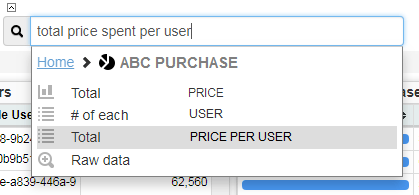
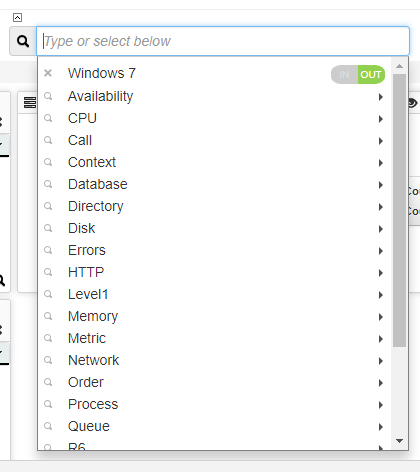
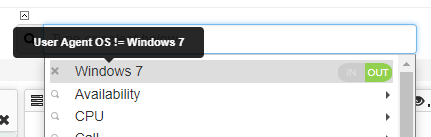
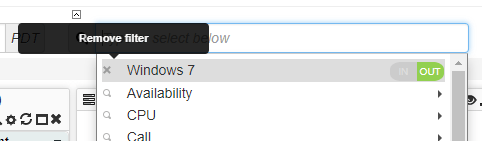
A new Dynamic Search mechanism (leveraging NLP) is now available, allowing you find actionable insights in your data, even if you aren’t a Master in Data Science 🙂 or it is the first time you use Germain. this mechanism currently supports:- Case Insensitivity search
- Guided search
- Wildcard search
Example of search
- How much did users owning a season pass spend?
- How many active players own the Gold Pass?
- How many users have been affected by this application crash?
- What is the 90th percentile user login response time?
Dashboard - Easy creation of Dashboard
Description
A number of new features have been built to ease the creation of dashboard, such as:- Once dashboard gets added, user gets automatically rerouted to it.
- Link on an empty dashboard to allow user to add any portlet
- Portlet creation pre-populated and offered to be added during an insight search (using the new Dynamic Search mechanism)
- Any KPI can be visualized, overlapped, compared, etc
- Pivot Dashboard automatically generated if not available (so when drilldowns are automatically setup for you)
Checkout this video (we purposefully truncated the end of the video to not disclose some confidential data)
Dashboard - Screenshots helping understand portlet types
Added screenshot for each of the portlet type that can be added to a dashboard so it is easier to understand what type of visualization you get from them
Dashboard - Sorting is now enabled on any column of any Tabular portlet and Drillthrough dashboard
Description
example sorting on duration field on this drillthrough dashboard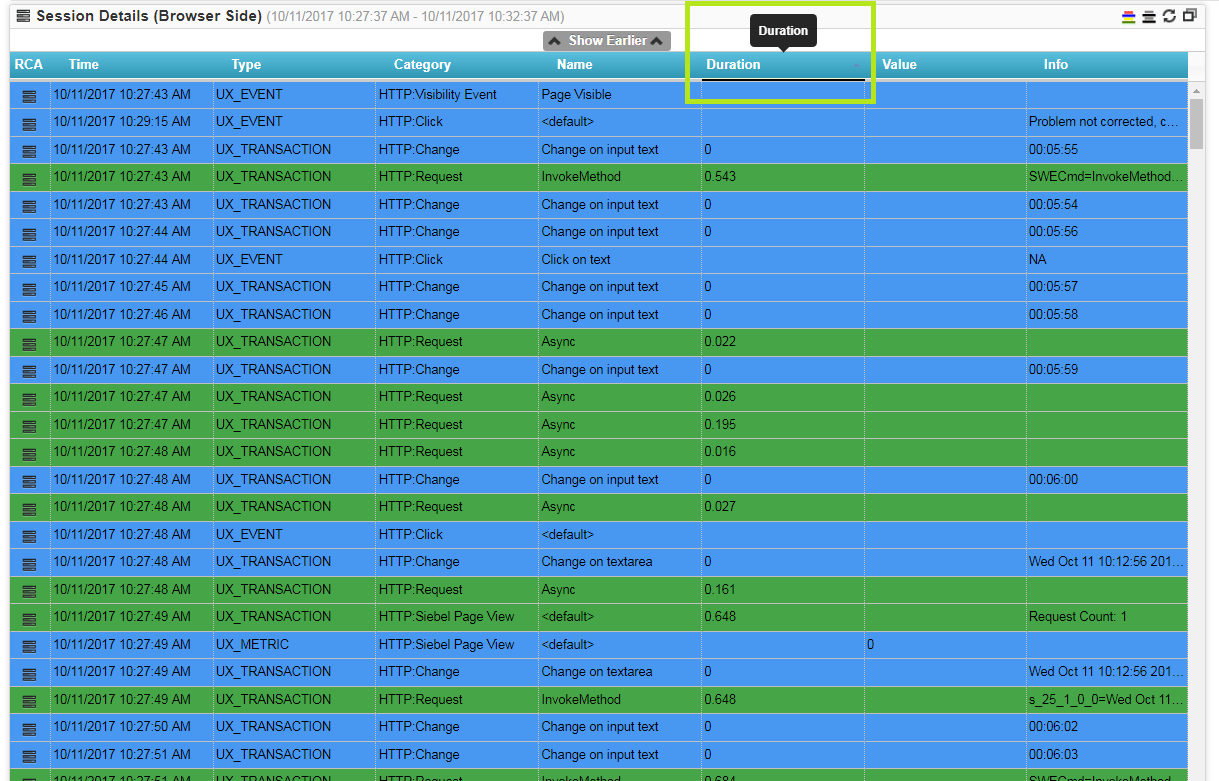
Dashboard - Sorting on SLA column
Description
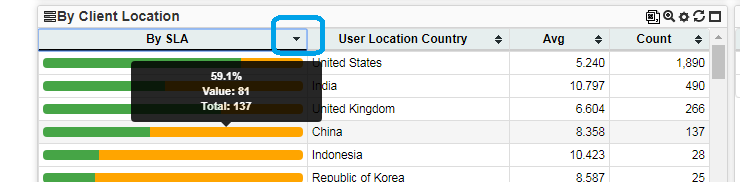
Dashboard - Trend granularity
Description
Trend Granularity is moved outside the setting window onto each portlet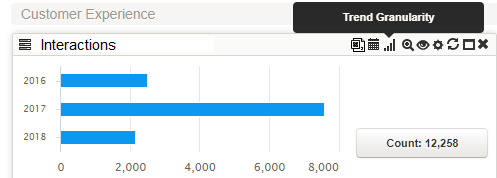
Dashboard - New UI (beta version)
As promised last month, here is a beta of a brand new dashboard (leveraging some of the latest technologies). the goal of this new dashboard: 1)provide a significant better User Experience 2) build new UI feature faster/better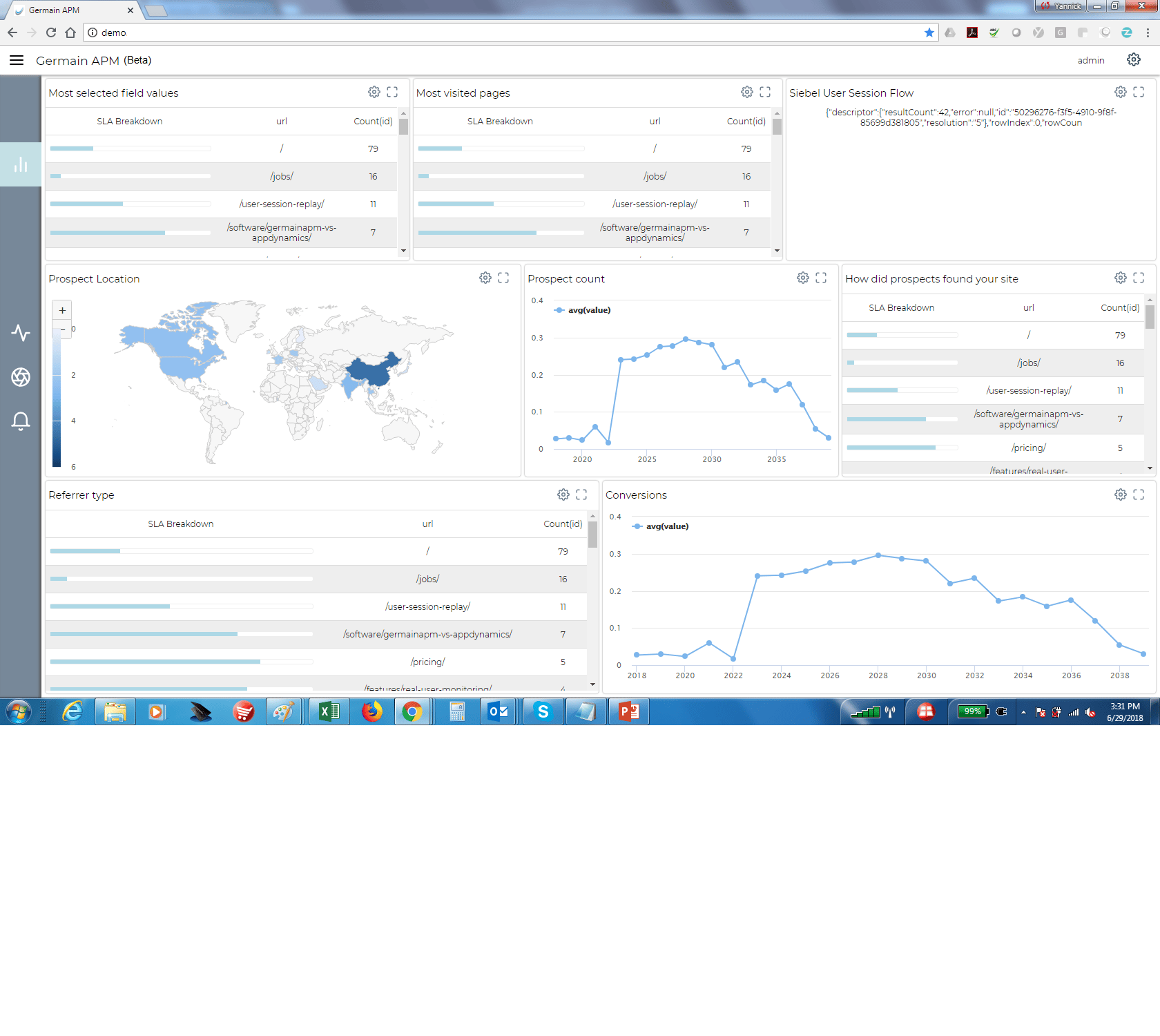
Analytics - User Session Video Recording & Replay feature enhancements
This feature has been very popular. Most of the enhancements have been around being able to support- Older Browser Types and Versions
- Various technologies and versions:
- Angular JS 5,
- React 16.2,
- Siebel CRM (IP17)
Analytics - Desktop monitoring (via engine)
Description
Enhancement of the Germain engine that can be installed on and monitor User Desktop, specially around:- Network bandwidth monitoring
- OS performance monitoring
- Desktop info
Analytics - User Error generated by javascript (for any web application)
When a User of an application (e.g. siebel, wordpress, salesforce.com) sees an error popping up on his/her browser, that error is captured and can be viewed on many of the Germain dashboard (and that has been available over 2 years now, yet some customers were unaware of it).Example
“The server you are trying to access is either busy or experiencing difficulties. Please close the Web browser, open a new browser window, and try logging in”Where you can see
“Extra Info” tooltip or field available on many Drill-through and RCA dashboardsAnalytics for Oracle Siebel CRM - support for IP17
Germain has been deployed at several of our clients that are using Siebel CRM IP17. UX (replay, monitoring), backend transaction performance, availability monitoring, and any other features.. all working.Analytics for Oracle Siebel CRM - EAI parsing failure is now fixed
Analytics for Oracle Siebel CRM - FDR analysis portlet can now be maximized
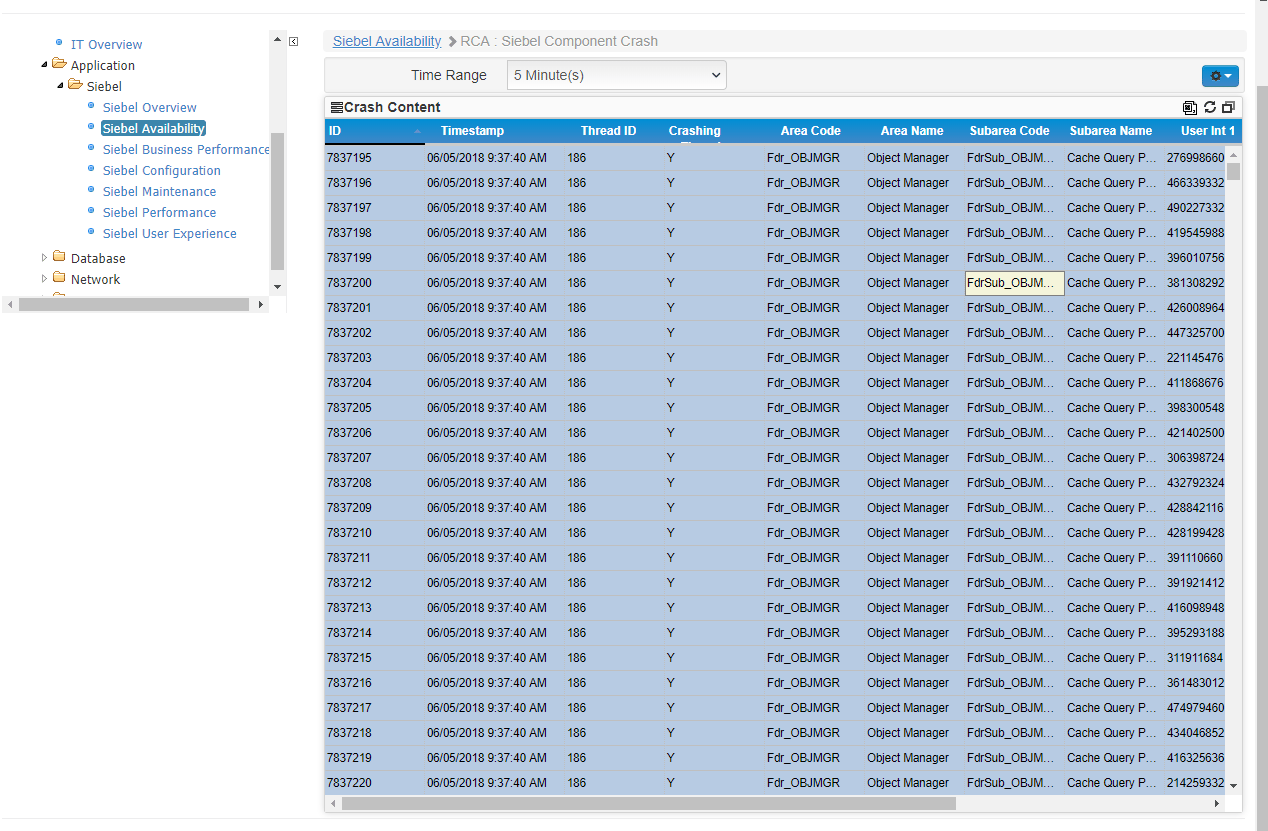
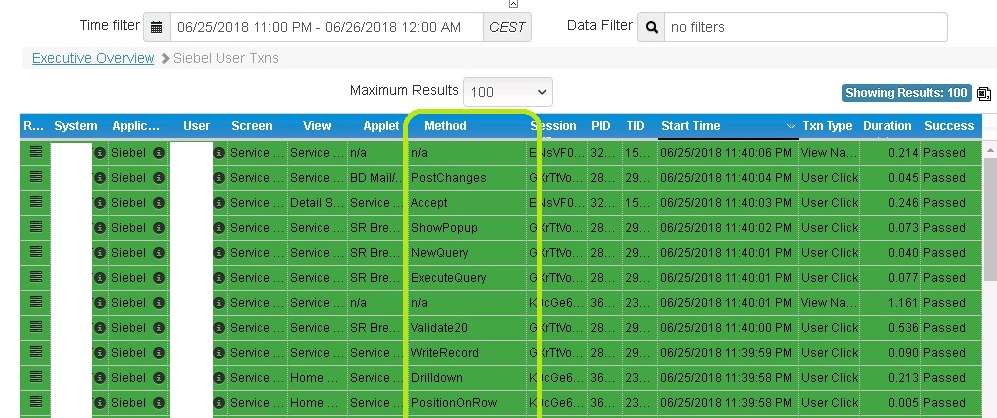
Analytics for Oracle Siebel CRM- Siebel methods (server/om side) added to many dashboards
Siebel Methods (triggered as a result of a user click and other backend processing, and executed within the siebel application server/om side) are now available by default on all siebel-specific Germain drillthrough and rca dashboard (including Germain’s siebel OM crash RCA dashboard). Siebel Methods were available ever since 2014 but that insight wasn’t preconfigured (new installs of Germain were missing it).Example
Maintenance - Data Insert throughput increased between 30% and 100%
Description
Inserts to single germain tables are now performed in parallel which increases throughput between 30% and 100% depending on the environment (i.e. faster data storage in Germain datastore, using any of these technologies: Oracle DB, SQL Server, MySQL, DB2 or MemSQL).Maintenance - Improved memory efficiency of daily aggregate generation
Maintenance - Network bandwidth monitoring for Windows 7/10 fixed
Fixed a bug in the mechanism in charge of monitoring network bandwidth on Windows 7/10.Maintenance - OS Metrics collecting via Powershell is now fixed
Get Help
Contact GermainUX Support
The GermainUX team helps you get up and running faster, empower your team, turn data into actionable insights, and optimize performance to deliver measurable business outcomes.
Can't find what you need?
Search all GermainUX docs with Ctrl + K, or use the feedback buttons at the bottom of this page to tell us what is missing.
The content of this document is proprietary to GERMAIN SOFTWARE.