

Customer Visit Highlights
Customer site visits recap
1-week Core Engineering Offsite
Engineering team planning recap
User Replay (on MarkoJS)
Monitoring & Analytics
Monitoring & Analytics - User Click RCA (e.g. Browser> Network > MarkoJS > NodeJS > Java > MySQL)
.NET 4.6 & 4.7 code monitoring (real-time, 24x7)
Monitoring & Analytics
Java 7 code monitoring (real-time, 24x7)
Monitoring & Analytics
Oracle Siebel CRM Tasks monitoring
Monitoring & Analytics
Oracle Siebel CRM IP18
Monitoring & Analytics
minor enh & bugs (February)
Maintenance
Customer Visits
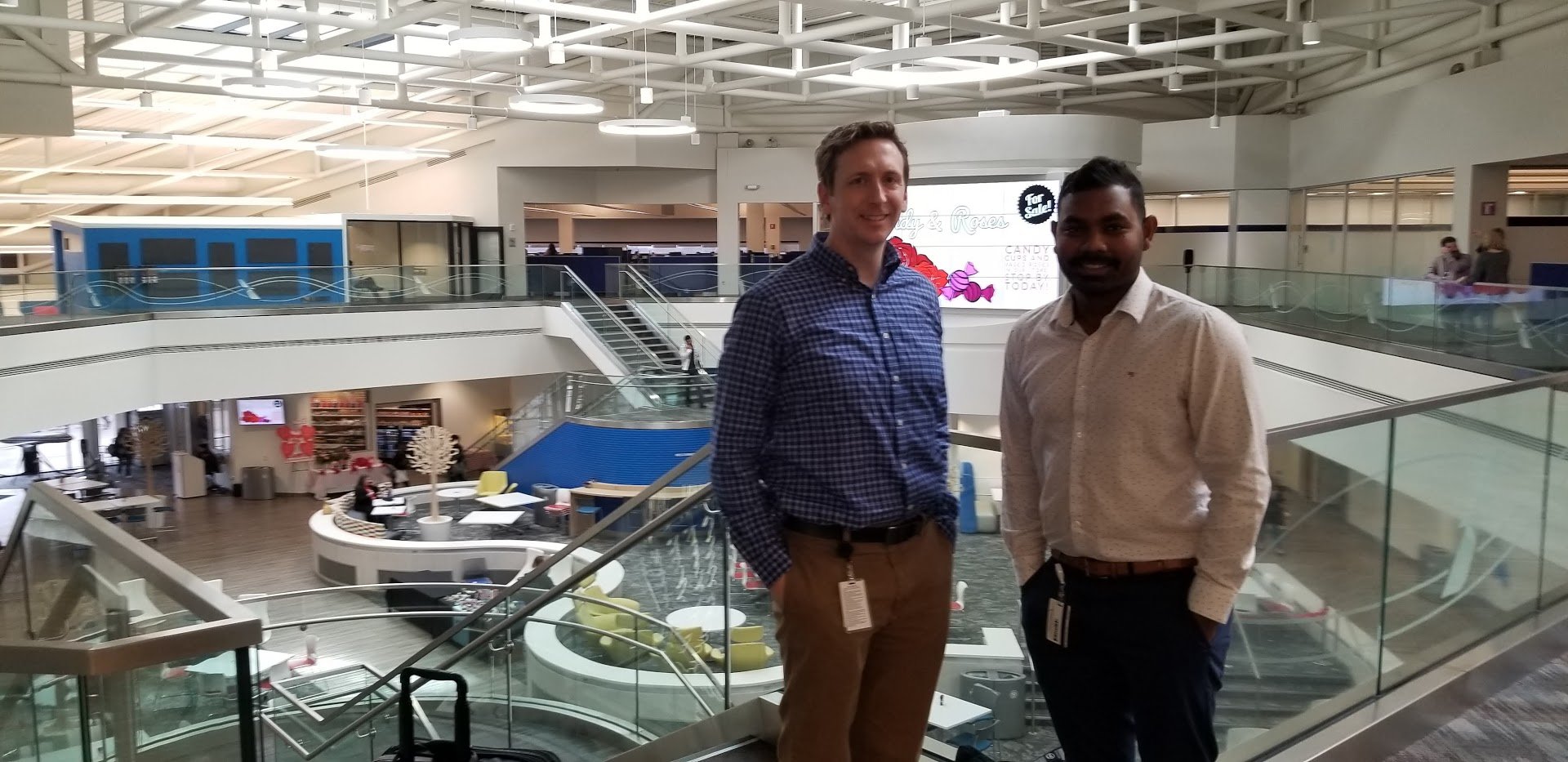
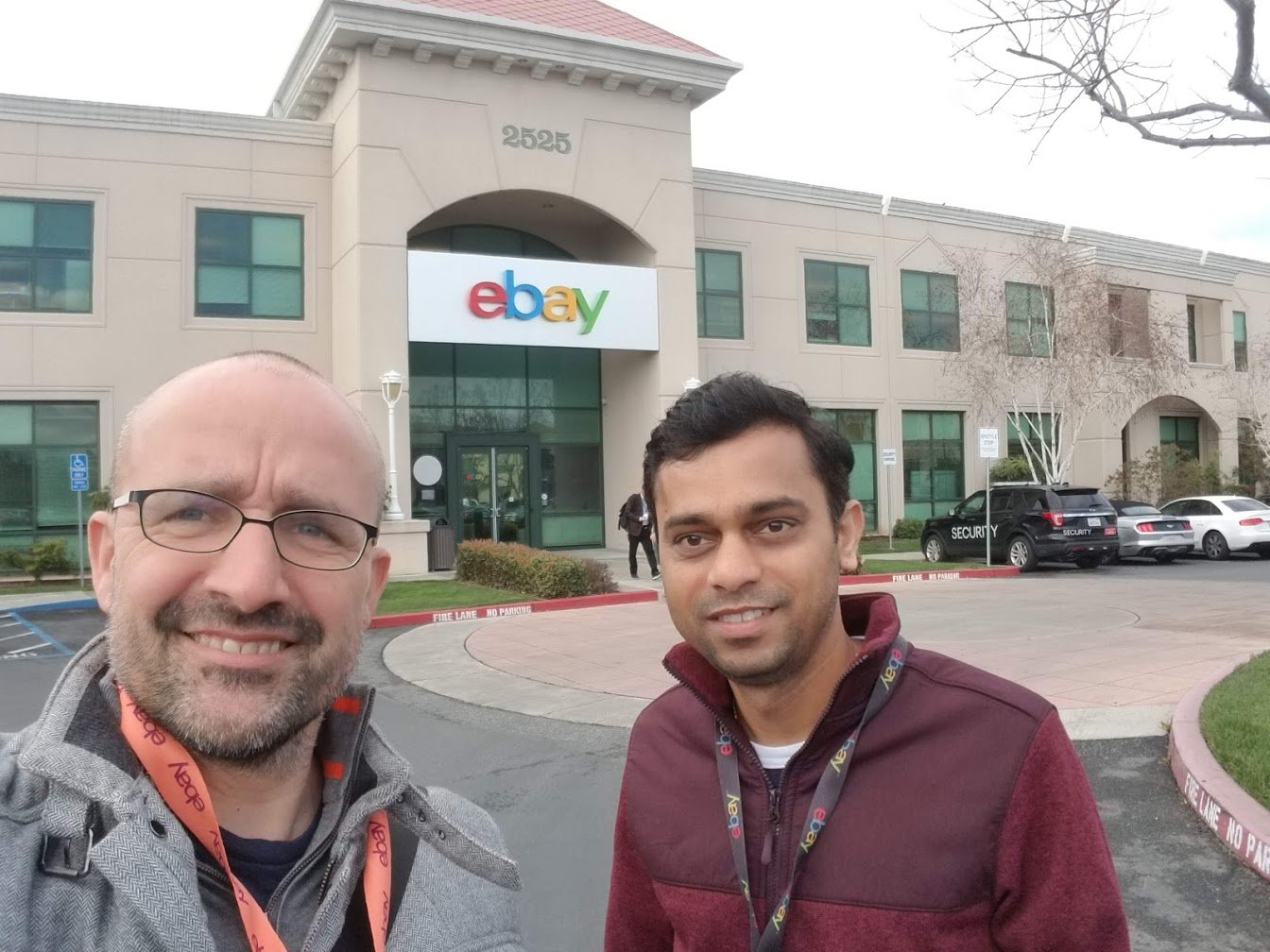
A big THANK YOU to the customers who hosted us for opening their doors and organizing these pretty amazing journeys, sharing constructive feedback to help us improve our Germain and CRT technologies. We would be nowhere without our Customers, so thank you again for these customers and all others that are helping arrange these very beneficial visits. (too much focused in listening to these customers, we rarely took pictures like these…sorry about this, let’s do better next time! 🙂)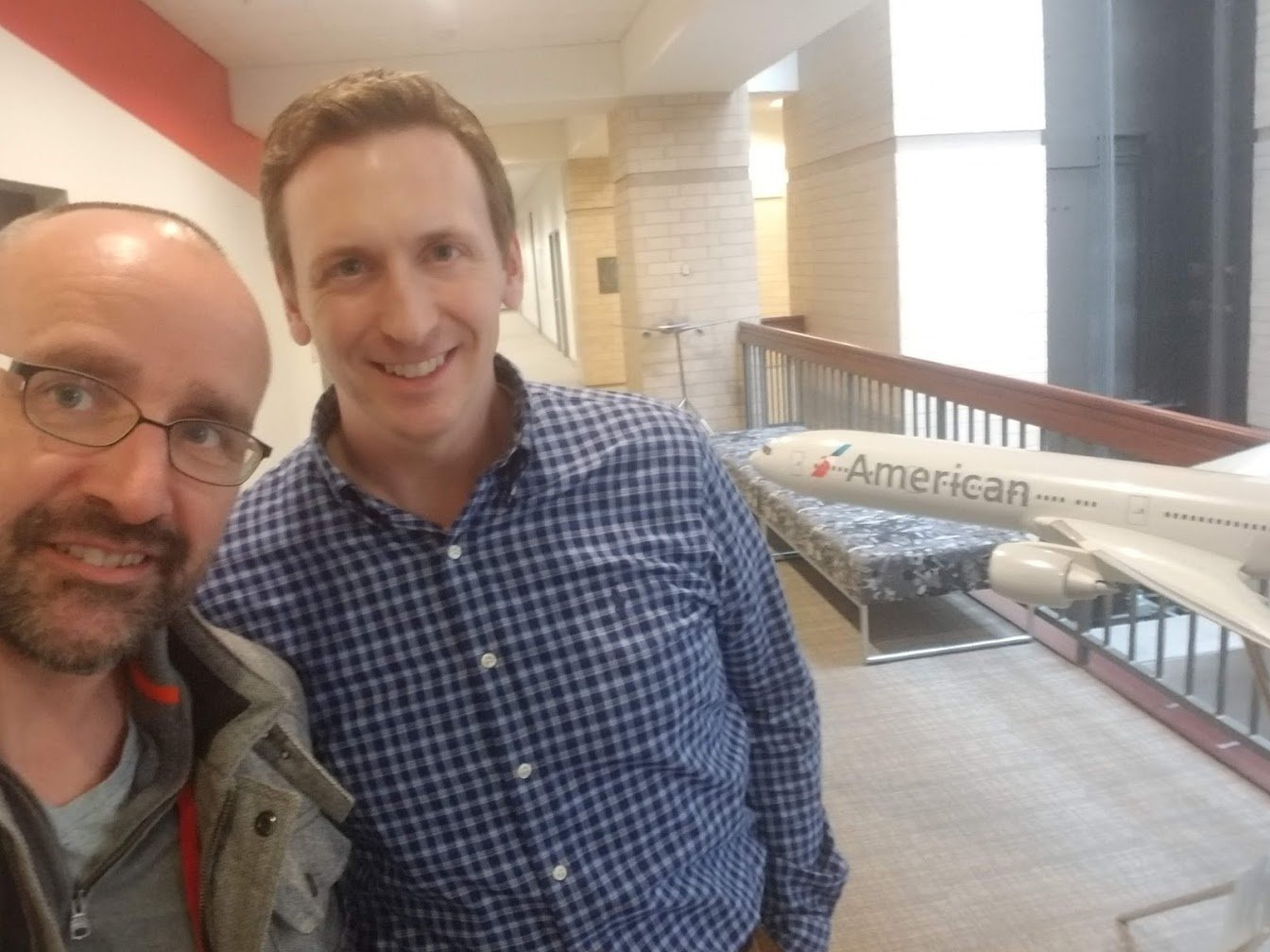
1-week Core Engineering Offsite
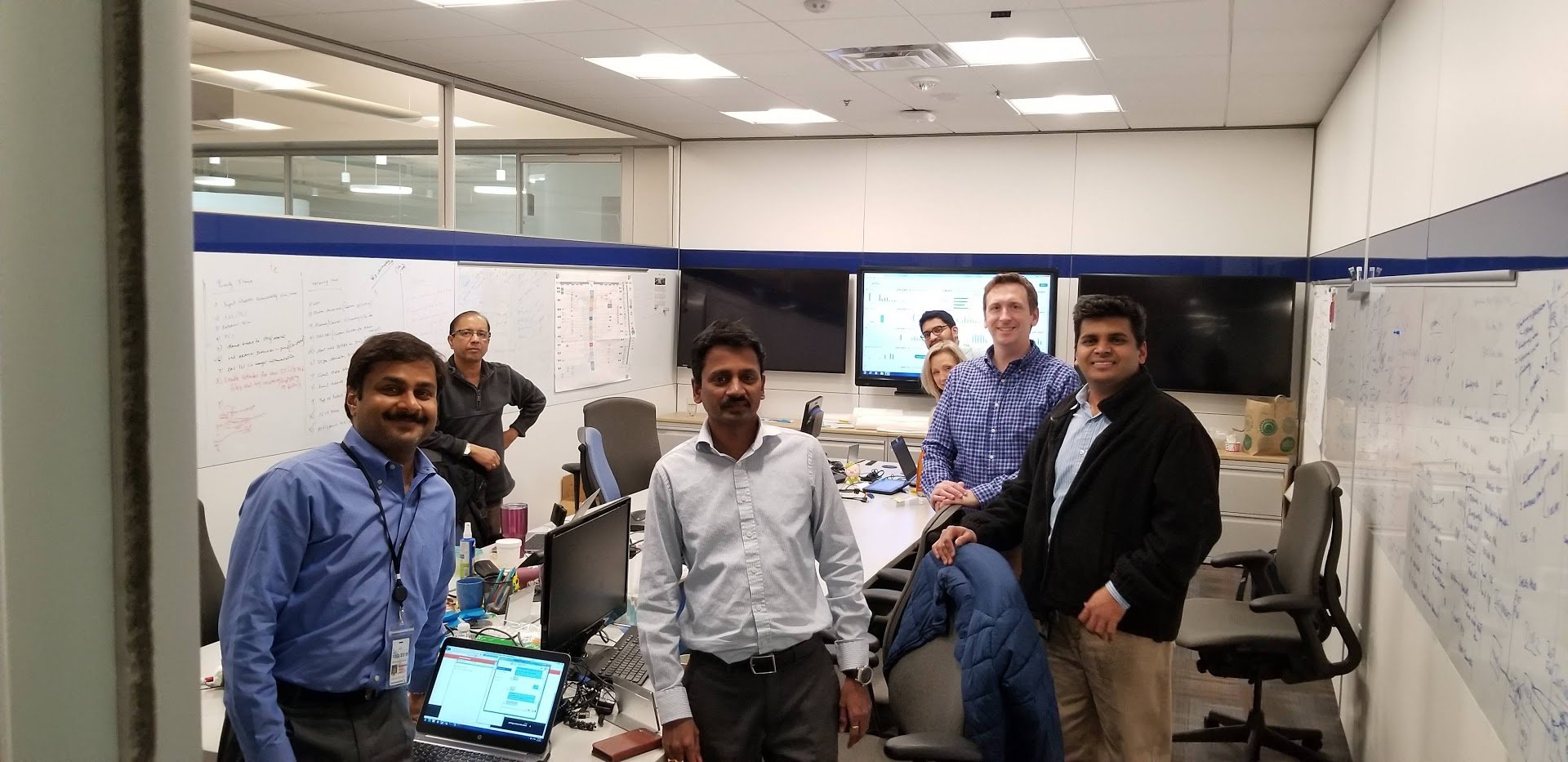
Our Core Engineering Team spent a week offsite to discuss what’s coming next in our User, Process and Technology Performance Monitoring, Analytics and Automation technology platform. If you want to know about our product road-map, please contact us: info@germainux.com. The clients we visited this month have confirmed that our product road-map is in sync with their priorities. If you have any specific needs that you wish we provide (within the domain of User, Process and Technology Performance Monitoring, Analytics and Automation), please let us know either via email: support@germainux.com or filing a request here: https://germainux.atlassian.net/servicedesk/customer/portal/1 Since 2012, our focus has always been to enhance our User, Process and Technology Performance Monitoring, Analytics and Automation platform and help our Clients be successful with it. Our clients’ needs come firstand are higher priority than our road-map, as long as they remain within the domain of configuring or enhancing Germain or/and germain CRT or/and troubleshooting business-critical issues (using Germain or/and germain CRT). Thank you for your continued support.Monitoring & Analytics - User Replay (on MarkoJS)
Description
Germain’s User Replay feature showing what a User did while browsing a web application built in MarkoJS/NodeJS.Example: 1-min video of User Replay on MarkoJS/NodeJS
And other examples: Real User Session Replay for a user that browsed HTTPS://ANGULAR.IO (AngularJS framework, Html5, Javascript) Real User Session Replay for a user that browsed HTTPS://AZURE.MICROSOFT.COM (Html5, Javascript, Jquery) Real USer Session Replay for a user that browsed Siebel CRM Open UI(Html5, Javascript, Jquery) In addition, this User Session Replay feature allows you to monitor and watch any users on any web application (built in any flavor of HTML/JS), as if you were watching each User’s browser behind their shoulders. User Replays/Videos are a complete reconstruct/recording of the User’s browser, and mouse moves, clicks, typing. User Session Replay is GDPR compliant (i.e. sensitive data can be excluded, encrypted, anonymized, etc)Monitoring & Analytics - User Click RCA (e.g. Browser> Network > MarkoJS > NodeJS > Java > MySQL)
Description
End-to-end RCA/Root-cause analysis (Browser > Network > Web > Application Server > Integration layers > Database, etc) is now provided for any User Click and Transaction performed on any technologies that are monitored by germain Germain. This end-to-end RCA feature can be further configured, by your organization (or us), and be tailored to each technology, to best help troubleshoot different type of technology issues.This end-to-end RCA leverages the Correlation engine we released last year. You can use that Correlation engine to help track a transaction that travels through technologies.Example
Example of a root-cause analysis of a User Click that is performed on a MarkoJS web page, a click that is processed in this case by a Chrome Browser, generates HTTP traffic to a NodeJS server, which then calls a Java application, which pulls data from MySQL database. All the transactions that are processed by Chrome, MarkoJS, NodeJS, Java, MySQL and associated with that user click, are correlated by germain Germain and displayed on this RCA dashboard.Configuration: click here
Monitoring & Analytics - .NET 4.6 & 4.7 code monitoring (real-time, 24x7)
Description
Announcing support for .NET 4.6 and 4.7 real-time code profiling and performance analysis. More details here.Monitoring & Analytics - Java 7 code monitoring (real-time, 24x7)
Description
Germain can now monitor/analyze performance of Java Method/Services in real-time for Java application running on JDK/JRE 7 (in addition to JDK/JRE 8 which we have been supporting).Benefit difference between JDK/JRE 7 and 8
JVM Heap Histogram isn’t provided by Germain for JDK/JRE7 application, however it is provided for JDK/JRE8. All other monitoring/analytics/automation capabilities are equally available for JDK/JRE 7 and 8 and some of the OOTB features are listed in here: Monitoring & Analytics - Java Weblogic Monitoring & Analytics - Java Analytics for Java - garbage collection stats, class, system stats Monitoring & Analytics - Java JVM deeper insightsMonitoring & Analytics - Oracle Siebel CRM Tasks monitoring
Description
Siebel Tasks health and status real-time monitoring. Two options are supported, either via Server Manager or via database, but benefits vary for each approach. This was a 20-min job (and we intend to ease that process so that it is becomes a 1-min job).Example
Monitoring & Analytics - Oracle Siebel CRM IP18
Description
Support for monitoring (including User Replay, RCA, etc) of Oracle Siebel CRM IP18.Example: 18-sec video showing Germain replaying a User that browsed Oracle Siebel CRM IP18
Maintenance - minor enh & bugs (February)
Description
Minor enhancements and bugs that have been addressed in February:Get Help
Contact GermainUX Support
The GermainUX team helps you get up and running faster, empower your team, turn data into actionable insights, and optimize performance to deliver measurable business outcomes.
Can't find what you need?
Search all GermainUX docs with Ctrl + K, or use the feedback buttons at the bottom of this page to tell us what is missing.
The content of this document is proprietary to GERMAIN SOFTWARE.