

Salesforce.com (12/31/20)
Monitoring & Analytics
Session Replay (faster/greater insights)
Monitoring & Analytics
Comment / Share / Track ideas on any metric
Collaboration
Data Anonymization, Exclusion (GDPR)
Monitoring & Analytics
Engine auto-upgrade
Maintenance
Other Enhancements & Bugs (12/31/20)
Miscellaneous enhancements and fixes
Monitoring & Analytics - Salesforce.com (12/31/20)
Description
This month, we have enhanced our UX Monitoring feature for salesforce.com. Our User Replay and RCA features look the same as for other web application. Yet, because of the security constraints imposed by Salesforce.com, our UX Monitoring required specific enhancements which we now support.Example
https://vimeo.com/496059241Configure
In a week or two, (we will let you know) Germain Chrome Extention will be available on Google Chrome Store. In a month or two (we will let you know) Germain App will be available on Salesforce’s AppExchange store. In the meantime, feel free to reach out to us to get it. SFDC Administrator can decide to _automatically_enable this for all users or let each user enable it.Note (other benefits for SalesForce.com)
Other Germain’s Monitoringfeatures (via Germain’s Chrome Extension, Engine and/or JS script) that work for salesforce.com:- Salesforce.com’s System Activity
- Salesforce.com’s Real-time Event
- Salesforce.com’s Configuration Changes (Field history, etc)
- Salesforce.com’s Debug Logs
- Salesforce.com’s Audit Logs
- Salesforce.com’s Scheduled Jobs
- Salesforce.com’s Background Jobs
- Synthetic User Scenario
- Alert
- Data Update
- etc
Note (other apps)
- all features, that are mentioned here, work for other apps (web, desktop, mobile).
Monitoring & Analytics - Session Replay (faster/greater insights)
Description
We have received questions from many of you regarding the features and benefits we announced last month. While there’s no new information compared to our previous announcement, we’d like to offer some clarifications. With our latest features, you can swiftly identify the most critical issues affecting your business, customers, and users from among thousands or millions of session replays and videos. Here’s how these features work:- Identification of Session Replays Based on Keyword Search: You can now search for specific keywords (e.g., 404, product id=ABC) and instantly pinpoint the 1st, 2nd, 10th, or any critical session replays that are vital to your business.
- Positioning of Session Replay Based on Keywords: Say goodbye to watching hours of user browsing in your eCommerce, CRM, or web application. You can now pinpoint the exact portion of the replay that matters most to your organization with a quick and simple search.
- Highlighting Critical Data on Session Replay: The critical data can be anything you define via the SLA mechanism, such as errors, freezes, or specific business processes that a user engages with. It also includes user activities like mouse clicks, movements, and distinguishing them from browser idle states.
Collaboration - Comment / Share / Track ideas on any metric
Description
Last month, we had released the first version of our Comment & Ticketing capabilities and since many of you like this feature, we have improved it to allow a number of things such as:- Drag and Drop a file on a ticket
- Automatic assignment
- Automatic email
- etc
Screenshot
Collaboration - Create a Ticket, Post a Comment or Note, Attach a file to any metricMonitoring & Analytics - Data Anonymization, Exclusion (GDPR)
Description
To complement what was done last month. Data Anonymization and Exclusion work in the following order of precedence for all technologies:1
FactType (e.g. Http:Request) specific exclusions (first)
2
FactClass (e.g. OutboundHttpRequest) specific exclusions (second)
3
Global exclusions (last)
Maintenance - Engine auto-upgrade
Description
Engines now get automatically upgraded, making it so much easier to deploy a newer version of Germain.Other Enhancements & Bugs (12/31/20)
Other Enhancements and Bugs we have resolved this month. More details available upon request: support@germainux.com bugs and enh for release notes 123120.xlsx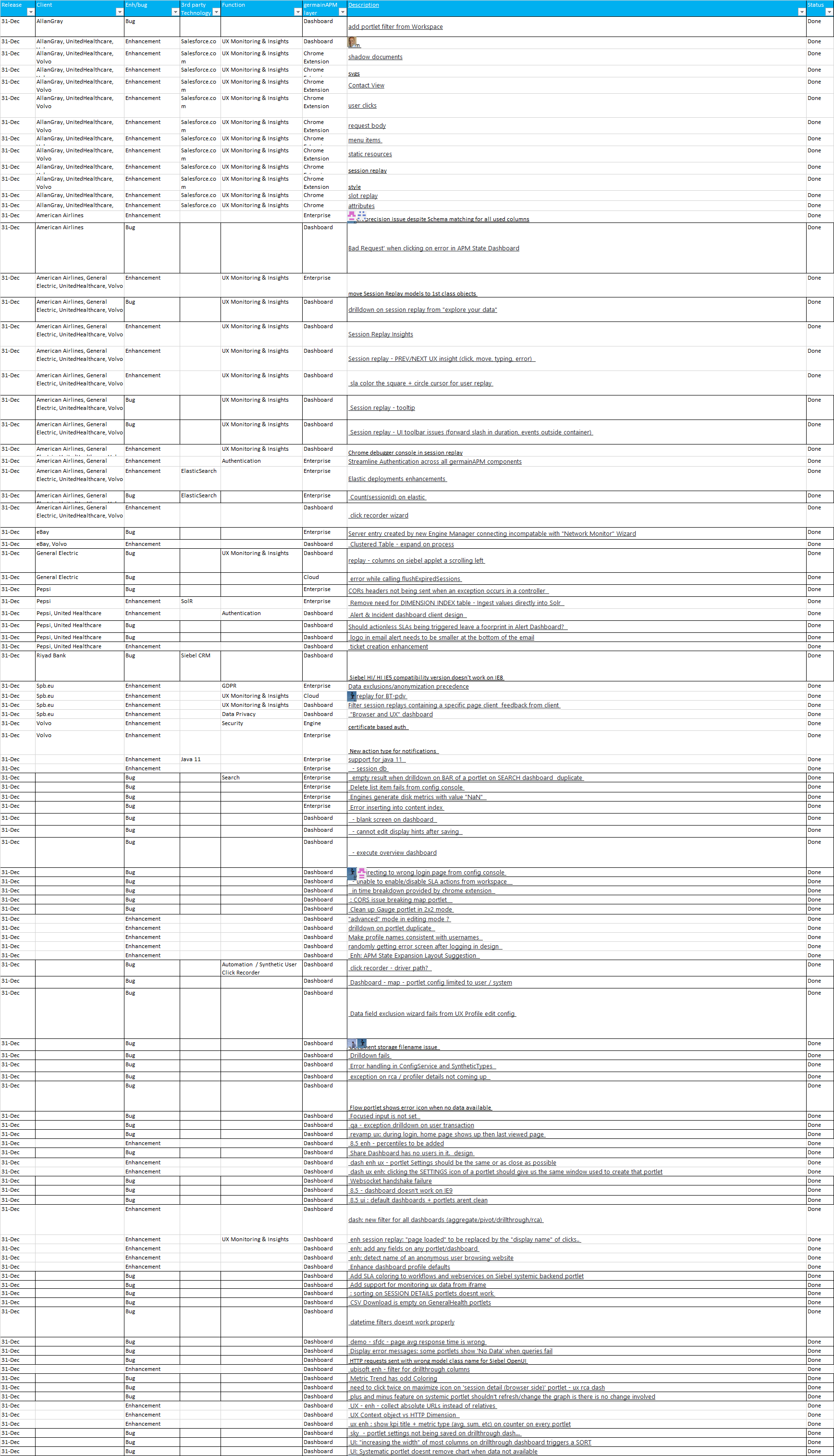
Get Help
Contact GermainUX Support
The GermainUX team helps you get up and running faster, empower your team, turn data into actionable insights, and optimize performance to deliver measurable business outcomes.
Can't find what you need?
Search all GermainUX docs with Ctrl + K, or use the feedback buttons at the bottom of this page to tell us what is missing.
The content of this document is proprietary to GERMAIN SOFTWARE.