

Data Migration Script (on-premise to cloud)
Maintenance
Engine Installer
Maintenance
Other enhancements and bugs (11/30/21)
Maintenance
Find & Solve the most critical UX errors
Tip
Proactive & Smarter Monitoring
Tip
Maintenance - Data Migration Script (on-premise to cloud)
Description
Built a script to migrate Germain data from on-premise to a cloud for these three clients that moved to our AWS cloud. Please reach out to us if you need this script.Maintenance - Engine Installer
Description
An installer is now available and automates the installation of a Germain engine. Engine Deployment Reminder: since 8.7.16 Germain engine automatically upgrade themselves. All you need is to ensure they are running for this auto-upgrade to kick in.Maintenance - Other enhancements and bugs (11/30/21)
Below is the list of minor Enhancements and Bugs we have resolved this month. Contact us to get more details. Note that this list does not include the configuration work, or data science help we provide to clients which is tracked on our support site: https://germainux.atlassian.net/servicedesk/customer/portal/1| Release | Enhancement/bug | Technology | Function | germain layer | Description | Status |
|---|---|---|---|---|---|---|
| 11/30/2021 | Enhancement | Technology Performance Monitoring | Enterprise | ux collects its own issues | Done | |
| 11/30/2021 | Enhancement | Enterprise | ag - - drillthrough button is using the name instead of fact category | Done | ||
| 11/30/2021 | Enhancement | Enterprise | AG - High CPU usage | Done | ||
| 11/30/2021 | Enhancement | Enterprise | AG :- Bad Config for Log Purge Monitors. question | Done | ||
| 11/30/2021 | Bug | Dashboard | constrait instead of constraint high priority | Done | ||
| 11/30/2021 | Bug | Enterprise | cors error | Done | ||
| 11/30/2021 | Bug | Dashboard | search a sentence e.g. “either busy or experiencing difficulties” fails high priority | Done | ||
| 11/30/2021 | Enhancement | Technology Performance Monitoring | Enterprise | AA - Collect target of first click | Done | |
| 11/30/2021 | Bug | Data Analysis | Enterprise | AA - Component does not show references in Germain State. | Done | |
| 11/30/2021 | Enhancement | Enterprise | AA - Request to be able to put “Latest Value” in summary, or tabular column test after upgrade | Done | ||
| 11/30/2021 | Enhancement | Enterprise | AA - UX monitoring not capturing click ID / Label enhancement | Done | ||
| 11/30/2021 | Bug | Enterprise | AA: ?: Session persistance no longer uses “session-timeout” in web.xml test after upgrade | Done | ||
| 11/30/2021 | Enhancement | Siebel CRM | Enterprise | AA: Siebel 20.9 Log File Format is Different | Done | |
| 11/30/2021 | Enhancement | Siebel CRM | Enterprise | AA enh - Extract & Store Siebel ROW ID configuration enhancement | Done | |
| 11/30/2021 | Enhancement | Enterprise | karmaautomotive - agl support enhancement medium-priority | Done | ||
| 11/30/2021 | Enhancement | Reporting | Dashboard | AA - include details field in csv export help wanted | Done | |
| 11/30/2021 | Enhancement | Dashboard | aa Enh: Easily Resizable column width on drill through question | Done | ||
| 11/30/2021 | Bug | Siebel CRM | Dashboard | AA - missing siebel screen name in ux data | Done | |
| 11/30/2021 | Enhancement | Siebel CRM | Dashboard | anz - 97 parallel queries caused siebel db to go down enhancement high priority | Done | |
| 11/30/2021 | Enhancement | Dashboard | ANZ - app.helphero.com enhancement high priority test on QA after upgrade | Done | ||
| 11/30/2021 | Bug | Dashboard | ANZ - RCA Fact description portlet has 0 height when using ‘fit-content’ high-priority | Done | ||
| 11/30/2021 | Enhancement | Engine | ANZ : No data for IIS Error Parser configuration | Done | ||
| 11/30/2021 | Enhancement | Dashboard | ANZ Enh - Allow Absolute / Relative time filter to be applied/configured simultaneously client enhancement high priority | Done | ||
| 11/30/2021 | Bug | Dashboard | • ANZ - Login only works on second attempt high-priority | Done | ||
| 11/30/2021 | Bug | Enterprise | : ANZ: MAintenance Period for ALerts not working configuration | Done | ||
| 11/30/2021 | Bug | Enterprise | FDR parsing not producing data configuration | Done | ||
| 11/30/2021 | Bug | Code Profiling | Agent | application monitored by .NET agent crashed blocked high priority | Done | |
| 11/30/2021 | Bug | Code Profiling | Agent | failing to get view hierarchy of a user click event high priority | Done | |
| 11/30/2021 | Bug | Code Profiling | Agent | Missing active tab hierarchy in .NET monitor high priority | Done | |
| 11/30/2021 | Bug | Code Profiling | Agent | not updating root element reference if a window is programmatically closed in .NET monitor low priority | Done | |
| 11/30/2021 | Enhancement | Code Profiling | Agent | Capture error count from UI enhancement high priority | Done | |
| 11/30/2021 | Enhancement | Code Profiling | Agent | Capture field change events enhancement high priority needs testing | Done | |
| 11/30/2021 | Enhancement | Code Profiling | Agent | Check that we capture information on img buttons enhancement medium priority | Done | |
| 11/30/2021 | Enhancement | Code Profiling | Agent | Check that we monitor web views enhancement medium priority | Done | |
| 11/30/2021 | Enhancement | Code Profiling | Agent | enh - filter sensitive information from .NET monitor enhancement | Done | |
| 11/30/2021 | Enhancement | Code Profiling | Agent | enh - generate ID for image buttons enhancement high priority needs testing | Done | |
| 11/30/2021 | Enhancement | Code Profiling | Agent | enh - Test support for CEF Sharp browser in .NET monitoring enhancement low priority | Done | |
| 11/30/2021 | Enhancement | Code Profiling | Agent | enh - Top-level tabs need check parent enhancement needs testing | Done | |
| 11/30/2021 | Bug | Code Profiling | Agent | Handled exception for certain mouse clicks high priority needs testing | Done | |
| 11/30/2021 | Bug | Code Profiling | Agent | Improve click reporting for WPF applications in .NET monitor medium priority needs testing | Done | |
| 11/30/2021 | Bug | Code Profiling | Agent | Mouse clicks getting wrong elements in .NET monitor high priority | Done | |
| 11/30/2021 | Bug | Code Profiling | Agent | Not capturing active/focused state for tab items in .NET monitoring context high priority | Done | |
| 11/30/2021 | Bug | Code Profiling | Agent | Not capturing view hierarchy in .NET monitoring high priority | Done | |
| 11/30/2021 | Bug | Code Profiling | Agent | Not getting context variables from WFP status bar in .NET monitoring high priority | Done | |
| 11/30/2021 | Bug | Code Profiling | Agent | Not updating main window reference correctly in .NET monitoring high priority | Done | |
| 11/30/2021 | Enhancement | Code Profiling | Agent | Track clicks on http links enhancement low priority | Done | |
| 11/30/2021 | Enhancement | Code Profiling | Agent | Tracking of tab items enhancement | Done | |
| 11/30/2021 | Bug | Enterprise | drilldown on yellow db transaction show green.. low-priority | Done | ||
| 11/30/2021 | Enhancement | Enterprise | Multiple SQL queries in one sql report Client enhancement high-priority need testing | Done | ||
| 11/30/2021 | Bug | Enterprise | : GEH - Prod :- Error on the Germain state screen | Done | ||
| 11/30/2021 | Bug | Enterprise | : GEH - Stage :- Getting Error on the Multiple Portlets needs testing | Done | ||
| 11/30/2021 | Bug | Enterprise | : GEH - stage :- Ping Monitors Not working Low Priority | Done | ||
| 11/30/2021 | Enhancement | Dashboard | ge - before/after values on insights dashboard high-priority | Done | ||
| 11/30/2021 | Enhancement | Enterprise | ge - Question: user click configuration Low Priority question | Done | ||
| 11/30/2021 | Bug | Enterprise | GE - REQUEST ACCESS does not work high-priority test after upgrade | Done | ||
| 11/30/2021 | Enhancement | Enterprise | geh - [measure] to be configurable from workspace enhancement high-priority | Done | ||
| 11/30/2021 | Bug | Enterprise | GEH - clicking on breadcrumb link from RCA removes filter high-priority | Done | ||
| 11/30/2021 | Bug | Dashboard | geh - drilldown red javascript from ops dashboard shows no data high-priority | Done | ||
| 11/30/2021 | Bug | Enterprise | geh - error - Failed to serialize object test after upgrade | Done | ||
| 11/30/2021 | Bug | Enterprise | GEH - Ingestion - Bulk engine data going to default queue test after upgrade | Done | ||
| 11/30/2021 | Bug | Enterprise | geh - most portlet not configured (post upgrade) high-priority | Done | ||
| 11/30/2021 | Bug | Enterprise | geh - nearly no insights…? high-priority | Done | ||
| 11/30/2021 | Bug | Enterprise | GEH - Session ID for intprd environment contains extra data | Done | ||
| 11/30/2021 | Enhancement | Siebel CRM | Enterprise | geh - Siebel Log Parsing NullPointerException configuration | Done | |
| 11/30/2021 | Enhancement | Enterprise | GEH - UX/Ingestion - Error processing request configuration needs testing | Done | ||
| 11/30/2021 | Bug | Enterprise | geh - ux click names should use the “display names” | Done | ||
| 11/30/2021 | Bug | Siebel CRM | Enterprise | geh ux - out of sync horizontal scrolling within a siebel session | Done | |
| 11/30/2021 | Enhancement | Enterprise | GEH Prod - Drill Through Screen, Error while scrolling to bottom. | Done | ||
| 11/30/2021 | Enhancement | Enterprise | geh stage - error in config services log configuration high-priority | Done | ||
| 11/30/2021 | Enhancement | Enterprise | GEH Stage - Failed to compile expression for: WebLogic Server Health State | Done | ||
| 11/30/2021 | Enhancement | Enterprise | GEH Stage - Failing actions client configuration | Done | ||
| 11/30/2021 | Enhancement | Enterprise | GEH Stage - Multiple SQL reports failing client configuration high-priority | Done | ||
| 11/30/2021 | Enhancement | Enterprise | GEH Stage - Not all engines using compression settings client configuration high-priority | Done | ||
| 11/30/2021 | Bug | Siebel CRM | Enterprise | GEH stage - Siebel logs paths not available configuration Waiting for feedback | Done | |
| 11/30/2021 | Bug | Dashboard | geh- upgrade issue - portlet not showing “count” whereas settings show it is used high priority waiting for feedback | Done | ||
| 11/30/2021 | Enhancement | Enterprise | geh ux - copying content of a cell includes the column title | Done | ||
| 11/30/2021 | Bug | Enterprise | geh ux - datetime filter not updated after zoom in | Done | ||
| 11/30/2021 | Bug | Enterprise | geh ux - tooltip portion showing up when scrolling down | Done | ||
| 11/30/2021 | Enhancement | Enterprise | geh ux issue: mouse cursor does not hourglass when expanding node on detailed exec | Done | ||
| 11/30/2021 | Enhancement | Dashboard | Geh-Stage :- Error on Ops Dash | Done | ||
| 11/30/2021 | Bug | Enterprise | • geh unit [total value] on summary section is less than [total value] for a single day duplicate high priority | Done | ||
| 11/30/2021 | Bug | Dashboard | jumia - ops dash showing a longer time period than expected need testing | Done | ||
| 11/30/2021 | Bug | Enterprise | kwi - customer has to reset his password EVERY TIME he logs out! high-priority test after upgrade | Done | ||
| 11/30/2021 | Bug | Technology Performance Monitoring | Enterprise | KWI - latest UX request plugin collects our own requests high-priority | Done | |
| 11/30/2021 | Bug | User Session Monitoring & Replay | Dashboard | kwi - missing mouse cursor for replay high priority | Done | |
| 11/30/2021 | Bug | Dashboard | kwi - report pdf printing does not include everything high priority | Done | ||
| 11/30/2021 | Bug | Enterprise | KWI - request plugin throws responseType exception high-priority | Done | ||
| 11/30/2021 | Bug | Siebel CRM | Enterprise | : Latest UX script for 8.6.16 for Siebel ISP17 not capturing UX data high-priority | Done | |
| 11/30/2021 | Bug | Http | Enterprise | : OOTB settings conflict for compression on HTTP connections invalid | Done | |
| 11/30/2021 | Enhancement | Engine | : QA: Cannot get Germain State to give option to Authorize new engine high-priority test after upgrade | Done | ||
| 11/30/2021 | Bug | Engine | : Red triangle no longer clickable to get to engine errors test after upgrade | Done | ||
| 11/30/2021 | Enhancement | Dashboard | :QA:- Ops dash not loading up test after upgrade | Done | ||
| 11/30/2021 | Enhancement | Enterprise | need Germain UNIT/DAY for the last 12 months help wanted high-priority | Done | ||
| 11/30/2021 | Enhancement | Enterprise | user replay for ravendb admin console? client high-priority | Done | ||
| 11/30/2021 | Enhancement | Enterprise | Enh - Invalid Login attempts enhancement high-priority question test after upgrade | Done | ||
| 11/30/2021 | Enhancement | Enterprise | ip20 ux failing to init | Done | ||
| 11/30/2021 | Bug | Siebel CRM | Enterprise | Siebel HI/ HI IE5 compatibility version doesn’t work on IE8 | Done | |
| 11/30/2021 | Bug | Dashboard | • spb- portlet content bigger than the portlet size high priority test on QA after upgrade | Done | ||
| 11/30/2021 | Bug | Dashboard | : SPB :- Error On Ops Dash Screen | Done | ||
| 11/30/2021 | Bug | Dashboard | SPB - all dashboards/portlets empty but data available in DB | Done | ||
| 11/30/2021 | Enhancement | Dashboard | spb - browser for which replay works / doesnt work high priority | Done | ||
| 11/30/2021 | Bug | Enterprise | spb - in request plugin causing missing fact details high-priority test after upgrade | Done | ||
| 11/30/2021 | Bug | Enterprise | SPB - chat popup replay issue high-priority | Done | ||
| 11/30/2021 | Bug | Dashboard | SPB - fast forward from content to empty buffer removes everything high priority | Done | ||
| 11/30/2021 | Bug | Dashboard | SPB - fast forward from content to empty buffer removes everything high priority | Done | ||
| 11/30/2021 | Bug | Dashboard | SPB - focus highlight container incorrect high priority test on QA after upgrade | Done | ||
| 11/30/2021 | Enhancement | Dashboard | SPB - handle new visibility event on revamp dashboard enhancement high priority | Done | ||
| 11/30/2021 | Bug | Dashboard | SPB - inactivity not collected on some mobile devices when page not in focus high priority waiting for testing | Done | ||
| 11/30/2021 | Bug | Dashboard | SPB - Incorrect replay in response to media change events blocked client medium priority | Done | ||
| 11/30/2021 | Bug | Enterprise | SPB - missing KPIs/config after update configuration | Done | ||
| 11/30/2021 | Bug | Dashboard | SPB - Missing page visibility events high priority waiting for testing | Done | ||
| 11/30/2021 | Bug | Enterprise | spb - missing plenty of UX data points high-priority test after upgrade | Done | ||
| 11/30/2021 | Bug | Dashboard | SPB - Not highlighting link click in replay high priority waiting for testing | Done | ||
| 11/30/2021 | Bug | Dashboard | SPB - Position semantics not replayed correctly in shadow-root? blocked client medium priority | Done | ||
| 11/30/2021 | Bug | Dashboard | spb - replay size bigger than normal high priority | Done | ||
| 11/30/2021 | Enhancement | Dashboard | SPB - Scroll into view enhancement | Done | ||
| 11/30/2021 | Bug | Dashboard | SPB - select list never closed high priority test on QA after upgrade waiting for testing | Done | ||
| 11/30/2021 | Bug | Dashboard | spb - size of the replay changes client medium priority | Done | ||
| 11/30/2021 | Bug | Enterprise | SPB - static resources missing after env/UX upgrade high-priority | Done | ||
| 11/30/2021 | Bug | Enterprise | SPB - unknown field: http.path configuration | Done | ||
| 11/30/2021 | Bug | Enterprise | germainsoftware/germain-cloud cloud-spb02 down high priority | Done | ||
| 11/30/2021 | Bug | Enterprise | Online Stock Trading Platform - - race condition generating 2 session IDs for same session high-priority | Done | ||
| 11/30/2021 | Bug | Enterprise | Online Stock Trading Platform - focused element highlight position is off waiting for testing | Done | ||
| 11/30/2021 | Bug | Enterprise | Online Stock Trading Platform - seeing below error when a new window opens | Done | ||
| 11/30/2021 | Bug | Enterprise | Online Stock Trading Platform - wrong URL re-writing for some static resource from iframe high-priority | Done | ||
| 11/30/2021 | Bug | Enterprise | Online Stock Trading Platform - : after change to tabIDs, site state is not persisted in localstorage high-priority | Done | ||
| 11/30/2021 | Bug | Enterprise | Online Stock Trading Platform - cannot access session storage blocked high-priority | Done | ||
| 11/30/2021 | Enhancement | Enterprise | Online Stock Trading Platform - does our js/replay support chromium? high-priority | Done | ||
| 11/30/2021 | Enhancement | Enterprise | Online Stock Trading Platform - does our js/replay support zebra canvas/html - eta to support it? enhancement Low Priority | Done | ||
| 11/30/2021 | Enhancement | Enterprise | Online Stock Trading Platform - how to pivot by Error TYPE/CODE? high-priority test after upgrade | Done | ||
| 11/30/2021 | Bug | Enterprise | Online Stock Trading Platform - incorrectly re-writing relative URLs high-priority | Done | ||
| 11/30/2021 | Bug | Dashboard | Online Stock Trading Platform - kpi error on ops dashboard high-priority | Done | ||
| 11/30/2021 | Bug | Enterprise | Online Stock Trading Platform - missing static resources high-priority | Done | ||
| 11/30/2021 | Enhancement | Technology Performance Monitoring | Enterprise | Online Stock Trading Platform - no outbound http requests collected question | Done | |
| 11/30/2021 | Enhancement | Enterprise | Online Stock Trading Platform - no ux data being sent to germain | Done | ||
| 11/30/2021 | Bug | Enterprise | Online Stock Trading Platform - User Clicks with 0.0 duration high-priority | Done | ||
| 11/30/2021 | Bug | Enterprise | Online Stock Trading Platform - User Clicks with 0.0 duration high-priority | Done | ||
| 11/30/2021 | Enhancement | Enterprise | Online Stock Trading Platform - UX monitoring features enhancement waiting for testing | Done | ||
| 11/30/2021 | Bug | Enterprise | Online Stock Trading Platform - reference to missing uid | Done | ||
| 11/30/2021 | Bug | Enterprise | Online Stock Trading Platform : applying DOM changes fails high-priority waiting for testing | Done | ||
| 11/30/2021 | Bug | Enterprise | Online Stock Trading Platform : focus highlight in wrong position for iframe inputs high-priority waiting for testing | Done | ||
| 11/30/2021 | Bug | Enterprise | Online Stock Trading Platform : hide focus/pointer highlights in thumbnail replays high-priority | Done | ||
| 11/30/2021 | Bug | Technology Performance Monitoring | Enterprise | Online Stock Trading Platform : we don’t collect/replay text input changes from iframe waiting for testing | Done | |
| 11/30/2021 | Bug | Enterprise | true - state exception high-priority | Done | ||
| 11/30/2021 | Bug | Enterprise | TRUE - object doesn’t support remove | Done | ||
| 11/30/2021 | Bug | Enterprise | TRUE - reading null of inner text | Done | ||
| 11/30/2021 | Bug | Enterprise | TRUE - referencing documentElement of null or undefined | Done | ||
| 11/30/2021 | Bug | Enterprise | true - business hours shouldnt require day or month high-priority | Done | ||
| 11/30/2021 | Bug | Enterprise | true - exception when explore data “Average user session replay duration per target environment” high-priority test after upgrade | Done | ||
| 11/30/2021 | Bug | Dashboard | true - freetext filter on pivot dash does not work medium priority | Done | ||
| 11/30/2021 | Bug | Enterprise | TRUE - freetext search for “Difficulties” on Session Replay was working yesterday…not today.. high-priority | Done | ||
| 11/30/2021 | Enhancement | Enterprise | true - minimizing a maximized portlet takes 2/3sec test after upgrade | Done | ||
| 11/30/2021 | Bug | Enterprise | TRUE - Need to exclude API call from User click + check why we are recording each request 4x times client high-priority needs testing | Done | ||
| 11/30/2021 | Enhancement | Enterprise | TRUE - Old UX scripts deployed configuration | Done | ||
| 11/30/2021 | Bug | Dashboard | true - ops dash fails to load high-priority test after upgrade | Done | ||
| 11/30/2021 | Bug | Enterprise | true - search fails maxClauseCount high-priority | Done | ||
| 11/30/2021 | Bug | Enterprise | true - searching for “500” fails in session replay drillthrough high-priority | Done | ||
| 11/30/2021 | Enhancement | Enterprise | TRUE - Spike in warnings configuration | Done | ||
| 11/30/2021 | Bug | Enterprise | true - zoom in/out takes 14sec high-priority test after upgrade | Done | ||
| 11/30/2021 | Enhancement | Enterprise | True :- Workspace taking too much time to load test after upgrade | Done | ||
| 11/30/2021 | Bug | Enterprise | TRUE - HEADERS is undefined | Done | ||
| 11/30/2021 | Bug | Enterprise | UX Revamp - setByUser always True but data mix of True/False configuration | Done | ||
| 11/30/2021 | Bug | Enterprise | true - Bad request…Trying to create too many buckets. high priority | Done | ||
| 11/30/2021 | Bug | Enterprise | true - browser crashes when i try to display DETAILS portion of a FDR on drillthrough high priority | Done | ||
| 11/30/2021 | Bug | Enterprise | true - Internal Server Error: No message available high priority | Done | ||
| 11/30/2021 | Bug | Siebel CRM | Enterprise | true - js error listing siebel om log error | Done | |
| 11/30/2021 | Bug | Enterprise | true - negative duration for click high priority waiting for testing | Done | ||
| 11/30/2021 | Enhancement | Enterprise | maximum result to be “all/<count>“ | Done | ||
| 11/30/2021 | Bug | Dashboard | Unable to import few portlets to the Dashboard. invalid | Done | ||
| 11/30/2021 | Bug | Enterprise | Page Become Unresponsive | Done | ||
| 11/30/2021 | Bug | Enterprise | Error During component Execution | Done | ||
| 11/30/2021 | Enhancement | Enterprise | engine user with user and admin right? | Done | ||
| 11/30/2021 | Enhancement | Enterprise | Log Move To Archive component fails configuration | Done | ||
| 11/30/2021 | Bug | Siebel CRM | Enterprise | Siebel view / applet not escaped for UX data high-priority | Done | |
| 11/30/2021 | Bug | Enterprise | stream correlation not working | Done | ||
| 11/30/2021 | Enhancement | Enterprise | UX Revamp - Review heuristics for UX clicks needs prioritization question | Done | ||
| 11/30/2021 | Bug | Enterprise | vtc - page blank | Done | ||
| 11/30/2021 | Bug | User Session Monitoring & Replay | Enterprise | vtc replay - transaction says “All Account List View” | Done | |
| 11/30/2021 | Enhancement | Enterprise | vtc ux enh - “connected users” using our JS script | Done | ||
| 11/30/2021 | Enhancement | Business Process Monitoring | Dashboard | • adding BP step failed test on QA after upgrade | Done | |
| 11/30/2021 | Enhancement | Spring | Enterprise | • all monitoring calls fail after switch to spring-security high-priority need testing | Done | |
| 11/30/2021 | Enhancement | Maintenance | Dashboard | • state shows wrong error message | Done | |
| 11/30/2021 | Enhancement | Maintenance | Dashboard | • state treats engine error count as status value | Done | |
| 11/30/2021 | Enhancement | Dashboard | • cannot access responseText from XHR request if responseType is document | Done | ||
| 11/30/2021 | Enhancement | SLA | Enterprise | • cannot add sla from config editor | Done | |
| 11/30/2021 | Enhancement | Dashboard | • cannot change AM/PM for end date in date time picker | Done | ||
| 11/30/2021 | Enhancement | Dashboard | • cannot create a dashboard folder without specifying parent waiting for testing | Done | ||
| 11/30/2021 | Enhancement | Enterprise | • cannot create user(s) on demo high-priority | Done | ||
| 11/30/2021 | Enhancement | Enterprise | • cannot delete local program (action) | Done | ||
| 11/30/2021 | Enhancement | Dashboard | • cannot edit display hints after saving | Done | ||
| 11/30/2021 | Enhancement | Dashboard | • cannot find dashboard | Done | ||
| 11/30/2021 | Enhancement | Enterprise | • cannot run local script if command is specified | Done | ||
| 11/30/2021 | Enhancement | SLA | Dashboard | • cannot view SLA threshold on QA | Done | |
| 11/30/2021 | Enhancement | Data Analysis | Dashboard | • changing portlet name is not reflected on Dashboard after saving | Done | |
| 11/30/2021 | Enhancement | Dashboard | • circular dependency prevents me from adding application category via wizards | Done | ||
| 11/30/2021 | Enhancement | Data Analysis | Dashboard | • CompareTo setting is not applied to portlet on first render | Done | |
| 11/30/2021 | Enhancement | Dashboard | • config item is not set when loading context from URL | Done | ||
| 11/30/2021 | Enhancement | Cookie | Enterprise | • cookie config (secure flag) is ignored | Done | |
| 11/30/2021 | Enhancement | Dashboard | • cors error on ingestion | Done | ||
| 11/30/2021 | Enhancement | Enterprise | • CORs headers not being sent when an exception occurs in a controller need testing | Done | ||
| 11/30/2021 | Enhancement | User Session Monitoring & Replay | Dashboard | • csp conflicts with ux replay waiting for testing | Done | |
| 11/30/2021 | Enhancement | Dashboard | • dashboard not required in network monitor wizard | Done | ||
| 11/30/2021 | Enhancement | Enterprise | • datamart index script references missing tables | Done | ||
| 11/30/2021 | Enhancement | User Session Monitoring & Replay | Dashboard | • DOM exception in UX replay | Done | |
| 11/30/2021 | Enhancement | User Session Monitoring & Replay | Dashboard | • drilldown on session replay from “explore your data” does not work | Done | |
| 11/30/2021 | Enhancement | KPI | Dashboard | • drillthrough from PortletKpiTable hangs | Done | |
| 11/30/2021 | Enhancement | Dashboard | • drillthrough table/view doesnt take max size | Done | ||
| 11/30/2021 | Enhancement | User Session Monitoring & Replay | Dashboard | • duplicate UI elements replayed for our UX revamp high-priority | Done | |
| 11/30/2021 | Enhancement | Enterprise | • endpoint for checking if a session is valid wrongly returns 403 | Done | ||
| 11/30/2021 | Enhancement | User Session Monitoring & Replay | Dashboard | • event list out of sync with replay | Done | |
| 11/30/2021 | Enhancement | Data Analysis | Dashboard | • Exception when adding first portlet to dashboard | Done | |
| 11/30/2021 | Enhancement | Data Analysis | Enterprise | • exception when editing portlet | Done | |
| 11/30/2021 | Enhancement | Dashboard | • execute overview dashboard on QA goes blank | Done | ||
| 11/30/2021 | Enhancement | Reporting | Dashboard | • export to PDF doesn’t work for duration breakdown chart | Done | |
| 11/30/2021 | Enhancement | Synthetic Transaction | Dashboard | • fails to create new Synthetic Web Component | Done | |
| 11/30/2021 | Enhancement | Business Process Monitoring | Dashboard | • filter for BP steps seems to be based off BPStep definition instead of set of properties from selected KPIs | Done | |
| 11/30/2021 | Enhancement | Enterprise | • forwarding header filter does not work | Done | ||
| 11/30/2021 | Enhancement | Data Analysis | Dashboard | • funnel portlet | Done | |
| 11/30/2021 | Enhancement | Salesforce.com | Dashboard | • getting invalid query error on Salesforce Log RCA screens for related events | Done | |
| 11/30/2021 | Enhancement | Business Process Monitoring | Dashboard | • getting KPI not found error when trying to drillthrough from BP config editor | Done | |
| 11/30/2021 | Enhancement | Dashboard | • guided search text is not cleared correctly test on QA after upgrade | Done | ||
| 11/30/2021 | Enhancement | Dashboard | • incorrect use of moment.tz | Done | ||
| 11/30/2021 | Enhancement | Dashboard | • invalid Germain logo location waiting for testing | Done | ||
| 11/30/2021 | Enhancement | Business Process Monitoring | Dashboard | • it’s possible to select key expression in BP wizard that’s flagged as invalid in config editor | Done | |
| 11/30/2021 | Enhancement | Dashboard | • Login error shown even when correct credentials provided | Done | ||
| 11/30/2021 | Enhancement | Dashboard | • looks like we’re not updating moment config when chaning timezone from workspace | Done | ||
| 11/30/2021 | Enhancement | React | Dashboard | • missing (React) key | Done | |
| 11/30/2021 | Enhancement | Alert | Enterprise | • missing aggregates for smart insight alerts high-priority | Done | |
| 11/30/2021 | Enhancement | User Session Monitoring & Replay | Dashboard | • missing end segments when loading replay | Done | |
| 11/30/2021 | Enhancement | User Session Monitoring & Replay | Dashboard | • missing static resources in latest replays on QA | Done | |
| 11/30/2021 | Enhancement | Dashboard | • most autocomplete(s) seem broken resulting in blank screen test on QA after upgrade | Done | ||
| 11/30/2021 | Enhancement | SLA | Dashboard | • name for SLA shown as none | Done | |
| 11/30/2021 | Enhancement | Maintenance | Dashboard | • network dash look like Germain STATE dash | Done | |
| 11/30/2021 | Enhancement | Dashboard | • not excluding static resource requests from hooked XHR requests | Done | ||
| 11/30/2021 | Enhancement | Dashboard | • not handling new server response for missing data test on QA after upgrade | Done | ||
| 11/30/2021 | Enhancement | Smart Insight | Enterprise | • null pointer exception in smart insights email | Done | |
| 11/30/2021 | Enhancement | Smart Insight | Enterprise | • null pointer exception in smart insights report high-priority | Done | |
| 11/30/2021 | Enhancement | Enterprise | • null pointer exception | Done | ||
| 11/30/2021 | Enhancement | Dashboard | • null value filter gets wrongly serialized | Done | ||
| 11/30/2021 | Enhancement | KPI | Dashboard | • Ops Dashboard data counted against wrong KPIs reopened | Done | |
| 11/30/2021 | Enhancement | Dashboard | • password reset mechanism not working on QA | Done | ||
| 11/30/2021 | Enhancement | Dashboard | • password validator ignores some settings (e.g. min/max length) | Done | ||
| 11/30/2021 | Enhancement | Data Analysis | Enterprise | • portlet preview doesn’t update on changing chart type | Done | |
| 11/30/2021 | Enhancement | Enterprise | • rca details are cut-off | Done | ||
| 11/30/2021 | Enhancement | Dashboard | • redirecting to wrong login page from config console | Done | ||
| 11/30/2021 | Enhancement | Dashboard | • referencing documentElement on undefined content Document | Done | ||
| 11/30/2021 | Enhancement | Dashboard | • referencing enabled on undefined object | Done | ||
| 11/30/2021 | Enhancement | Dashboard | • renderer in drillthrough cannot handle null values test on QA after upgrade | Done | ||
| 11/30/2021 | Enhancement | Dashboard | • replace Promise.all with Promise.allSettled for some cases | Done | ||
| 11/30/2021 | Enhancement | User Session Monitoring & Replay | Dashboard | • replay dev console opened message/window is in wrong position | Done | |
| 11/30/2021 | Enhancement | User Session Monitoring & Replay | Enterprise | • replay sometimes seems out of sync with event list | Done | |
| 11/30/2021 | Enhancement | User Session Monitoring & Replay | Dashboard | • replay status is missing on RCA | Done | |
| 11/30/2021 | Enhancement | KPI | Enterprise | • save icon doesn’t re-enable when modifying KPI measures in config editor | Done | |
| 11/30/2021 | Enhancement | Dashboard | • save icon is not enabled when toggling “schedule” flag | Done | ||
| 11/30/2021 | Enhancement | User Session Monitoring & Replay | Dashboard | • search on session replay breaks current time | Done | |
| 11/30/2021 | Enhancement | Enterprise | • seeing class cast exceptions on QA | Done | ||
| 11/30/2021 | Enhancement | Enterprise | • seeing lots of errors on QA | Done | ||
| 11/30/2021 | Enhancement | User Session Monitoring & Replay | Dashboard | • seeking within a session replay may only update event list | Done | |
| 11/30/2021 | Enhancement | Data Analysis | Enterprise | • series drilldown (e.g. by clicking on line) using wrong timerange | Done | |
| 11/30/2021 | Enhancement | User Session Monitoring & Replay | Dashboard | • session replay thumbnail outside container | Done | |
| 11/30/2021 | Enhancement | Dashboard | • sessionEnded flag is checked per tab, but session ends across all tabs | Done | ||
| 11/30/2021 | Enhancement | Salesforce.com | Enterprise | • sfdc facts from login log appear to have no session ID set high-priority | Done | |
| 11/30/2021 | Enhancement | Salesforce.com | Enterprise | • sfdc log monitoring | Done | |
| 11/30/2021 | Enhancement | Alert | Enterprise | • Smart insight alerts are using wrong template | Done | |
| 11/30/2021 | Enhancement | SLA | Enterprise | • smart insight SLA config editor is not loading | Done | |
| 11/30/2021 | Enhancement | User Session Monitoring & Replay | Dashboard | • sometimes failing to initialise UX monitoring | Done | |
| 11/30/2021 | Enhancement | Spring | Enterprise | • spring-session db error | Done | |
| 11/30/2021 | Enhancement | User Session Monitoring & Replay | Enterprise | • tab ids get lost when saving UX session segment | Done | |
| 11/30/2021 | Enhancement | Dashboard | • tooltip is in wrong position for gauge charts | Done | ||
| 11/30/2021 | Enhancement | KPI | Dashboard | • trying to delete KPI has no effect enhancement | Done | |
| 11/30/2021 | Enhancement | Dashboard | • type-os in wizard text(s) | Done | ||
| 11/30/2021 | Enhancement | Dashboard | • UI does not correctly update when removing items in editableConfigurationCollection renderer | Done | ||
| 11/30/2021 | Enhancement | Enterprise | • validate for SQL query does not send interval time to backend | Done | ||
| 11/30/2021 | Enhancement | Dashboard | • we don’t clear old search result highlighting high-priority waiting for testing | Done | ||
| 11/30/2021 | Enhancement | Enterprise | • wrong chart type used when selecting GH Aggregation | Done | ||
| 11/30/2021 | Enhancement | KPI | Dashboard | • wrong KPI not found errors | Done | |
| 11/30/2021 | Enhancement | Dashboard | • wrong validator used for hostname field in add server wizard | Done | ||
| 11/30/2021 | Enhancement | Dashboard | • wrong width in color breakdown | Done | ||
| 11/30/2021 | Enhancement | Data Analysis | Dashboard | • z-ordering issue in datepicker on portlets test on QA after upgrade | Done | |
| 11/30/2021 | Enhancement | User Session Monitoring & Replay | Dashboard | mouse cursor on replay rca is moving yet the screen is blank | Done | |
| 11/30/2021 | Question | Enterprise | Should ‘#’ not be displayed for columns ‘Max Processes’ and ‘User Sessions’ in Operational Page? | Done | ||
| 11/30/2021 | Question | Data Analysis | Enterprise | Should ‘3 option tooltip’ not be displayed for ‘Measures’ on hovering the data in ‘Tabular’ portlet | Done | |
| 11/30/2021 | Question | Data Analysis | Enterprise | Should ‘Color’ filter be applied on clicking graph data in Trend portlet in Alerts page? help wanted | Done | |
| 11/30/2021 | Question | Data Analysis | Enterprise | Should ‘Compare To’ icon be displayed for Chart type portlets in Pivot page? | Done | |
| 11/30/2021 | Question | Enterprise | Should ‘copy’ option not be displayed for tooltip in ‘Navigation Flow/Breadcrumbs’? | Done | ||
| 11/30/2021 | Question | Enterprise | Should ‘More Information’ popup be only displayed for ‘Database Query Monitor Component’ in Component Types page? | Done | ||
| 11/30/2021 | Question | Enterprise | Should ‘Pin this Filter’ option not be displayed on Deactivating and Activating the applied filter? | Done | ||
| 11/30/2021 | Question | Engine | Should ‘Restart Engine’ be validated only by the message ‘Restart command sent to engine <Engine Name>’? | Done | ||
| 11/30/2021 | Question | Synthetic Transaction | Enterprise | Should ‘SLA Threshold Value’ field in ‘Add Window’ of ‘Synthetic Web Component’ accept decimal values | Done | |
| 11/30/2021 | Question | Enterprise | Should ‘Add Another’ not be displayed after adding ‘Rule’ in ‘Edit Window’ of ‘Click’ page ? enhancement | Done | ||
| 11/30/2021 | Question | Http | Enterprise | Should checkbox ‘Ignore unsupported files’ not be displayed in ‘Edit Window’ of HTTP Scenario (From .Har file) | Done | |
| 11/30/2021 | Question | KPI | Enterprise | Should dropdown options be displayed for ‘Fact Category’ field in Bulk Edit of KPI page? enhancement | Done | |
| 11/30/2021 | Question | Http | Enterprise | Should fields ‘Target Path’ and ‘Target Method’ not be displayed as mandatory in ‘Bulk Edit window’ in ‘HTTP’ page | Done | |
| 11/30/2021 | Question | Enterprise | Should ‘Filter Timeout is initialized …’ and ‘Cooldown Seconds initialized …’ be displayed in ‘History’ of ‘Database Change Monitor Deployment’? | Done | ||
| 11/30/2021 | Question | Data Analysis | Enterprise | Should measure name be displayed as ‘Count’ in Counter Portlet for the measures whose prefix is ‘Count’? | Done | |
| 11/30/2021 | Question | Enterprise | Should ‘Target field’ not be displayed in ‘Add window’ of ‘Monitor GoLang Application’ component? | Done | ||
| 11/30/2021 | Question | Enterprise | Should ‘Target Headers’ not be displayed in the order they are added while adding them in ‘Add Window’? | Done | ||
| 11/30/2021 | Question | KPI | Enterprise | Should ‘Units’ field be displayed in the ‘Threshold Edit Window’ of ‘KPIs’ page | Done | |
| 11/30/2021 | Question | KPI | Enterprise | Should user not be able to create new ‘KPI’ from ‘Add/Edit’ window in ‘Data field Exclusion’ page | Done | |
| 11/30/2021 | Question | Enterprise | Should ‘Using High Watermark … ’ be displayed in history of ‘Database Change Monitor Component’ even when there is no ‘Using High …’ option in Add/Edit window? | Done | ||
| 11/30/2021 | Question | Http | Enterprise | Should warning ‘Failed to create HTTP action’ be displaying on creating HTTP action with specific set of QA input data? | Done | |
| 11/30/2021 | Enhancement | Enterprise | ”basic-setup.sql” and Default Server Config files contain different usernames/passwords | Done | ||
| 11/30/2021 | Enhancement | Json | JS | ”Compiled” JSONS or “Compiler” for them enhancement | Done | |
| 11/30/2021 | Enhancement | Enterprise | ”Failed to open Wizard error” | Done | ||
| 11/30/2021 | Question | Data Analysis | Dashboard | ”No data” warning box shifted to top of portlet in latest version of workspace | Done | |
| 11/30/2021 | Enhancement | Dashboard | : “Database Query Monitor Deployment” Wizard creates Monitor with no Name (is null) needs prioritization waiting for testing | Done | ||
| 11/30/2021 | Enhancement | Alert | Dashboard | : Cannot Create New Alerts (MVEL Error) waiting for testing | Done | |
| 11/30/2021 | Enhancement | Dashboard | : Field Label Wrong in”Purge Monitor Deployment” Wizard | Done | ||
| 11/30/2021 | Enhancement | Maintenance | Enterprise | : In Germain State, clicking on the component open it up underneath current details | Done | |
| 11/30/2021 | Enhancement | React | Dashboard | : React exception when typing in Wizard fields. test on QA after upgrade | Done | |
| 11/30/2021 | Enhancement | Dashboard | : Session Playback, “Focus Box” in incorrect location waiting for testing | Done | ||
| 11/30/2021 | Question | User Session Monitoring & Replay | Dashboard | : would replay work with unity/ar? | Done | |
| 11/30/2021 | Enhancement | Automation | Enterprise | [Automation ] Error ‘The selected item is not available…’ is displayed on editing a ‘Config’ in ‘Rules’ page reopened | Done | |
| 11/30/2021 | Enhancement | Enterprise | [Enhancement] Should duplicate Hostnames be allowed in Hardware page? blocked enhancement | Done | ||
| 11/30/2021 | Enhancement | Firefox | Data Analysis | Enterprise | [Firefox] Legend Data for ‘Gauge Portlet’ is not displayed in Firefox browser | Done |
| 11/30/2021 | Enhancement | WordPress | Enterprise | [Intermittent] Recorded wordpress sessions are not displayed properly | Done | |
| 11/30/2021 | Enhancement | Siebel CRM | Enterprise | [Siebel User Experience Sam8prd] does not show up if i search for [sam8prd user] (on presentation mode) | Done | |
| 11/30/2021 | Enhancement | Data Analysis | Enterprise | ‘Compare to’ data is not displayed in graph for all chart types in GH portlet except ‘Measure - Trend Chart’ | Done | |
| 11/30/2021 | Enhancement | Enterprise | ‘Correlation’ page is not displayed properly (missing columns) | Done | ||
| 11/30/2021 | Enhancement | Enterprise | ‘Error Count’ icon is not aligned properly in Networks page | Done | ||
| 11/30/2021 | Enhancement | Enterprise | ‘Schedule’ is not displayed in ‘Java Monitor Deployment’ Edit window | Done | ||
| 11/30/2021 | Enhancement | Data Analysis | Enterprise | ‘Trend Granularity’ icon is not displayed for ‘N tabular Portlet’ | Done | |
| 11/30/2021 | Enhancement | Enterprise | ‘User name’ is excluded in ‘Drillthrough on User Click’ page even when field exclusion is not configured | Done | ||
| 11/30/2021 | Enhancement | Dashboard | 3 link tooltip missing for 1)summaries 2)tables… | Done | ||
| 11/30/2021 | Question | User Session Monitoring & Replay | Dashboard | 8.5 - color coding for Events and UxEvents | Done | |
| 11/30/2021 | Enhancement | Enterprise | Able to save Correlation Scenario after removing ‘Retention’ and ‘Name Generator’ fields in the edit window | Done | ||
| 11/30/2021 | Enhancement | Enterprise | Able to save Correlation Scenario after removing ‘Retention’ and ‘Name Generator’ fields in the edit window | Done | ||
| 11/30/2021 | Enhancement | Enterprise | Able to save multiple configurations with same name in SQL page | Done | ||
| 11/30/2021 | Enhancement | Enterprise | Access denied for public URLs | Done | ||
| 11/30/2021 | Enhancement | Enterprise | Action Count column values are not sorted along with other rows | Done | ||
| 11/30/2021 | Question | Enterprise | Actions - Enh - Retry failed action enhancement | Done | ||
| 11/30/2021 | Enhancement | Data Analysis | Enterprise | ADD portlet fails on QA | Done | |
| 11/30/2021 | Enhancement | Cloud | aggregated data retention for all cloud customers to be 2 years duplicate | Done | ||
| 11/30/2021 | Enhancement | Alert | Enterprise | Alert links for insights should include time range enhancement invalid waiting for testing | Done | |
| 11/30/2021 | Enhancement | Alert | Enterprise | Alert Occurred and First occurred time in Report is different from actual time | Done | |
| 11/30/2021 | Enhancement | Alert | Enterprise | alert unclear high-priority need testing | Done | |
| 11/30/2021 | Enhancement | Alert | Enterprise | Alerts say “…compared to a previous business period” high-priority | Done | |
| 11/30/2021 | Enhancement | Enterprise | Apply button is enabled even after reverting changes in compare to window | Done | ||
| 11/30/2021 | Enhancement | LDAP | Enterprise | Auth - Enh - Allow multiple LDAP lookups enhancement high-priority need testing | Done | |
| 11/30/2021 | Question | Enterprise | Auth Service - error level entry in log | Done | ||
| 11/30/2021 | Enhancement | Enterprise | Auto-Complete options are not displayed for few filters | Done | ||
| 11/30/2021 | Enhancement | Dashboard | beaconstatic requests blocked by CORS | Done | ||
| 11/30/2021 | Enhancement | Enterprise | Blank screen is displayed for few criteria’s in ‘Guided Search’ page | Done | ||
| 11/30/2021 | Enhancement | SLA | Enterprise | Blank screen is displayed on accessing ‘sla wizard’ config in SLAs page | Done | |
| 11/30/2021 | Enhancement | Enterprise | Blank screen is displayed on clicking ‘Action Count’ column header | Done | ||
| 11/30/2021 | Enhancement | Data Analysis | Enterprise | Blank Screen is displayed on navigating to ‘Counter’ portlet in ‘Add Metric’ window | Done | |
| 11/30/2021 | Enhancement | Data Analysis | Enterprise | Blank window is displayed in ‘Map’ type Portlet | Done | |
| 11/30/2021 | Enhancement | SLA | Enterprise | Blank/empty associated action is displayed in ‘Actions’ section of ‘SLA Edit Window’ on deleting associated config in ‘Local Program’ page | Done | |
| 11/30/2021 | Enhancement | Dashboard | browser freeze 1)verify that it is correct and 2)set them to RED (default) client | Done | ||
| 11/30/2021 | Enhancement | User Session Monitoring & Replay | Dashboard | browser freeze not reported on replay | Done | |
| 11/30/2021 | Question | Enterprise | Calendar is displayed in guided search on clicking Explore in Drillthrough page of Query | Done | ||
| 11/30/2021 | Enhancement | Enterprise | can RULES be moved out to another repository so that support team has access to the latest? | Done | ||
| 11/30/2021 | Enhancement | Enterprise | Cannot use back button from Hardware screen | Done | ||
| 11/30/2021 | Enhancement | Enterprise | Changes made to Enabled column are reverted on saving the config in ‘Config Edit’ window in all config pages | Done | ||
| 11/30/2021 | Enhancement | Dashboard | Chat icon now hides left menu items design | Done | ||
| 11/30/2021 | Enhancement | Engine | Cleanup - 2 different settings to control engine use of proxy server enhancement need testing | Done | ||
| 11/30/2021 | Enhancement | Enterprise | clicking on a url should the entity instead of showing the right panel | Done | ||
| 11/30/2021 | Enhancement | Dashboard | Clustered Table - too much blank space if i expand on process | Done | ||
| 11/30/2021 | Enhancement | User Session Monitoring & Replay | Enterprise | Color is displayed as ‘Orange’ in User Session Replay portlet regardless of color in Drillthrough invalid | Done | |
| 11/30/2021 | Enhancement | Dashboard | Column values are not aligned properly in ‘Dashboards Overview’ page wontfix | Done | ||
| 11/30/2021 | Enhancement | KPI | Enterprise | Columns of RCA Portlet Drillthrough are carried over to Drillthrough of KPI on navigating | Done | |
| 11/30/2021 | Enhancement | Data Analysis | Enterprise | Compare to values are displayed in all portlets without applying ‘Compare To’ feature | Done | |
| 11/30/2021 | Enhancement | Enterprise | Confusing data in mouse over card high-priority | Done | ||
| 11/30/2021 | Question | Dashboard | Content-Security-Policy-Report-Only | Done | ||
| 11/30/2021 | Enhancement | Automation | Enterprise | Crash during automation shutdown needs testing | Done | |
| 11/30/2021 | Enhancement | Enterprise | Created and Modified columns are not displayed in Display Settings Page | Done | ||
| 11/30/2021 | Enhancement | Data Analysis | Dashboard | Dashboard page is displayed on clicking ‘analyze instances’ in portlet | Done | |
| 11/30/2021 | Enhancement | Data Analysis | Enterprise | Data is not displayed properly in Counter portlet when there are 1 or 2 portlets per row | Done | |
| 11/30/2021 | Enhancement | Enterprise | Default Time Range for ‘7 days’ is considered as ‘9 days’ in ‘Tickets’ page | Done | ||
| 11/30/2021 | Enhancement | Enterprise | Depracate sessionTracking selectors low-priority | Done | ||
| 11/30/2021 | Enhancement | Enterprise | Disable Skip button in wizards if any required field is not set | Done | ||
| 11/30/2021 | Enhancement | Enterprise | DOC - Keep only latest JVM monitoring configuration (8.6+) | Done | ||
| 11/30/2021 | Enhancement | Reporting | Dashboard | Drillthrough throws ..export. Keys should be unique | Done | |
| 11/30/2021 | Enhancement | Data Analysis | Enterprise | Dropdown available in Portlet Interface window free-scrolls blocked | Done | |
| 11/30/2021 | Enhancement | Enterprise | Dropdown options in edit window are displayed in upper case | Done | ||
| 11/30/2021 | Enhancement | User Session Monitoring & Replay | Enterprise | duration to be added on replay RCA enhancement | Done | |
| 11/30/2021 | Enhancement | KPI | Enterprise | Edits made to the KPI from KPIs page are not saved while the same config window is in edit mode | Done | |
| 11/30/2021 | Enhancement | Enterprise | email needs to compare similar business periods enhancement high-priority | Done | ||
| 11/30/2021 | Enhancement | Enterprise | email reduction - one email reporting on all event within the past N minutes enhancement need testing | Done | ||
| 11/30/2021 | Enhancement | Code Profiling | Agent | Empty Zip folder is downloaded on clicking download for ‘.NET CLR Profiler’ wontfix | Done | |
| 11/30/2021 | Enhancement | Enterprise | Enable save icon on user edit panel on-demand | Done | ||
| 11/30/2021 | Enhancement | Engine | Engine needs to normalize config URL from bootstrap settings need testing | Done | ||
| 11/30/2021 | Enhancement | Enterprise | Enh - categorize types of data to identify “new” events Client enhancement | Done | ||
| 11/30/2021 | Enhancement | Enterprise | enh - improve browser back button behaviour | Done | ||
| 11/30/2021 | Question | User Session Monitoring & Replay | Dashboard | enh - make it easy(-er) to configure exclusions in UX monitoring Client enhancement | Done | |
| 11/30/2021 | Enhancement | Enterprise | enh - possible null pointer exception due to unchecked cast enhancement | Done | ||
| 11/30/2021 | Enhancement | Enterprise | Enh - rule should have clickable link to redirect to rule page enhancement high-priority test after upgrade | Done | ||
| 11/30/2021 | Enhancement | Salesforce.com | User Session Monitoring & Replay | Dashboard | enh - Salesforce UX data correlation with Event monitoring data enhancement | Done |
| 11/30/2021 | Enhancement | User Session Monitoring & Replay | Dashboard | enh ux - users dont know about rca (replay, code insights, etc) enhancement test on QA after upgrade | Done | |
| 11/30/2021 | Enhancement | KPI | Dashboard | enh ux- add a ux kpi for “search words” that folks entered to find website enhancement | Done | |
| 11/30/2021 | Enhancement | Dashboard | enhancement - allow editing of session attributes from workspace enhancement | Done | ||
| 11/30/2021 | Enhancement | Elastic | Dashboard | Enhancements to Filter Search to take advantage of ElasticSearch test on QA after upgrade | Done | |
| 11/30/2021 | Enhancement | Synthetic Transaction | Dashboard | Error handling in ConfigService and SyntheticTypes | Done | |
| 11/30/2021 | Enhancement | Enterprise | Error is displayed after removing offset applied in compare to window | Done | ||
| 11/30/2021 | Enhancement | Enterprise | Error is displayed after removing offset applied in compare to window | Done | ||
| 11/30/2021 | Enhancement | Enterprise | Error is displayed on adding SQL Query in Wizards page | Done | ||
| 11/30/2021 | Enhancement | KPI | Enterprise | Error message ‘Failed to load KPI’ is displayed in Liked KPI field in Edit Click Window | Done | |
| 11/30/2021 | Enhancement | Dashboard | Error message for invalid email is not displayed for ‘Allowed Users’ field in Dashboard Visibility | Done | ||
| 11/30/2021 | Enhancement | Dashboard | Error Page is displayed on accessing shared dashboard link for a new user | Done | ||
| 11/30/2021 | Enhancement | SLA | Enterprise | Error popup is displayed on clicking SLA under ‘Triggered By SLAs’ column across the application | Done | |
| 11/30/2021 | Enhancement | Maintenance | Enterprise | Error ‘The selected value ‘GoLang Monitor …’ is displayed in ‘Add Window’ on adding ‘Monitor GoLang Application’ in ‘Germain State’ page | Done | |
| 11/30/2021 | Enhancement | User Session Monitoring & Replay | Enterprise | Excluded Usernames field is displayed only in bulk edit window of Browser and UX page | Done | |
| 11/30/2021 | Enhancement | Data Analysis | Enterprise | Exported CSV file for ‘N Tabular’ portlet does not display values properly when there are more than 3-digit values | Done | |
| 11/30/2021 | Enhancement | Dashboard | False error when renaming dashboard folder in Workspace | Done | ||
| 11/30/2021 | Enhancement | Enterprise | Few fields are not displayed in Add and Edit Network Monitor windows | Done | ||
| 11/30/2021 | Enhancement | Enterprise | Few Name options in search dropdown are different from actual Wizard names blocked | Done | ||
| 11/30/2021 | Enhancement | Business Process Monitoring | Enterprise | Field ‘BP Step Metrics’ is not displayed in ‘Add Window’ of ‘Business Processes’ page | Done | |
| 11/30/2021 | Enhancement | Business Process Monitoring | Enterprise | Field ‘Expression’ is not displayed as Mandatory in ‘Edit BP Step Metric’ window in ‘Business Processes’ page reopened | Done | |
| 11/30/2021 | Enhancement | SLA | Enterprise | Field ‘Extrapolate Value’ is not displayed as mandatory in ‘Edit Window’ of ‘SLAs’ Page | Done | |
| 11/30/2021 | Enhancement | Enterprise | Field ‘Field Exclusions’ is not displayed as mandatory in ‘Add Correlation’ window | Done | ||
| 11/30/2021 | Enhancement | Code Profiling | Agent | Fields ‘Scope’ and ‘Mode’ are not displayed as mandatory in ‘Add Window’ of ‘Request Matchers’ in ’ PHP Monitoring Profiles’ Page | Done | |
| 11/30/2021 | Enhancement | Synthetic Transaction | Enterprise | Fields ‘Type’ and ‘Rules’ are not displayed in ‘Add Config Window’ for ‘Synthetic Web Component’ in ‘Component Types’ page | Done | |
| 11/30/2021 | Enhancement | Enterprise | Filter ‘Implementation Class Name’ displays option only for IMAP Monitor | Done | ||
| 11/30/2021 | Enhancement | Enterprise | Filter criteria ‘Query’s Using High Watermark’ display invalid results wontfix | Done | ||
| 11/30/2021 | Enhancement | JS | Fix config filenames in nodejs folder | Done | ||
| 11/30/2021 | Enhancement | Enterprise | Fix or remove upload.sh script to inject entire OOTB config | Done | ||
| 11/30/2021 | Enhancement | Dashboard | Focused input is not set | Done | ||
| 11/30/2021 | Enhancement | Dashboard | folder is pinned but not listed on ALL page | Done | ||
| 11/30/2021 | Enhancement | SSL | Enterprise | Germain : - SSL certificates expired for domain high-priority | Done | |
| 11/30/2021 | Enhancement | Data Analysis | Enterprise | Header Values are not displayed in order for ‘N Tabular portlet’ when ‘By Minute - Trend Granularity’ is applied | Done | |
| 11/30/2021 | Enhancement | Dashboard | helphero not showing up on qa env any longer | Done | ||
| 11/30/2021 | Enhancement | Dashboard | hourglass missing for many dashboard…may be all? | Done | ||
| 11/30/2021 | Enhancement | Enterprise | Hovering message of Monitoring Script and Init Script is displayed only when user scrolls to the end | Done | ||
| 11/30/2021 | Enhancement | Enterprise | Info popup for Charset field in SSH Edit window is not displayed | Done | ||
| 11/30/2021 | Enhancement | Smart Insight | Dashboard | insights dashboard not loading for last 7 days | Done | |
| 11/30/2021 | Enhancement | KPI | Enterprise | Invalid Characters are displayed for KPI on adding portlet via search | Done | |
| 11/30/2021 | Enhancement | Dashboard | Issue with Add Dashboard popup and Rename Folder popup in Dashboards Overview page | Done | ||
| 11/30/2021 | Question | Dashboard | Issue with Dashboard Visibility | Done | ||
| 11/30/2021 | Enhancement | Enterprise | Issue with Distribution Lists | Done | ||
| 11/30/2021 | Enhancement | Enterprise | Issue with Distribution Lists | Done | ||
| 11/30/2021 | Enhancement | MySQL | Enterprise | Issues with ‘MySQL Database Server’ wizard | Done | |
| 11/30/2021 | Enhancement | Enterprise | Issues with ‘Parser Deployment Wizard’ | Done | ||
| 11/30/2021 | Enhancement | Enterprise | Issues with ‘Purge Deployment Wizard’ | Done | ||
| 11/30/2021 | Enhancement | Enterprise | Issues with adding Browser Configuration | Done | ||
| 11/30/2021 | Enhancement | Data Analysis | Enterprise | Issues with applying negation filters in Portlet Interface | Done | |
| 11/30/2021 | Enhancement | Alert | Enterprise | Issues with Filters in Pivot of Alerts page invalid | Done | |
| 11/30/2021 | Enhancement | Data Analysis | Enterprise | Issues with Measure ‘Avg Color Threshold’ in General Health Portlet invalid | Done | |
| 11/30/2021 | Enhancement | Enterprise | Issues with Session duration which is less than 10 sec | Done | ||
| 11/30/2021 | Enhancement | KPI | Enterprise | Issues with Triggering Alerts for KPIs with multiple SLAs wontfix | Done | |
| 11/30/2021 | Enhancement | User Session Monitoring & Replay | Dashboard | jumia - “not enough privilege..” after clicking ~5 times next button on replay rca | Done | |
| 11/30/2021 | Enhancement | NodeJS | JS | Manage button is not displayed for ‘NodeJS’ wizard | Done | |
| 11/30/2021 | Enhancement | Internet Explorer | Dashboard | Many JS errors | Done | |
| 11/30/2021 | Enhancement | Data Analysis | Enterprise | Measure values are not displayed in export file for any portlet | Done | |
| 11/30/2021 | Enhancement | Data Analysis | Enterprise | Message ‘Invalid date’ is displayed on hovering mouse on year after applying ‘Yearly’ Trend Granularity in N Tabular portlet | Done | |
| 11/30/2021 | Enhancement | Data Analysis | Enterprise | Message ‘No data available’ is displayed on clicking Map in Map portlet | Done | |
| 11/30/2021 | Enhancement | Http | SLA | Enterprise | Message ‘No Results Found’ is displayed in SLAs page on Clicking SLAs under ‘Triggered By SLAs’ column in Alert, Http, Local Program, SQL, SSH and WMI pages | Done |
| 11/30/2021 | Enhancement | Data Analysis | Enterprise | min/max portlet is slower than before help wanted | Done | |
| 11/30/2021 | Enhancement | Dashboard | missing hourglass on ALL dashboard | Done | ||
| 11/30/2021 | Enhancement | Enterprise | Monitored Software field is not displayed in Add Component window | Done | ||
| 11/30/2021 | Enhancement | Dashboard | Mouse cursor moves while loading message is being shown client | Done | ||
| 11/30/2021 | Enhancement | Enterprise | Move “customer” config/folder from Services into -customers repo | Done | ||
| 11/30/2021 | Enhancement | Data Analysis | Enterprise | move COMPARE TO feature/icon back on to the portlet | Done | |
| 11/30/2021 | Enhancement | Data Analysis | Dashboard | move ops dash below “wizard” on menu enhancement | Done | |
| 11/30/2021 | Enhancement | Enterprise | Multiple graph values are displayed for few queries enhancement reopened | Done | ||
| 11/30/2021 | Enhancement | Enterprise | New action type for notifications enhancement need testing | Done | ||
| 11/30/2021 | Question | Http | Enterprise | New state variable in HTTP monitor | Done | |
| 11/30/2021 | Enhancement | Data Analysis | Enterprise | Non-Administrators cannot Maximize Portlets | Done | |
| 11/30/2021 | Enhancement | Enterprise | OAuth config feild “name” used for both redirect uri and button name test after upgrade | Done | ||
| 11/30/2021 | Enhancement | KPI | Enterprise | Only latest KPI is added when user add multiple KPIs using ‘Add Another’ option | Done | |
| 11/30/2021 | Enhancement | Dashboard | OperationDashboard config missing server/clientErrors config split | Done | ||
| 11/30/2021 | Enhancement | KPI | Dashboard | ops - don’t use RTM for user session KPI enhancement | Done | |
| 11/30/2021 | Enhancement | Data Analysis | Dashboard | ops dash - add red/orange/green count on graphs enhancement | Done | |
| 11/30/2021 | Enhancement | Business Process Monitoring | Dashboard | ops dash - bp renderer incorrectly handling empty data | Done | |
| 11/30/2021 | Enhancement | Data Analysis | Dashboard | ops dash - environment doesnt come up any longer | Done | |
| 11/30/2021 | Enhancement | Data Analysis | Dashboard | ops dash - service tab not working | Done | |
| 11/30/2021 | Enhancement | Data Analysis | Dashboard | ops dash - tab order waiting for feedback | Done | |
| 11/30/2021 | Enhancement | Business Process Monitoring | Dashboard | ops dash - wrong default pivots for tabs (other than bp tab) that show bps | Done | |
| 11/30/2021 | Enhancement | KPI | Dashboard | ops dash kpi missing | Done | |
| 11/30/2021 | Enhancement | Data Analysis | Dashboard | Ops Dashboard - Add print action enhancement | Done | |
| 11/30/2021 | Enhancement | KPI | Dashboard | ops dashboard - invalid use of “database error” KPIs | Done | |
| 11/30/2021 | Enhancement | Oracle | Enterprise | Oracle Indexes DDL - create some already existing indexes enhancement | Done | |
| 11/30/2021 | Enhancement | Enterprise | Pain Point: Hardware list doesn’t show name enhancement high-priority | Done | ||
| 11/30/2021 | Enhancement | Dashboard | Pinned folder is still displayed in side menu pane even after deleting the folder in Dashboards Overview page | Done | ||
| 11/30/2021 | Enhancement | Data Analysis | Dashboard | Portlet fails when P90 used in summary | Done | |
| 11/30/2021 | Enhancement | Data Analysis | Enterprise | Portlet preview is not displayed properly for ‘Funnel’ portlet | Done | |
| 11/30/2021 | Enhancement | User Session Monitoring & Replay | Dashboard | possible - our UX monitoring appears to replay a fetch request instead of hooking the original call | Done | |
| 11/30/2021 | Enhancement | Dashboard | Potentially showing wrong name in error message | Done | ||
| 11/30/2021 | Enhancement | Enterprise | pressing “enter” does not do anything after selecting value on a dropdown duplicate | Done | ||
| 11/30/2021 | Enhancement | JS | Production germain..workspace.displayHints.json config error - ‘Correlation’ page is not displayed properly (missing columns) | Done | ||
| 11/30/2021 | Enhancement | Enterprise | QA - bad config | Done | ||
| 11/30/2021 | Enhancement | Data Analysis | Dashboard | qa - exception drilldown on user transaction | Done | |
| 11/30/2021 | Enhancement | Data Analysis | Dashboard | qa portlet showing “6666666” on x timeline | Done | |
| 11/30/2021 | Enhancement | Dashboard | RCA - Don’t run query if session ID evaluates to NULL | Done | ||
| 11/30/2021 | Enhancement | Dashboard | rca dashboards dont come up on qa | Done | ||
| 11/30/2021 | Enhancement | User Session Monitoring & Replay | Dashboard | rca replay horizontal bars to be grey and blue colors enhancement waiting for feedback | Done | |
| 11/30/2021 | Enhancement | Enterprise | Relational Adapter ignores TYPE field high-priority | Done | ||
| 11/30/2021 | Enhancement | Enterprise | reminder: team work is a must & negative feedback is good/and better if it is constructive. high-priority | Done | ||
| 11/30/2021 | Enhancement | Dashboard | rename #Id to # test on QA after upgrade | Done | ||
| 11/30/2021 | Enhancement | Enterprise | Request Access Feature reopened | Done | ||
| 11/30/2021 | Enhancement | Dashboard | Resizing is not available for columns in Detail Execution Flow in RCA Dashboard except for ‘Name’ column | Done | ||
| 11/30/2021 | Enhancement | SLA | Enterprise | Resource Identifier field is displayed as dropdown in Add SLA window | Done | |
| 11/30/2021 | Enhancement | Enterprise | Results are not displayed for Dropdown Names on searching in side menu pane invalid | Done | ||
| 11/30/2021 | Enhancement | Enterprise | Results are not properly displayed in ‘Drillthrough’ page when ‘combination of time ranges’ are applied reopened | Done | ||
| 11/30/2021 | Enhancement | User Session Monitoring & Replay | Dashboard | REVAMP - jumia - replay shows blue bar/user activity…but i dont see anything | Done | |
| 11/30/2021 | Question | Enterprise | Review - Can we drop germain..monitoringConfig.sessionTracking.selectors? | Done | ||
| 11/30/2021 | Enhancement | Enterprise | Review few OOTB config files which failed on 8.6.16 | Done | ||
| 11/30/2021 | Enhancement | Salesforce.com | Enterprise | Salesforce - Duplicate entry exception SfSessionEntry | Done | |
| 11/30/2021 | Enhancement | Salesforce.com | Dashboard | Salesforce - wizard to deploy data event log monitoring and REST API monitoring enhancement | Done | |
| 11/30/2021 | Enhancement | Salesforce.com | Enterprise | salesforce log monitor - error in session dimension cleanup | Done | |
| 11/30/2021 | Enhancement | Enterprise | Save icon doesn’t re-enable | Done | ||
| 11/30/2021 | Enhancement | Enterprise | ’Schedule’ field is not displayed in ‘Edit Window’ of ‘Directory Scanner Deployment’ | Done | ||
| 11/30/2021 | Enhancement | Http | Enterprise | ’Schedule’ field is not displayed in ‘Edit Window’ of ‘HTTP Scenario’ in ‘Components’ page. | Done | |
| 11/30/2021 | Question | Enterprise | self monitor - was self monitoring environment upgraded on 24th Nov? | Done | ||
| 11/30/2021 | Enhancement | Enterprise | self-monitor - mounts for multiple environments failing | Done | ||
| 11/30/2021 | Enhancement | WordPress | Enterprise | Session details are not displayed properly for ‘Wordpress’ Session | Done | |
| 11/30/2021 | Enhancement | User Session Monitoring & Replay | Enterprise | Session Info and Replay of User Session displays data regardless of filter applied in RCA page invalid | Done | |
| 11/30/2021 | Enhancement | User Session Monitoring & Replay | Dashboard | Session Replay: batched UX facts out of order at segment boundary | Done | |
| 11/30/2021 | Enhancement | User Session Monitoring & Replay | Dashboard | Session Replay: browser does not restore MutationObserver when page comes out of freeze enhancement medium-priority | Done | |
| 11/30/2021 | Enhancement | Dashboard | Share dashboard enhancement | Done | ||
| 11/30/2021 | Enhancement | Dashboard | sharing dashboard does not work - link in the email is wrong reopened | Done | ||
| 11/30/2021 | Enhancement | Enterprise | Show field is not persistent in Wizards page waiting for feedback | Done | ||
| 11/30/2021 | Enhancement | SLA | Enterprise | SLA added to an Alert is not displayed | Done | |
| 11/30/2021 | Enhancement | SLA | Enterprise | SLAs are not displayed in ‘Triggered by SLAs’ for Script Action | Done | |
| 11/30/2021 | Enhancement | SLA | Enterprise | SLAs are not displayed in Reference items in Credentials Edit window | Done | |
| 11/30/2021 | Enhancement | Smart Insight | Enterprise | smart insight - failed to execute query high-priority | Done | |
| 11/30/2021 | Enhancement | Smart Insight | Enterprise | smart insights - enh enhancement high-priority need testing | Done | |
| 11/30/2021 | Enhancement | Dashboard | Sorting on action count breaks | Done | ||
| 11/30/2021 | Enhancement | Dashboard | speridian - s and issues that apply to any others env | Done | ||
| 11/30/2021 | Enhancement | Enterprise | SQL Reports and Actions | Done | ||
| 11/30/2021 | Enhancement | Enterprise | storage service fails to start | Done | ||
| 11/30/2021 | Enhancement | Dashboard | Tab messages incorrectly show when auto-play is off | Done | ||
| 11/30/2021 | Enhancement | Dashboard | Templates - make recommendations editable from the UI | Done | ||
| 11/30/2021 | Enhancement | User Session Monitoring & Replay | Enterprise | Thumbnail is not displayed properly on pining ‘Currently Replaying’ in ‘User Session Replay’ | Done | |
| 11/30/2021 | Enhancement | Enterprise | Time in Created/Modified Columns does not match with time in Search dropdown for related filters in all pages except for ‘UTC’ Time Zone | Done | ||
| 11/30/2021 | Enhancement | Enterprise | tooltip not behaving correctly | Done | ||
| 11/30/2021 | Enhancement | Data Analysis | Dashboard | Unable to add multiple count measures to General Health, Tabular, N-Tabular portlets | Done | |
| 11/30/2021 | Enhancement | Synthetic Transaction | Enterprise | Unable to add Synthetic Web component without SLA | Done | |
| 11/30/2021 | Enhancement | Enterprise | Unable to delete ‘Click’ using ‘Remove Selected Configuration’ icon in Clicks page enhancement | Done | ||
| 11/30/2021 | Enhancement | Dashboard | Unable to delete dashboard attached to multiple Folders at a time | Done | ||
| 11/30/2021 | Enhancement | Enterprise | unable to delete users on qa | Done | ||
| 11/30/2021 | Enhancement | Enterprise | Unable to download few attachments in Tickets page help wanted | Done | ||
| 11/30/2021 | Enhancement | Alert | Enterprise | Unable to navigate back from Alerts page using browsers back button | Done | |
| 11/30/2021 | Enhancement | Dashboard | Unable to scroll ‘Roles’ dropdown in Dashboard Visibility window | Done | ||
| 11/30/2021 | Enhancement | Enterprise | Unable to set or reset password for any user | Done | ||
| 11/30/2021 | Enhancement | Data Analysis | Dashboard | Unable to view ‘Portlet Interface’ for all Portlets in Dashboard page | Done | |
| 11/30/2021 | Enhancement | Enterprise | Unsaved data pop-up window is displayed on accessing multiple Steam correlation scenarios and closing them after applying filter | Done | ||
| 11/30/2021 | Enhancement | Enterprise | Unsaved popup is displayed on closing edit window after enabling/disabling config in Enabled column | Done | ||
| 11/30/2021 | Enhancement | Enterprise | Unsaved popup is not displayed on closing Edit User window after making any changes | Done | ||
| 11/30/2021 | Enhancement | Spring | Enterprise | Upgrade Spring version to latest enhancement | Done | |
| 11/30/2021 | Enhancement | Cloud | urgent - need a screenshot of what you see when you go to germainux.com | Done | ||
| 11/30/2021 | Enhancement | Dashboard | user click rca - - missing javascript execution, static content download and more? | Done | ||
| 11/30/2021 | Enhancement | Enterprise | User is able to add same email more than one time to a distribution list | Done | ||
| 11/30/2021 | Enhancement | Enterprise | User is able to create configurations with same name and existing configuration data overrides with new configuration | Done | ||
| 11/30/2021 | Enhancement | Data Analysis | Enterprise | User is able to create Portlet with invalid characters on adding portlet using search queries | Done | |
| 11/30/2021 | Enhancement | Data Analysis | Dashboard | User is unable to Add/Edit portlet in ‘Dashboard’ page | Done | |
| 11/30/2021 | Enhancement | Enterprise | User is unable to move ‘Edit Constraint’ popup in ‘Add Metric’ window invalid | Done | ||
| 11/30/2021 | Enhancement | User Session Monitoring & Replay | Dashboard | user replay does not work on qa | Done | |
| 11/30/2021 | Enhancement | Siebel CRM | User Session Monitoring & Replay | Dashboard | UX - Collect Siebel info on events / metrics | Done |
| 11/30/2021 | Enhancement | User Session Monitoring & Replay | Dashboard | UX - Filter out documents based on MIME type enhancement high-priority | Done | |
| 11/30/2021 | Enhancement | User Session Monitoring & Replay | Dashboard | UX - Outbound requests are not enriched anymroe high-priority | Done | |
| 11/30/2021 | Enhancement | User Session Monitoring & Replay | Dashboard | UX - QA - Missing username for some requests within my session | Done | |
| 11/30/2021 | Enhancement | User Session Monitoring & Replay | Enterprise | UX - revamp URL rewrite for static resources | Done | |
| 11/30/2021 | Enhancement | User Session Monitoring & Replay | Dashboard | UX - some UX requests from Edge end up with Unable to extract URL from ‘blob’ message | Done | |
| 11/30/2021 | Enhancement | User Session Monitoring & Replay | Enterprise | UX monitoring : cors error when trying to lookup UX loader high-priority | Done | |
| 11/30/2021 | Enhancement | User Session Monitoring & Replay | Enterprise | UX Profile added via ’+’ is not displayed in UX Profile field blocked | Done | |
| 11/30/2021 | Enhancement | User Session Monitoring & Replay | Dashboard | UX Protlets - Tree Control and List View | Done | |
| 11/30/2021 | Enhancement | User Session Monitoring & Replay | Dashboard | UX revamp - Integrate W3C Trace Context standard for distributed tracing enhancement | Done | |
| 11/30/2021 | Enhancement | User Session Monitoring & Replay | Dashboard | UX scripts use invalid application name for User Clicks | Done | |
| 11/30/2021 | Enhancement | User Session Monitoring & Replay | Dashboard | ux thumbnail replay: unequal spacing of thumbnails test on QA after upgrade | Done | |
| 11/30/2021 | Enhancement | User Session Monitoring & Replay | Dashboard | UX: capture browser page crashes | Done | |
| 11/30/2021 | Enhancement | User Session Monitoring & Replay | Dashboard | UX: Geolocation from browser | Done | |
| 11/30/2021 | Enhancement | User Session Monitoring & Replay | Dashboard | UX: Page Closed event | Done | |
| 11/30/2021 | Enhancement | Data Analysis | Enterprise | Value entered ‘Portlet Name’ field is not displayed immediately | Done | |
| 11/30/2021 | Enhancement | Enterprise | Warning ’ Value cannot contain trailing or leading spaces ’ is not displayed in ‘Name’ field for few components | Done | ||
| 11/30/2021 | Enhancement | Data Analysis | Enterprise | Warning ‘Bad Request: Unable to build query - unknown function: countGreen’ is displayed on adding ‘Tabular’ portlet | Done | |
| 11/30/2021 | Enhancement | Enterprise | Warning ‘Bad Request: Unable to build query’ is displayed in ‘Drillthrough’ page | Done | ||
| 11/30/2021 | Enhancement | KPI | Enterprise | Warning ‘DisplayHint not found for KPI: User Click’ is displayed on navigating to ‘Drillthrough’ page | Done | |
| 11/30/2021 | Enhancement | Enterprise | Warning ‘Value is required’ is displayed for ‘Monitored Database’ and ‘Credentials’ fields in ‘Edit Window’ even after giving values in ‘Add Window’ of ‘SQL’ page | Done | ||
| 11/30/2021 | Enhancement | Enterprise | Warning message ‘Name’ field in ‘Custom(Rule)’ is displayed on editing config of ‘Click’ page | Done | ||
| 11/30/2021 | Enhancement | Data Analysis | Enterprise | Warning message ‘Pivot is required’ is not displayed for ‘Pivot’ field in ‘GH’ portlet in ‘Add Metric’ window. | Done | |
| 11/30/2021 | Enhancement | Enterprise | Wizard ‘Database Change Monitor Deployment’ is displayed multiple times in Wizards page | Done | ||
| 11/30/2021 | Enhancement | WordPress | Enterprise | Wordpress sessions are not displayed in Germain site | Done | |
| 11/30/2021 | Enhancement | WordPress | User Session Monitoring & Replay | Enterprise | Wordpress sessions are not displayed in Drillthrough on User Session Replay page | Done |
| 11/30/2021 | Enhancement | Dashboard | Wrong reset password confirmation | Done | ||
| 11/30/2021 | Enhancement | Installer | Engine | Change for enbedding cab files in installer | Done | |
| 11/30/2021 | Enhancement | User Session Monitoring & Replay | Enterprise | • content search in replay doesn’t work after changes to tab IDs need testing | Done | |
| 11/30/2021 | Enhancement | Data Analysis | Enterprise | • gauge portlet fails to show data | Done | |
| 11/30/2021 | Enhancement | Anonymization | Enterprise | • Make exclusions/anonymization consistent across all technologies high-priority | Done | |
| 11/30/2021 | Enhancement | Security | Enterprise | • null pointer exception in authentication services when syncing nodes | Done | |
| 11/30/2021 | Enhancement | User Session Monitoring & Replay | Enterprise | • Session Replay: cannot save static resource due to bad URL exception | Done | |
| 11/30/2021 | Enhancement | Security | Enterprise | Action services has dependency on authentication | Done | |
| 11/30/2021 | Enhancement | Spring | Security | Enterprise | Enh - Move authentication to use Spring Security enhancement high-priority | Done |
| 11/30/2021 | Enhancement | Mobile | Mobile | Enterprise | mobile app no longer on google store | Done |
| 11/30/2021 | Enhancement | SLA | Enterprise | Refactor SLA collection to enforce unique name constraints enhancement medium-priority | Done | |
| 11/30/2021 | Enhancement | Synthetic Transaction | Enterprise | synthetic click mechanism unable to handle a failing click on a button high-priority | Done | |
| 11/30/2021 | Enhancement | Safari | User Session Monitoring & Replay | Enterprise | UX revamp - (Safari) we seem to be collecting windowFrame events twice | Done |
| 11/30/2021 | Enhancement | User Session Monitoring & Replay | Agent | UX revamp - Agent Status facts should be excluded from iframes | Done | |
| 11/30/2021 | Enhancement | User Session Monitoring & Replay | Enterprise | UX revamp - bad name for click facts | Done | |
| 11/30/2021 | Question | User Session Monitoring & Replay | Enterprise | UX Revamp - browser/page visibility on replay and replay events list ? | Done | |
| 11/30/2021 | Enhancement | User Session Monitoring & Replay | Enterprise | UX revamp - cannot get “unhooked” call high-priority | Done | |
| 11/30/2021 | Enhancement | User Session Monitoring & Replay | Enterprise | UX Revamp - change on textarea without duration | Done | |
| 11/30/2021 | Enhancement | User Session Monitoring & Replay | Enterprise | UX Revamp - cleanup campaign integration design enhancement | Done | |
| 11/30/2021 | Enhancement | User Session Monitoring & Replay | Enterprise | UX revamp - complete event gen for styleRules | Done | |
| 11/30/2021 | Enhancement | User Session Monitoring & Replay | Enterprise | UX Revamp - duplicate UxChangeTransactions created | Done | |
| 11/30/2021 | Enhancement | User Session Monitoring & Replay | Enterprise | UX revamp - enh mouse click extractor enhancement | Done | |
| 11/30/2021 | Enhancement | User Session Monitoring & Replay | Enterprise | UX revamp - exception loading page | Done | |
| 11/30/2021 | Enhancement | User Session Monitoring & Replay | Enterprise | UX revamp - fetching iframe as static resource | Done | |
| 11/30/2021 | Enhancement | User Session Monitoring & Replay | Enterprise | UX Revamp - field name/value not collected for some fields but data available on Page (User Change monitoring) | Done | |
| 11/30/2021 | Enhancement | Http | User Session Monitoring & Replay | Enterprise | UX Revamp - http/request monitoring doesnt work on IE high-priority high-severity | Done |
| 11/30/2021 | Enhancement | Internet Explorer | User Session Monitoring & Replay | Enterprise | UX Revamp - IE - Object doesn’t support property or method ‘getElementsByTagName’ high-severity | Done |
| 11/30/2021 | Enhancement | Internet Explorer | User Session Monitoring & Replay | Enterprise | UX Revamp - IE - timestamp undefined in request generator high-priority high-severity | Done |
| 11/30/2021 | Enhancement | Internet Explorer | User Session Monitoring & Replay | Enterprise | UX revamp - IE - Unable to define property: onDocumentReady | Done |
| 11/30/2021 | Enhancement | Internet Explorer | User Session Monitoring & Replay | Engine | UX Revamp - IE - Unable to get property ‘length’ of undefined or null reference | Done |
| 11/30/2021 | Enhancement | Internet Explorer | User Session Monitoring & Replay | Enterprise | UX Revamp - IE10 - ‘MutationObserver’ is undefined | Done |
| 11/30/2021 | Enhancement | Http | User Session Monitoring & Replay | Enterprise | UX Revamp - integrate sessionIndex on outbound http requests for correlation stream enhancement | Done |
| 11/30/2021 | Enhancement | User Session Monitoring & Replay | Enterprise | UX Revamp - missing Name for Login Page enhancement | Done | |
| 11/30/2021 | Enhancement | Http | User Session Monitoring & Replay | Enterprise | UX Revamp - Missing responseBody on OutboundHttpRequests | Done |
| 11/30/2021 | Enhancement | User Session Monitoring & Replay | Enterprise | UX revamp - missing session duration high-priority high-severity | Done | |
| 11/30/2021 | Enhancement | User Session Monitoring & Replay | Enterprise | UX revamp - missing sessionId/correlationId for memory facts | Done | |
| 11/30/2021 | Enhancement | User Session Monitoring & Replay | Agent | UX revamp - missing user agent high-priority | Done | |
| 11/30/2021 | Question | Internet Explorer | User Session Monitoring & Replay | Enterprise | UX Revamp - Most of event monitoring plugins dont work on IE11! high-priority high-severity | Done |
| 11/30/2021 | Enhancement | User Session Monitoring & Replay | Enterprise | UX revamp - mouse click fact not fired | Done | |
| 11/30/2021 | Enhancement | User Session Monitoring & Replay | Enterprise | UX Revamp - networkSettings.excludedUrls keeps growing | Done | |
| 11/30/2021 | Enhancement | User Session Monitoring & Replay | Enterprise | UX revamp - not excluding calls to static resource check in OOTB init scripts | Done | |
| 11/30/2021 | Enhancement | User Session Monitoring & Replay | Enterprise | UX Revamp - Object doesn’t support property or method ‘map’ | Done | |
| 11/30/2021 | Enhancement | Internet Explorer | User Session Monitoring & Replay | Enterprise | UX Revamp - page title/query not available on IE | Done |
| 11/30/2021 | Enhancement | Http | User Session Monitoring & Replay | Enterprise | UX Revamp - performance durations not applied on http requests high-priority | Done |
| 11/30/2021 | Enhancement | User Session Monitoring & Replay | Enterprise | UX revamp - ReferenceError: germain is not defined on uninstall | Done | |
| 11/30/2021 | Question | User Session Monitoring & Replay | Enterprise | UX Revamp - review extractXhrResponseHeaders logic | Done | |
| 11/30/2021 | Enhancement | Safari | User Session Monitoring & Replay | Enterprise | UX revamp - Safari failed to update check stylesheet rules | Done |
| 11/30/2021 | Enhancement | User Session Monitoring & Replay | Enterprise | UX Revamp - same static resource collected multiple times high-priority | Done | |
| 11/30/2021 | Enhancement | Salesforce.com | User Session Monitoring & Replay | Enterprise | UX revamp - SFDC - exception when accessing report page high-priority | Done |
| 11/30/2021 | Enhancement | Salesforce.com | User Session Monitoring & Replay | Enterprise | UX revamp - SFDC - seeing some of our requests fire events but should be ignored | Done |
| 11/30/2021 | Enhancement | Salesforce.com | User Session Monitoring & Replay | Enterprise | UX Revamp - SFDC - we break MutationObserver/setTimeout on SFDC report pages from iframe high-priority high-severity | Done |
| 11/30/2021 | Enhancement | Siebel CRM | User Session Monitoring & Replay | Enterprise | UX Revamp - Siebel IP13 on IE11 - ‘Promise’ is undefined #3008 high-severity | Done |
| 11/30/2021 | Enhancement | User Session Monitoring & Replay | JS | UX Revamp - SLA not applies to JS console events enhancement | Done | |
| 11/30/2021 | Enhancement | User Session Monitoring & Replay | Enterprise | UX Revamp - some facts from request events are not correct high-priority high-severity | Done | |
| 11/30/2021 | Enhancement | User Session Monitoring & Replay | Enterprise | UX Revamp - some mouse clicks missing name | Done | |
| 11/30/2021 | Enhancement | User Session Monitoring & Replay | Enterprise | UX Revamp - some requests are missing backend sequence high-priority high-severity need testing | Done | |
| 11/30/2021 | Enhancement | Internet Explorer | User Session Monitoring & Replay | Enterprise | UX Revamp - static monitoring doesnt work on IE11 high-priority high-severity | Done |
| 11/30/2021 | Enhancement | User Session Monitoring & Replay | Enterprise | UX revamp - trying to save static resource throws exception high-priority high-severity | Done | |
| 11/30/2021 | Enhancement | User Session Monitoring & Replay | Enterprise | UX revamp - wrong fact models? high-priority | Done | |
| 11/30/2021 | Enhancement | Internet Explorer | User Session Monitoring & Replay | JS | UX revamp - xhr responseType json is not supported in IE | Done |
| 11/30/2021 | Enhancement | User Session Monitoring & Replay | Enterprise | UX Revamp: fixed an exception in IndexedDB during germain.uninstall | Done | |
| 11/30/2021 | Enhancement | User Session Monitoring & Replay | Enterprise | UX revamp: Monitor window.open | Done | |
| 11/30/2021 | Question | User Session Monitoring & Replay | Enterprise | UX revamp: should ux events/metrics not have name property set? | Done | |
| 11/30/2021 | Enhancement | Code Profiling | Agent | -profiler Class name sometimes is a long sequence of null characters | Done | |
| 11/30/2021 | Enhancement | Code Profiling | Agent | -profiler Main application window is not set | Done | |
| 11/30/2021 | Enhancement | Code Profiling | Agent | -profiler Printing menu item twice | Done |
Tip - Find & Solve the most critical UX errors
Description
How to spot the UX errors that are -critical- to your business, out of the thousands of useless errors that occur every day and don’t affect your business.Solution
Let us share our 20 years experience troubleshooting UX issues and show you how you can save significant business impact, in minutes or days instead of weeks or months of not knowing, guessing, applying workarounds, etc. The following works for any app e.g. Homegrown, CRM, D2C, ERP, mobile, desktop, etc- Find the error that affected Users the most
- Log onto Germain workspace, go to [User Experience] dashboard (or whatever dashboard that shows metrics on [User Error] kpi or equivalent)
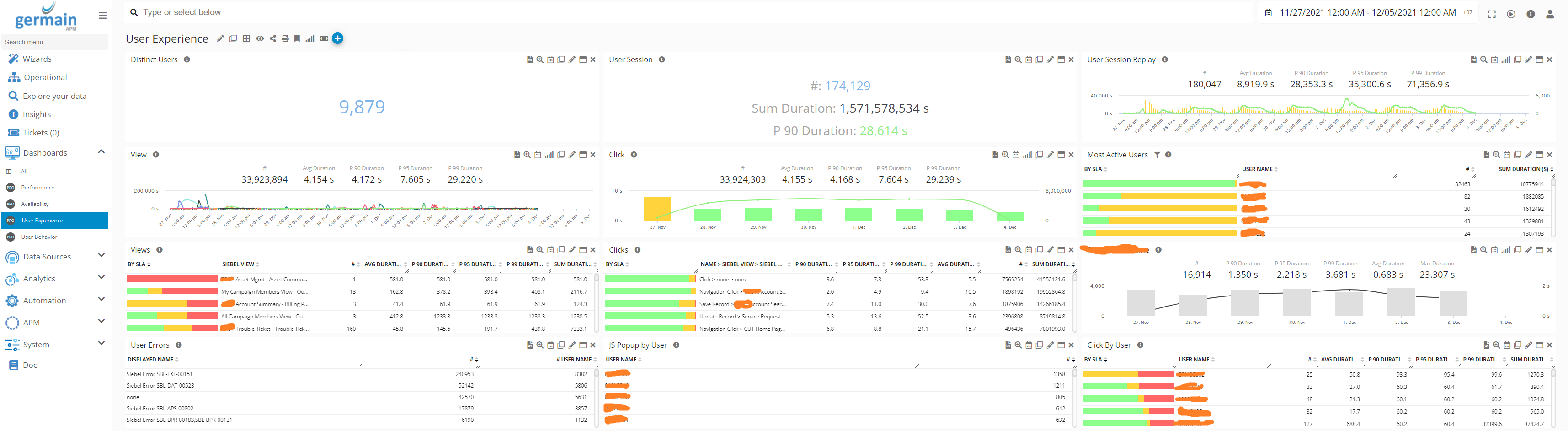
- Look out for the User Errors that affected users the most
Note: remember these are all customizable…and there are different ways to configure Germain so it reports on errors that affect Users, and keep all the other app/infra/network… errors out. That configuration varies depending on the monitored application, as always. If you aren’t sure, just ask us.

- Drill through on the most impactful errors
Here, 123 errors lost their connections to their app on that day.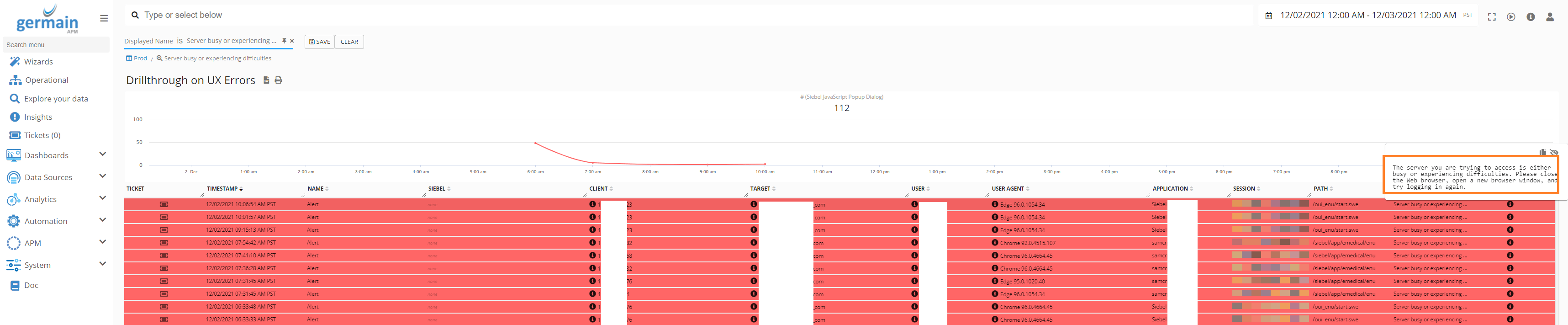
- Log onto Germain workspace, go to [User Experience] dashboard (or whatever dashboard that shows metrics on [User Error] kpi or equivalent)
- Find the scenario that lead to each critical error
- Collect the Reproduction Scenario by replaying these 123 user sessions
- Example with Siebel CRM app
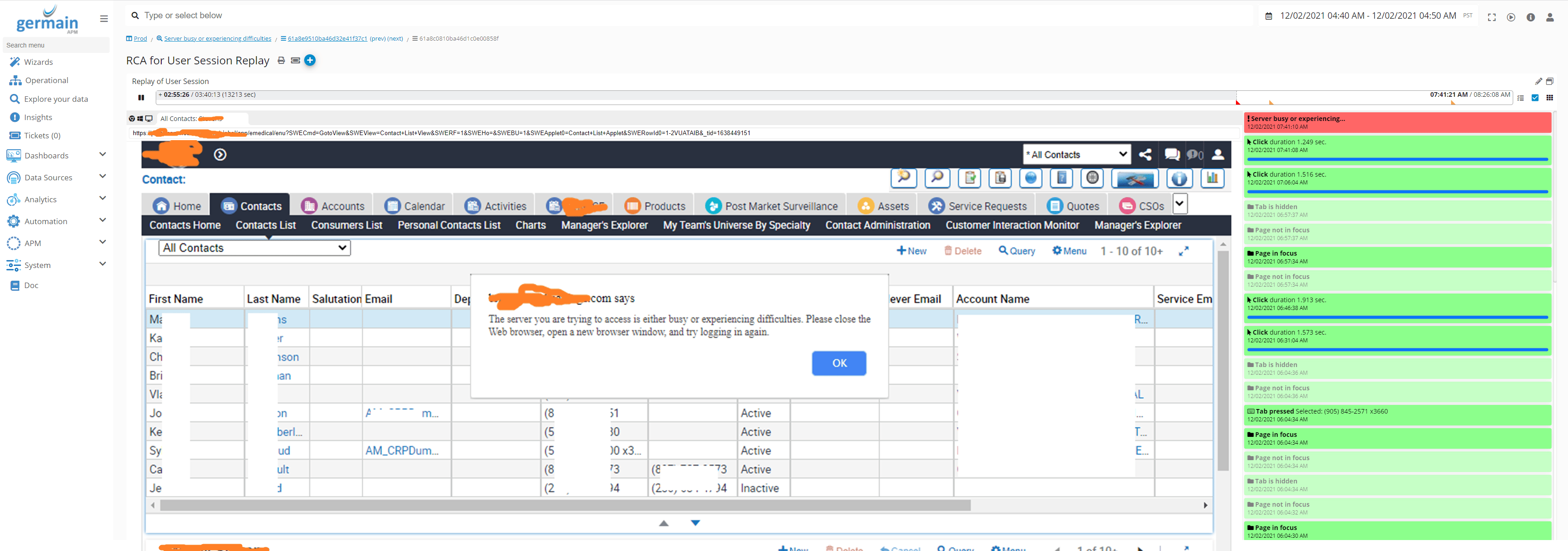
- Example with React/NodeJS app
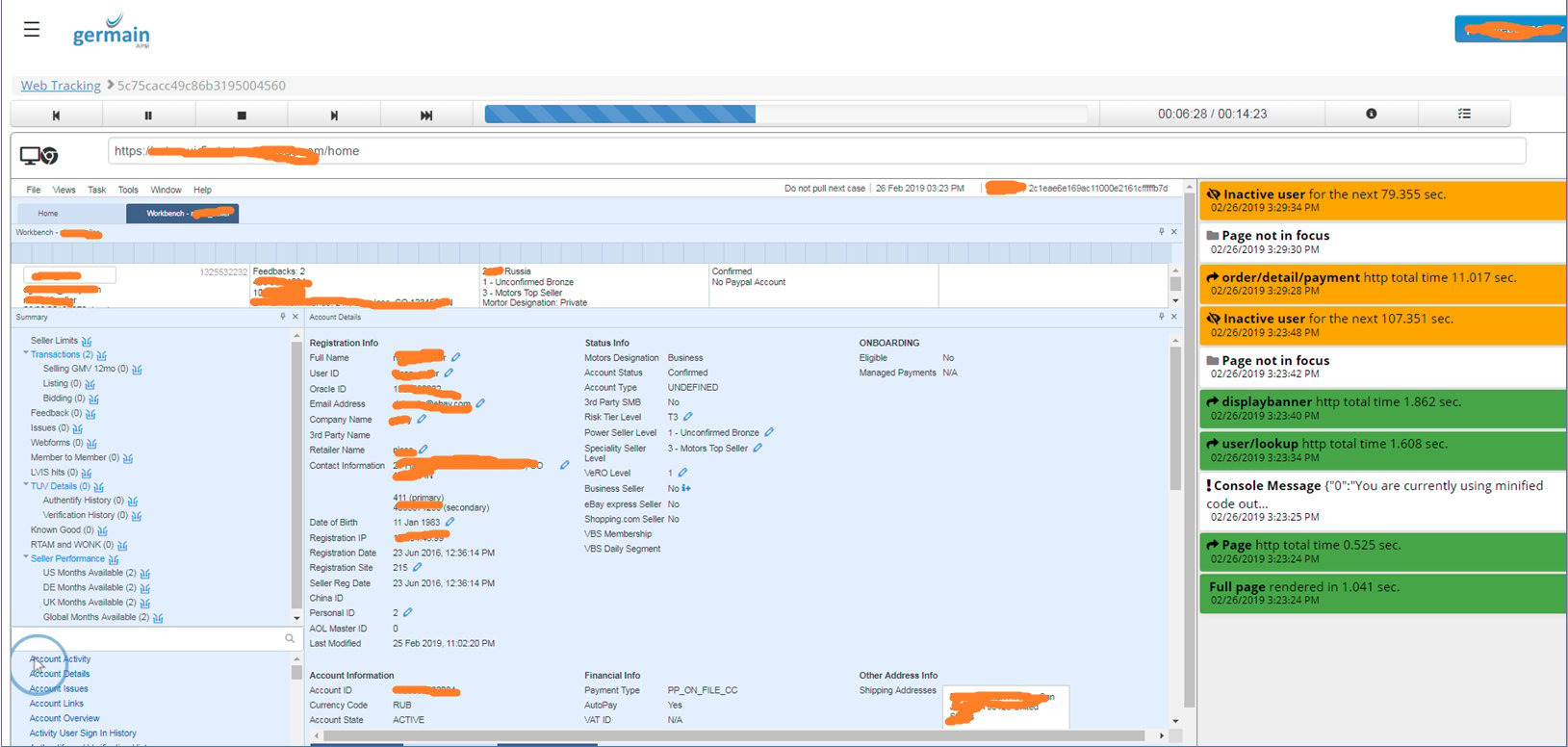
- Example with Siebel CRM app
- note: in 01/31/22 release, you will have flags helping you identify “new” issues as opposed to issues that occurred before e.g. out of these 123 users that lost their connection to that app, you will be able to tell how many of these were “unique/different” problems.
- Collect the Reproduction Scenario by replaying these 123 user sessions
- Identify the root-cause
note: this RCA screen has to be customized for each technology/app.- Example with Siebel CRM app
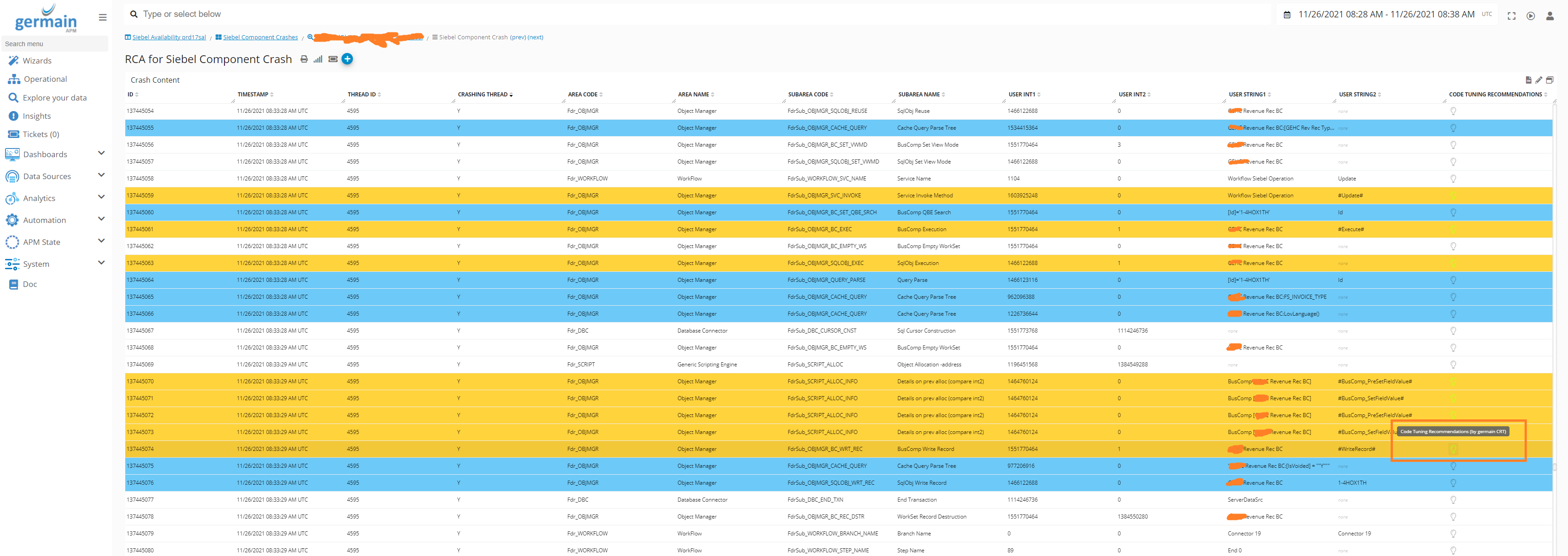
- Example with React/NodeJS
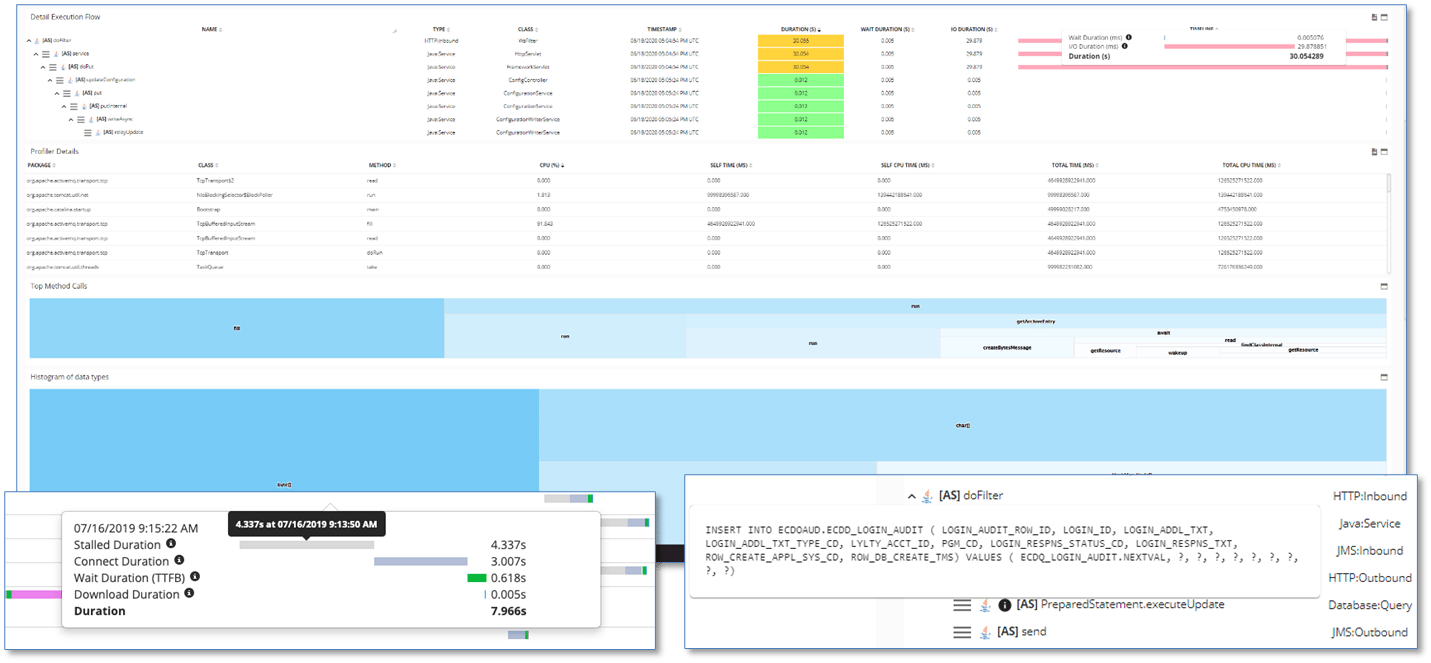
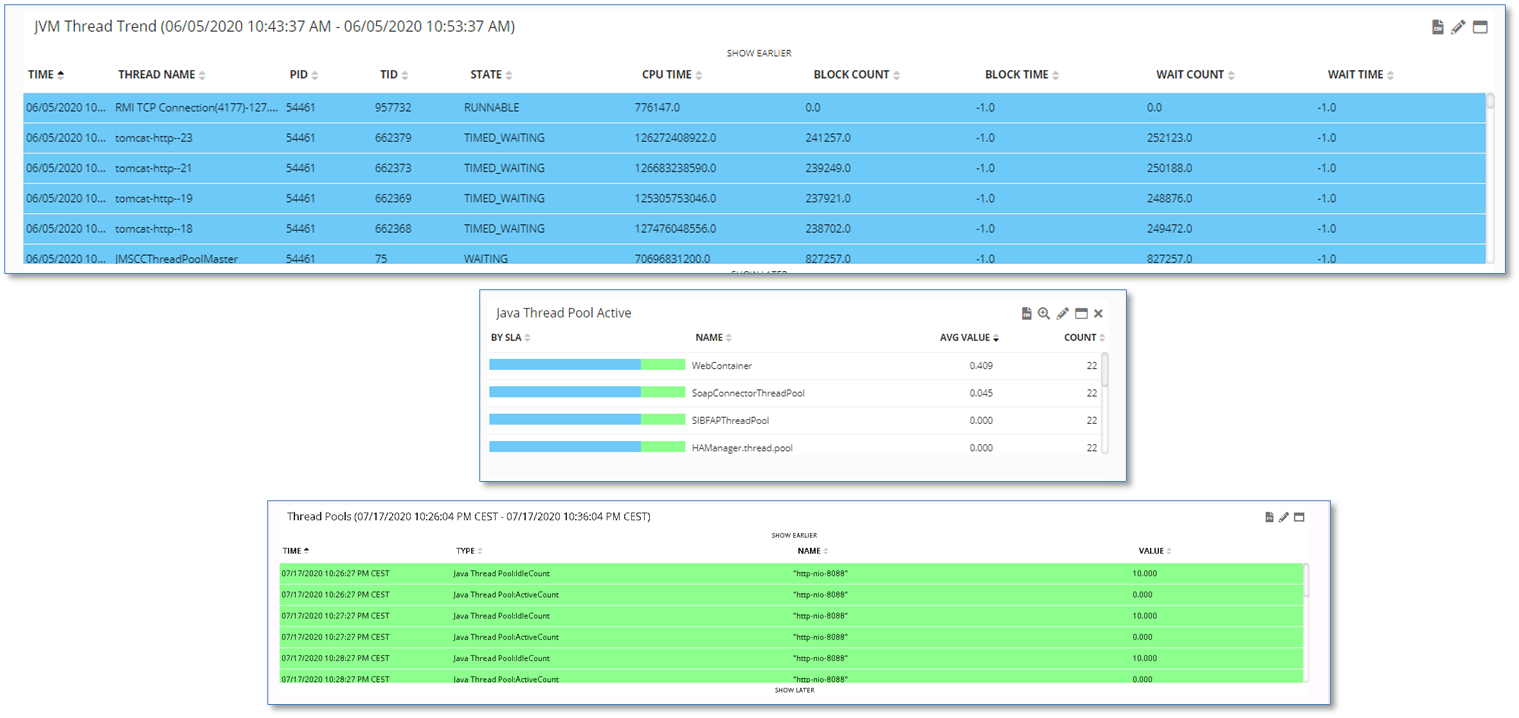
- Example with Siebel CRM app
- Implement the code/script/object-level recommendations(provided by germainCRT; but all above metrics are provided by germainGermain)
- Example for Siebel CRM app
Review the code/object/scripting issues and recommendations that germainCRT found for a severe User Error identified by germainGermain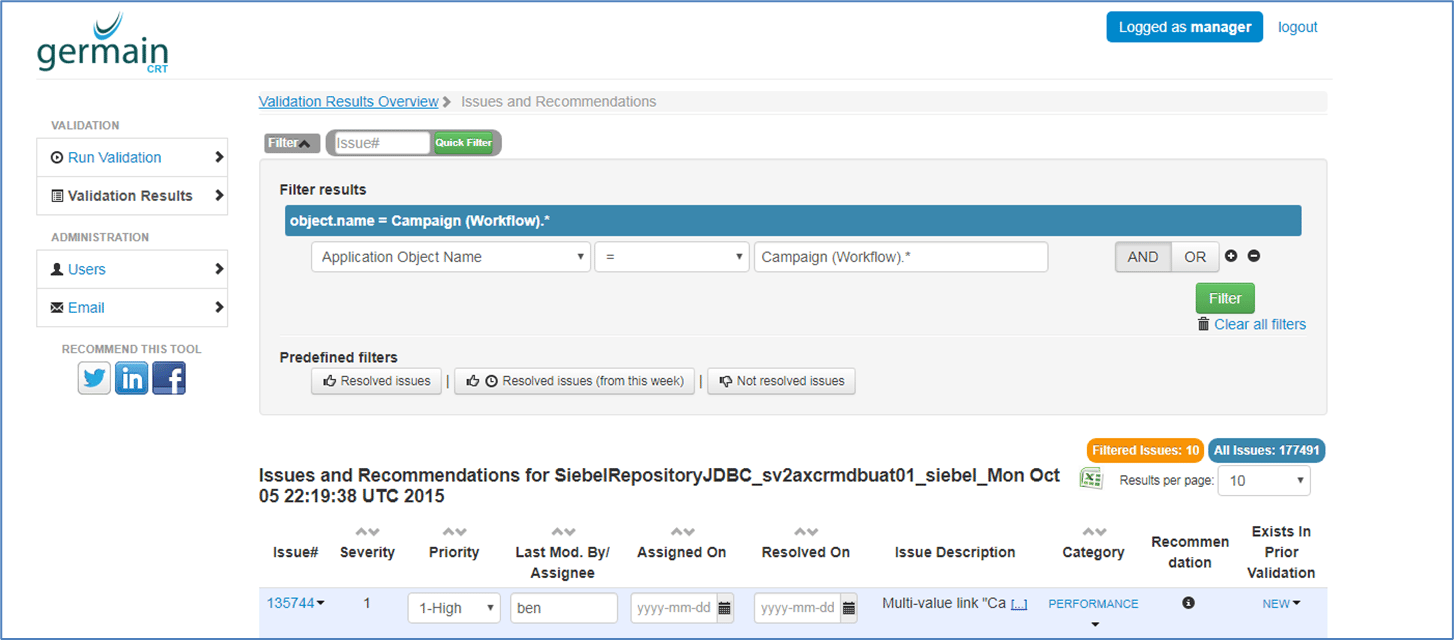
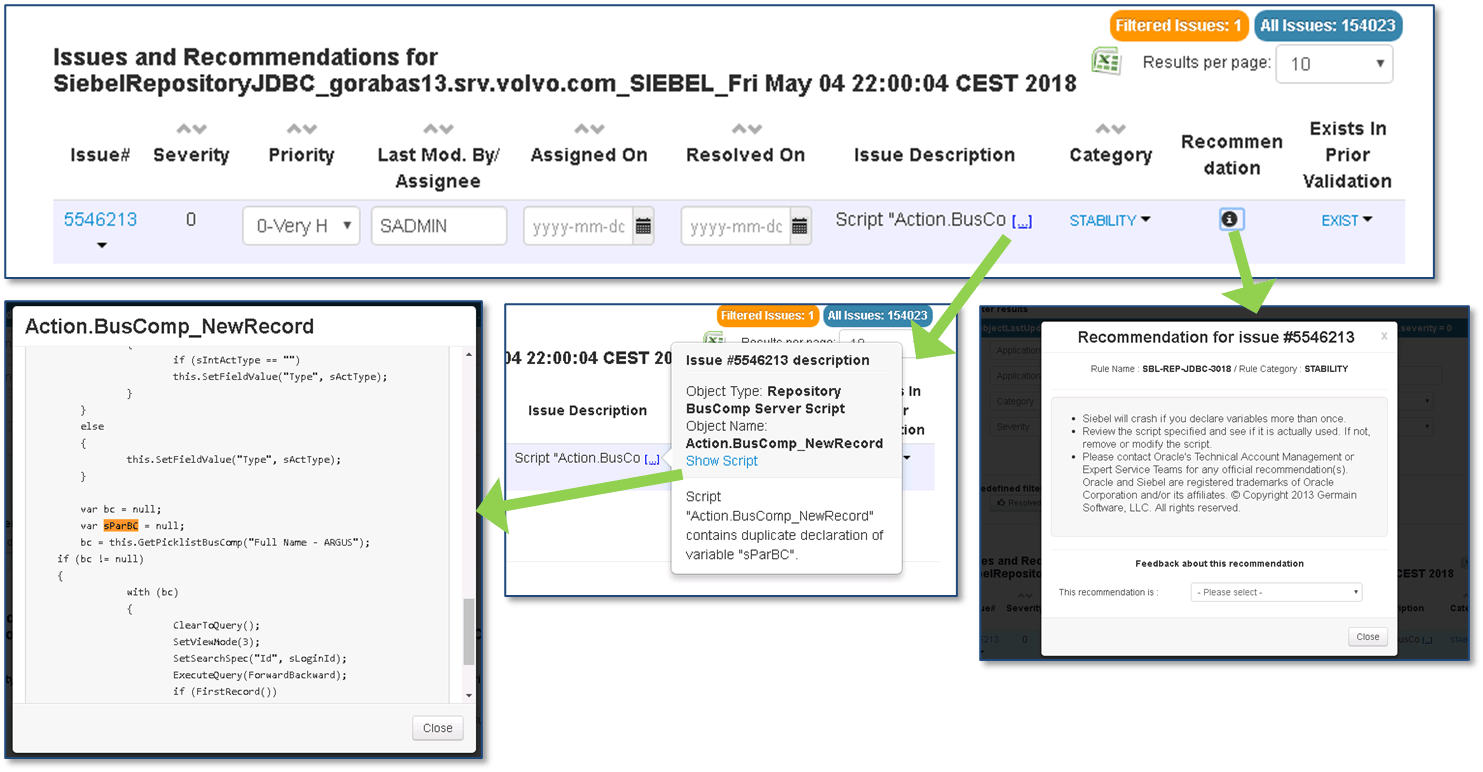
- Example for Siebel CRM app
Tip - Proactive & Smarter Monitoring
Description
This client wanted to proactively and intelligently monitor and resolve failing web servers in a complete automated way, with no team involvement.- Proactively monitor 10 different URLs (via synthetic http transaction)
- Alert when 3 of these URLs fail
- Automate creation of a ticket in ServiceNow
- Auto-restart the 3 failing web servers
Solution
- Proactively monitor 10 different URLs (via synthetic http transaction)
- Add 10 web servers in Data Sources (Germain workspace > left menu > Data Sources)
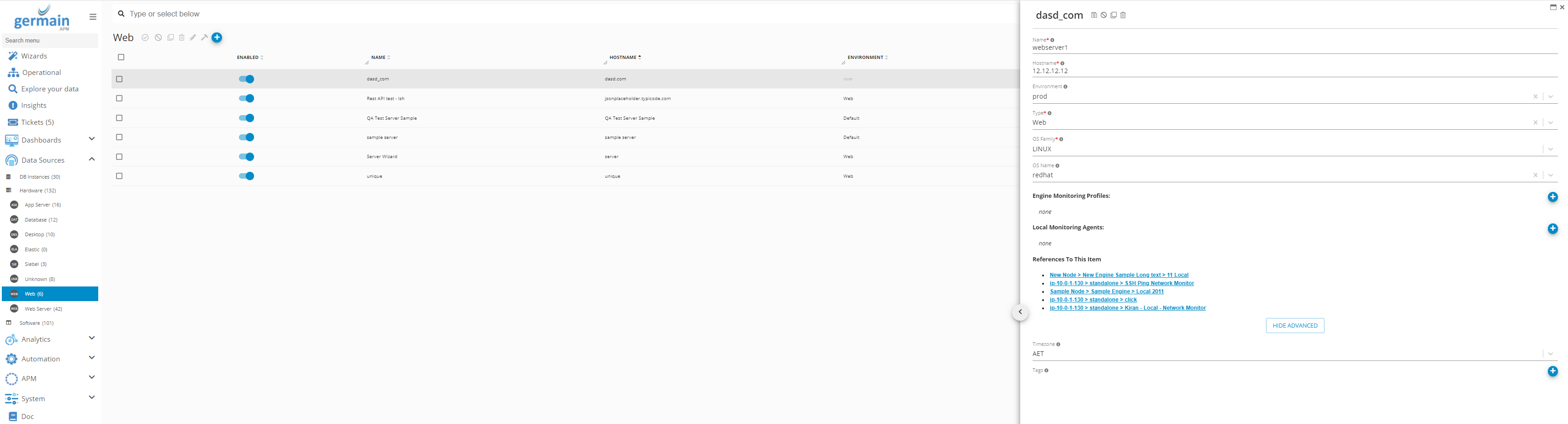
- Add 10 “http scenarios” (Germain workspace > left menu > wizard > Http Scenario Component Deployment)
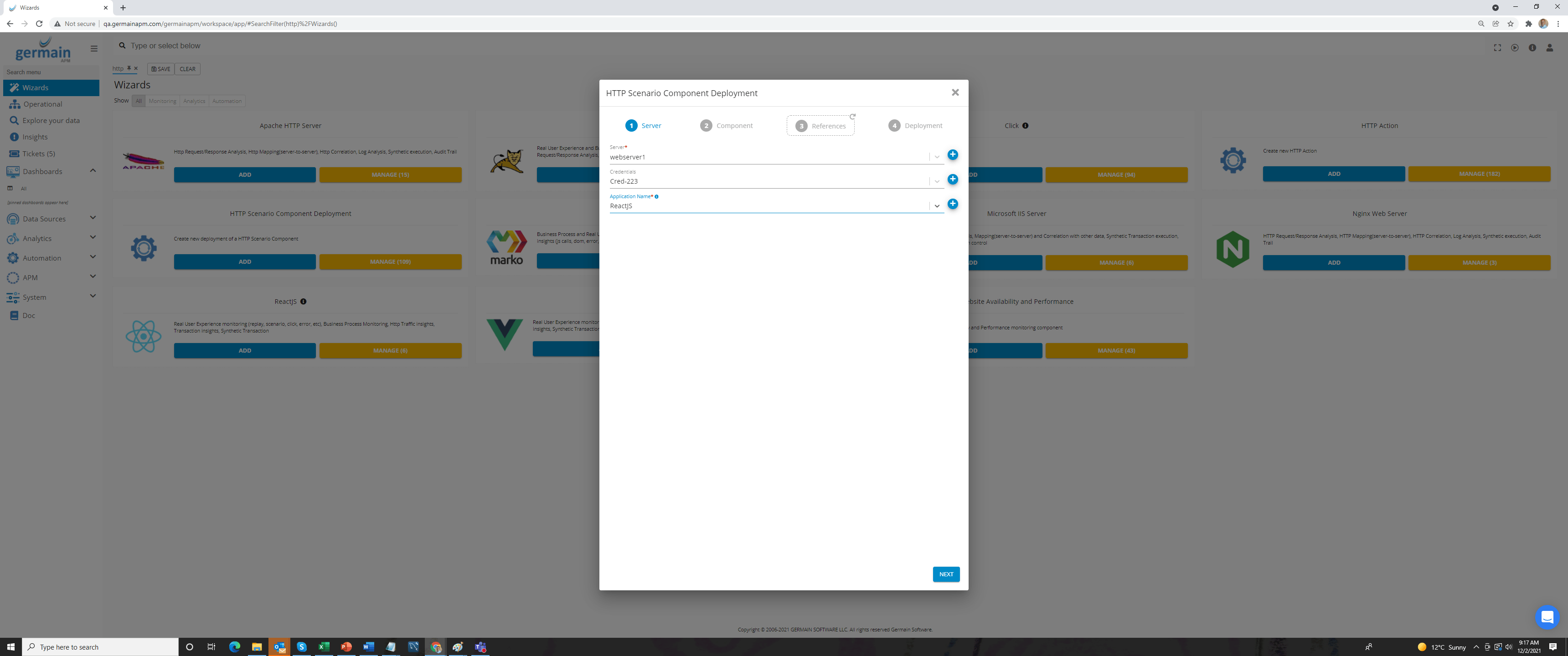
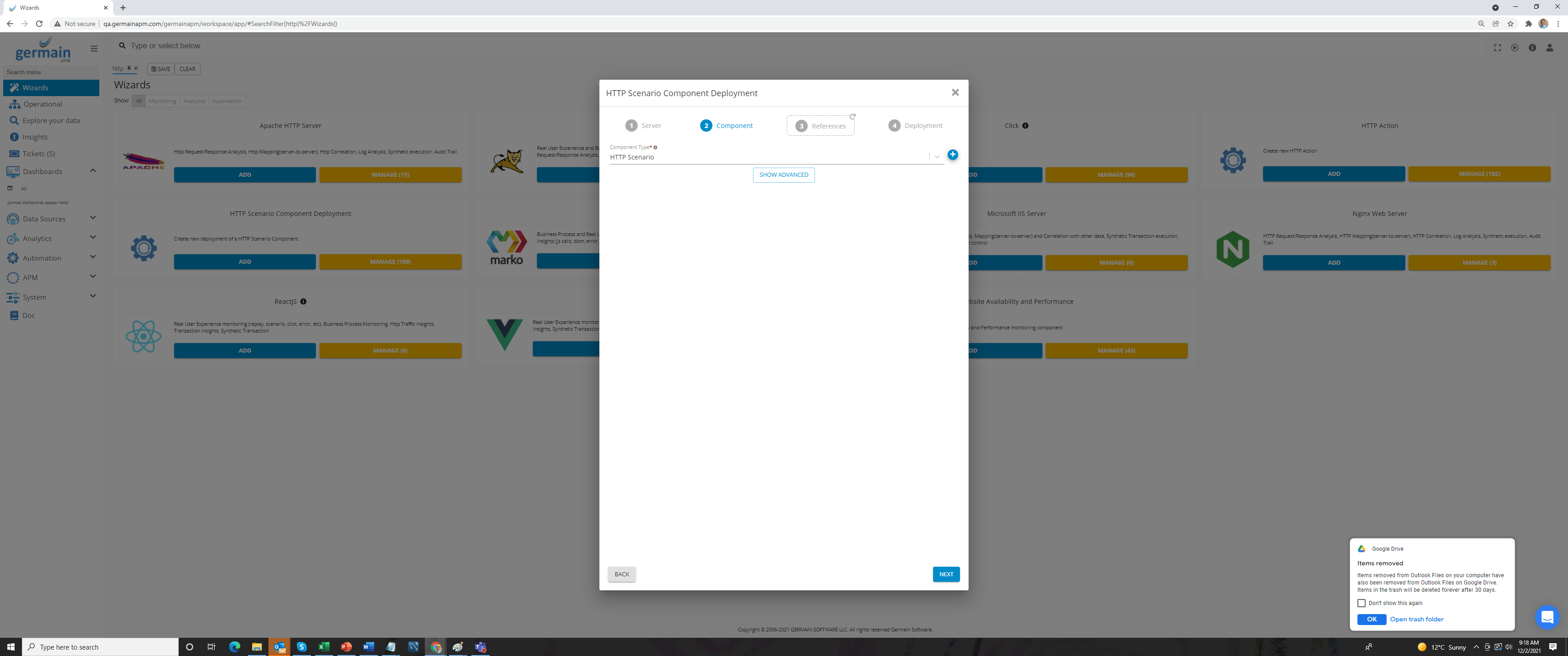
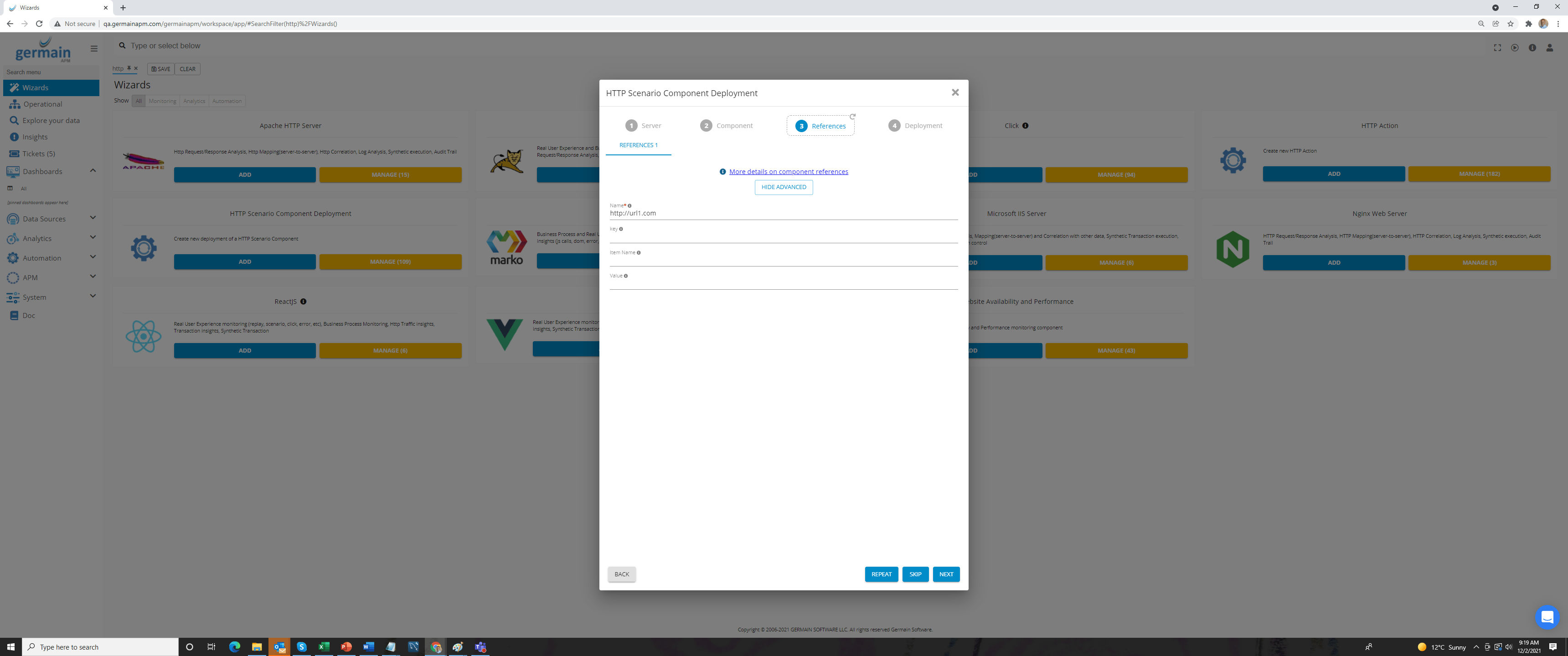
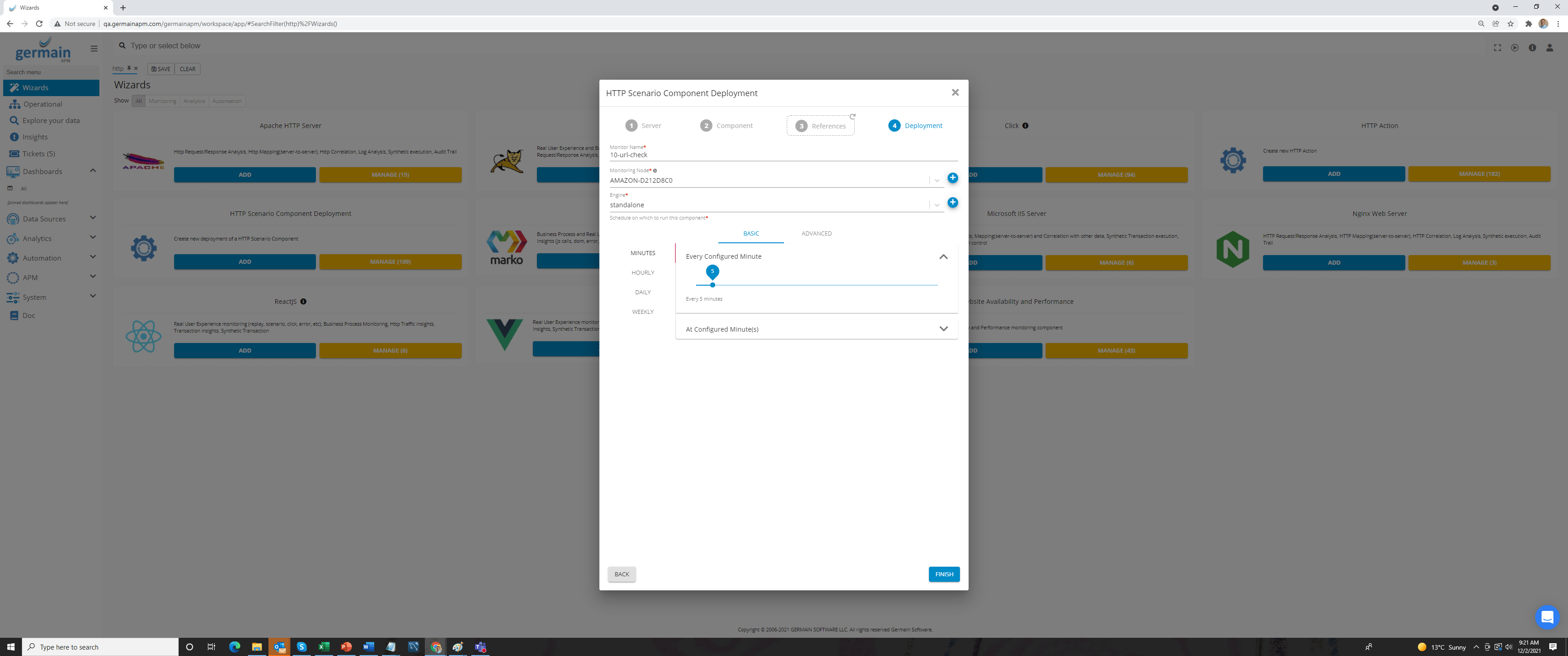
- Setup a single KPI to match the synthetic transactions generated by the HTTP monitors. (Germain workspace > Analytics > KPIs; Add New Configuration)
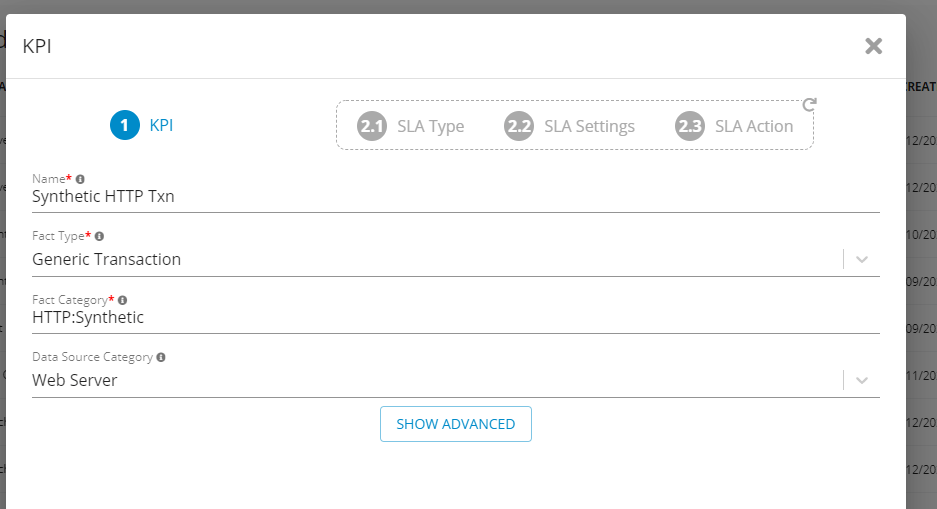
- Create a fact-based SLA to color individual synthetic transactions based on success / failure state:
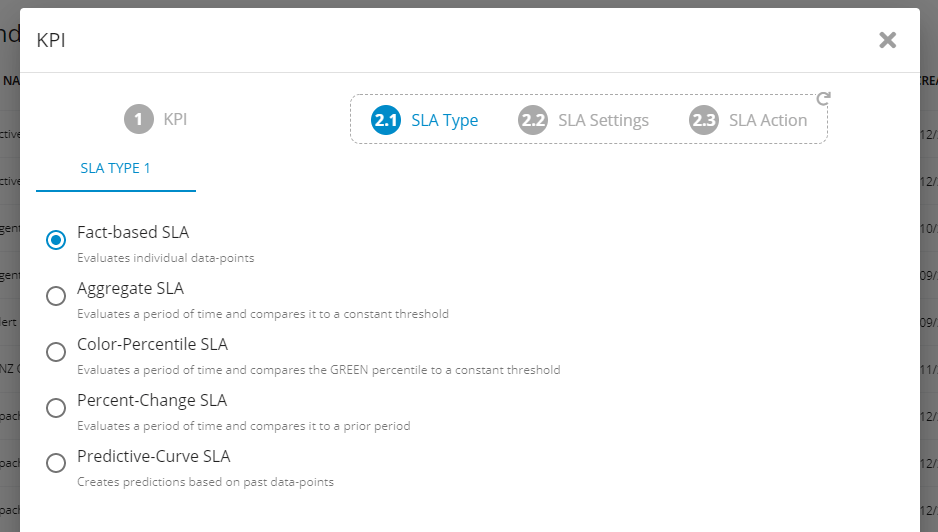
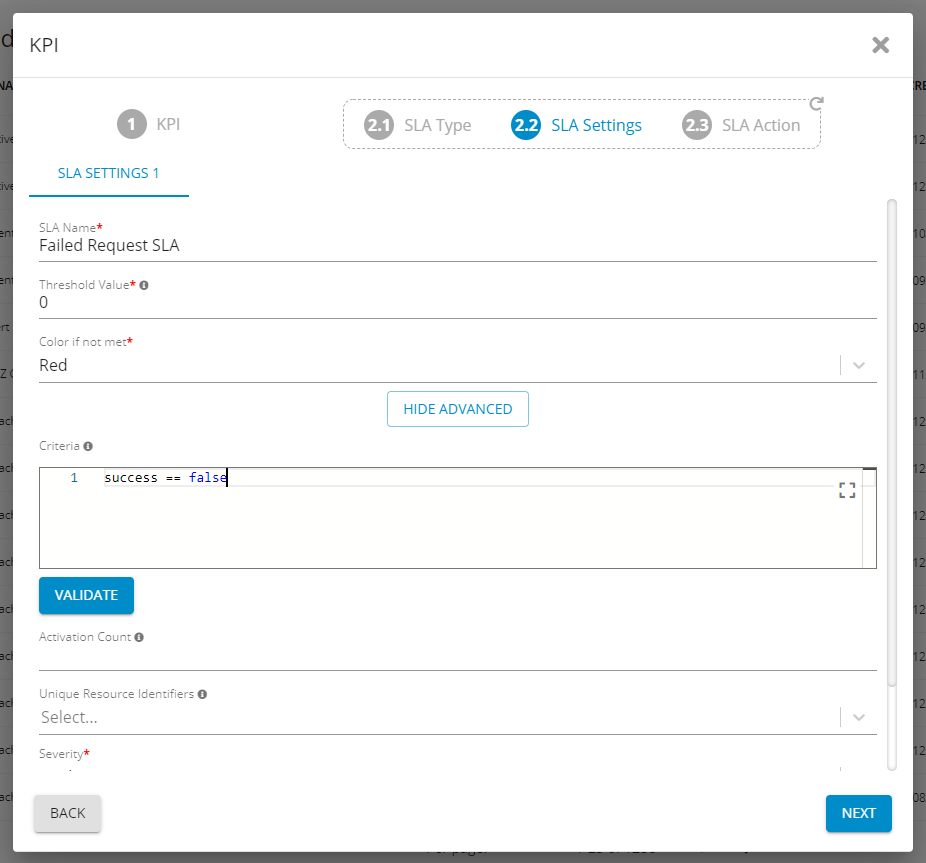
- Add 10 web servers in Data Sources (Germain workspace > left menu > Data Sources)
- Alert when 3 of these URLs fail
- Create an aggregate SLA to trigger when 3 or more servers are not reachable. The schedule of the aggregate SLA should match the one selected for the HTTP monitors (for example, if your monitors connect every 5 minutes, also evaluate the SLA every 5 minutes):
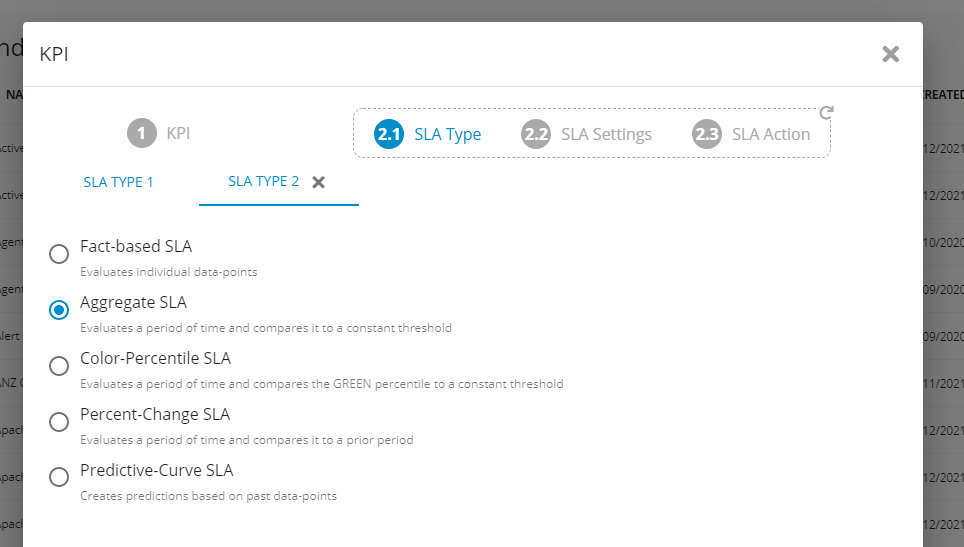
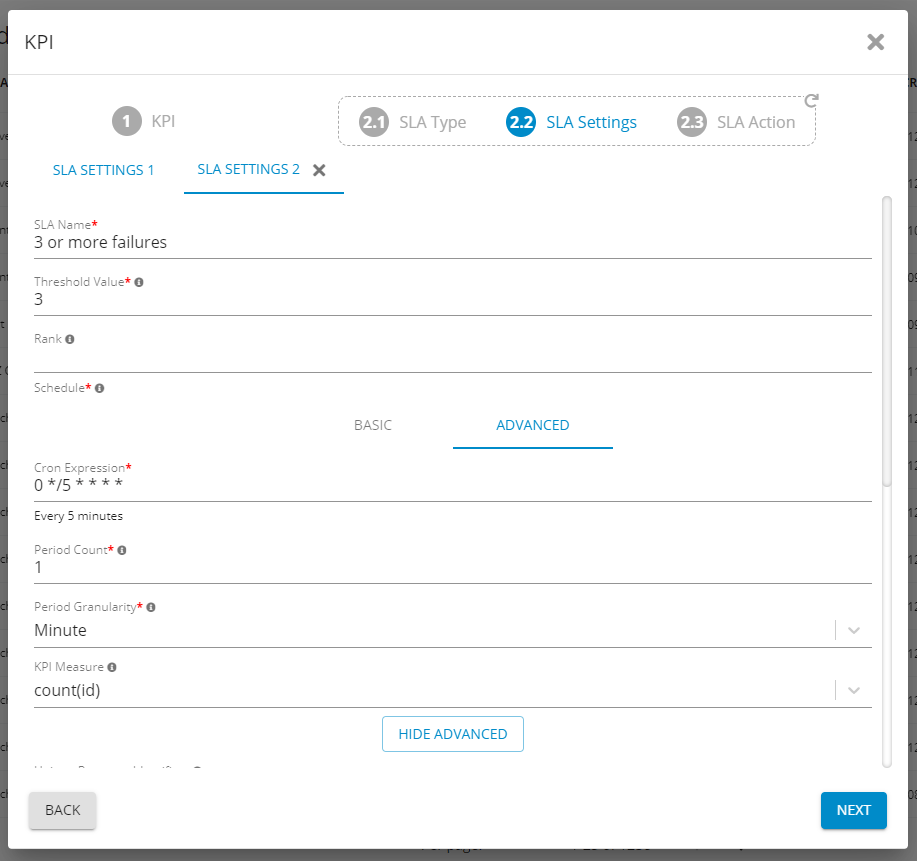
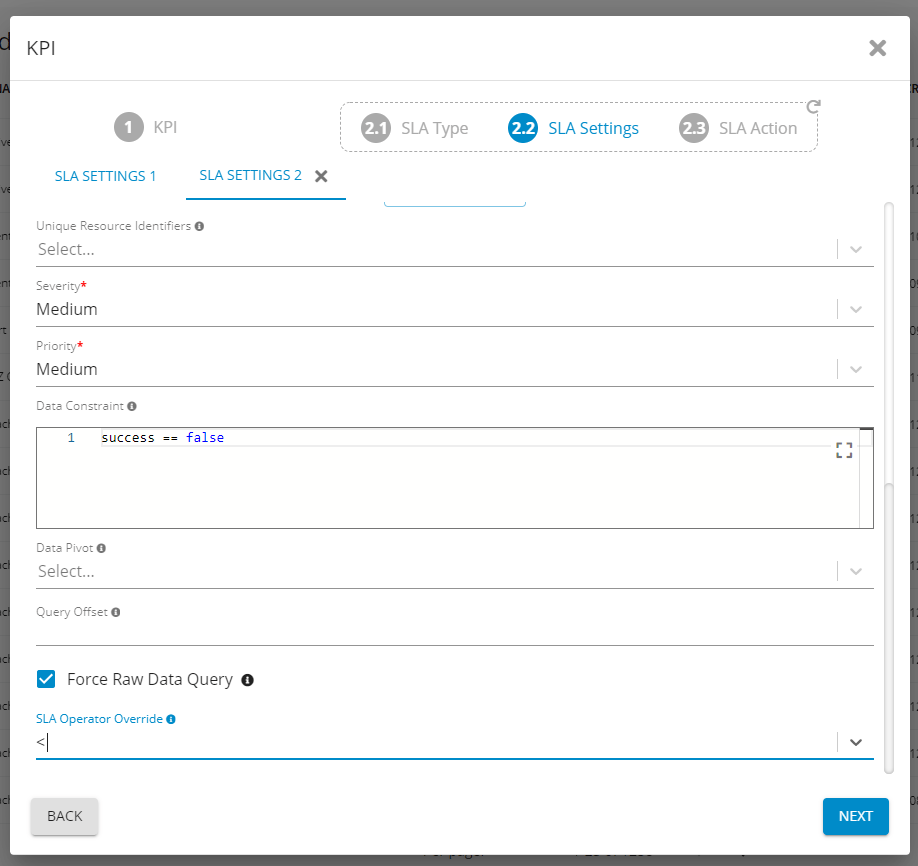
- Create an aggregate SLA to trigger when 3 or more servers are not reachable. The schedule of the aggregate SLA should match the one selected for the HTTP monitors (for example, if your monitors connect every 5 minutes, also evaluate the SLA every 5 minutes):
- Automate creation of a ticket in ServiceNow
- Select your SNOW HTTP Action as part of the final step to be executed if there are 3 or more failures:
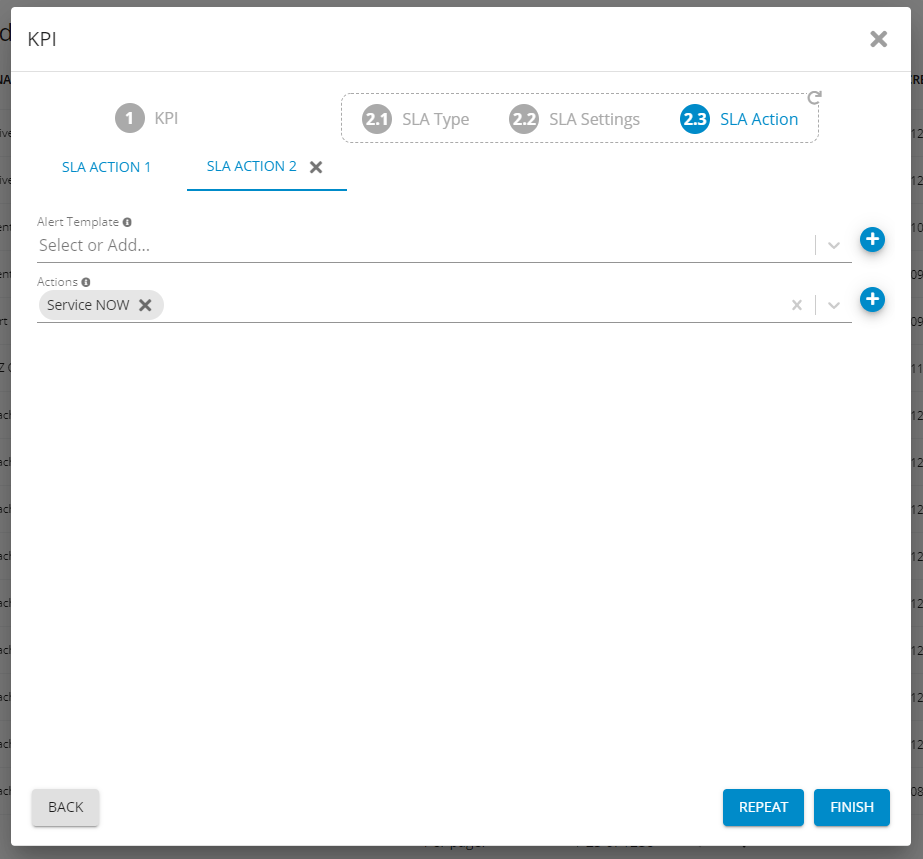
- Select your SNOW HTTP Action as part of the final step to be executed if there are 3 or more failures:
- Auto-restart the 3 failing web servers
- Once the SLA has been created, you can set up an action to restart the web servers in case of failure. (Germain workspace > Automation > SSH; Add New Configuration)
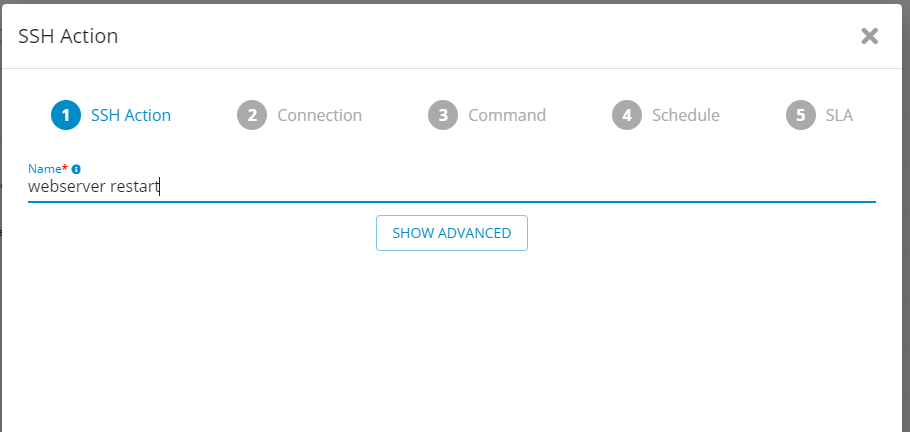
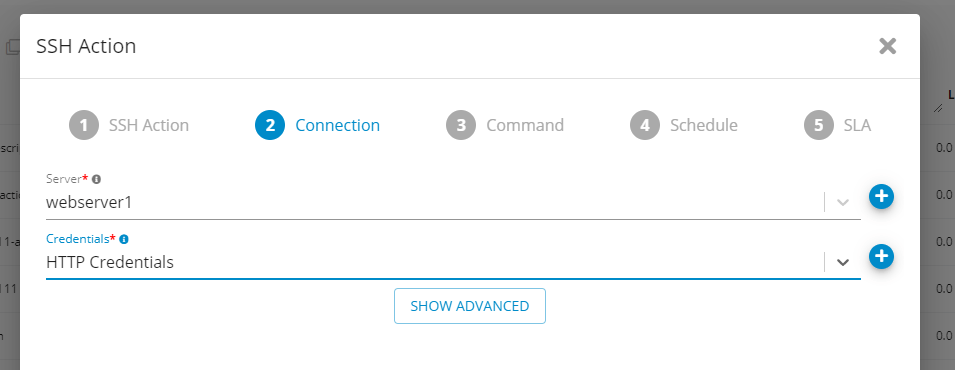
- Once the SLA has been created, you can set up an action to restart the web servers in case of failure. (Germain workspace > Automation > SSH; Add New Configuration)
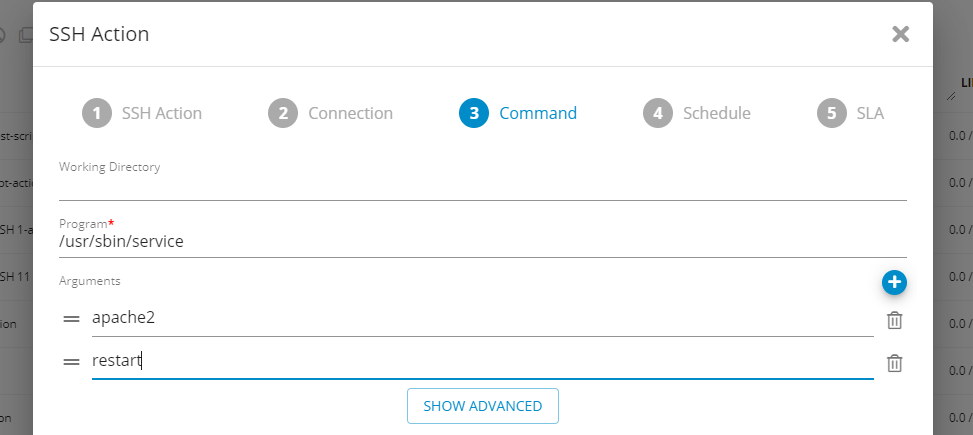
The specific command will vary based on your specific OS and Webserver.
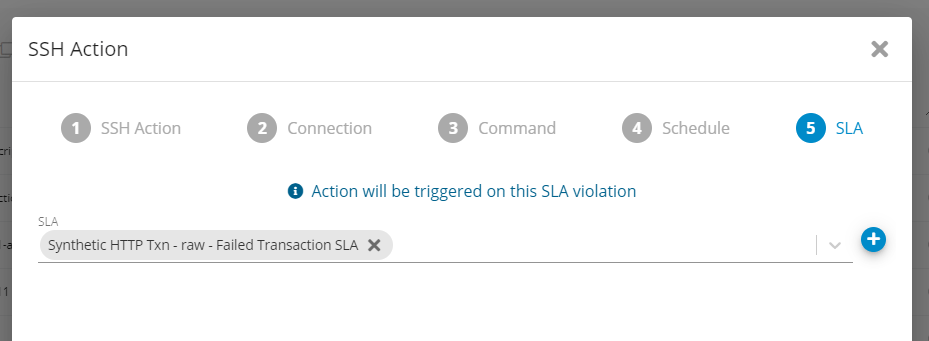
Select the fact-based SLA created earlier as the trigger for your new action.
Get Help
Contact GermainUX Support
The GermainUX team helps you get up and running faster, empower your team, turn data into actionable insights, and optimize performance to deliver measurable business outcomes.
Can't find what you need?
Search all GermainUX docs with Ctrl + K, or use the feedback buttons at the bottom of this page to tell us what is missing.
The content of this document is proprietary to GERMAIN SOFTWARE.