

Architecture
How SOAP monitoring runs
Deploy the GermainUX Engine
Place engine near service
Verify the SOAP Request
Confirm a predictable response
Validate Engine Connectivity
Check network reach to services
Overview
Deploy the GermainUX Engine required to execute SOAP monitoring from the appropriate network location.Architecture
SOAP monitoring is executed by a GermainUX Engine. The Engine:
The Engine must therefore have network access to both the SOAP service being monitored and the GermainUX environment.
Prerequisites
Before deployment, confirm that: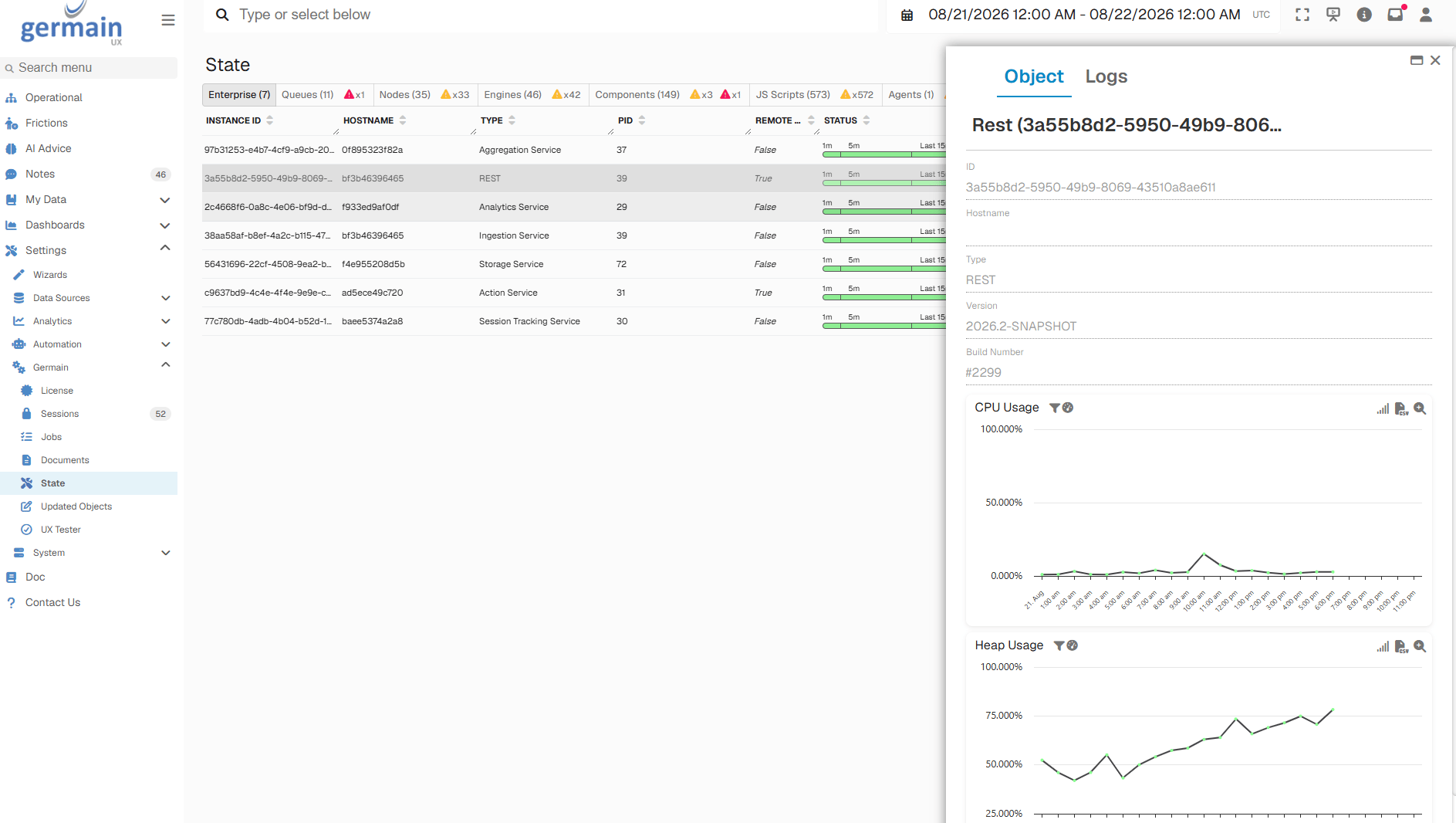
Platform State showing deployed GermainUX components - GermainUX
- Service endpoint
- SOAP operation
- XML namespaces
- Request structure
- Required parameters
- Expected response
1. Deploy the GermainUX Engine
In the left menu, go to Settings > Wizards. Deploy or select an Engine capable of reaching the SOAP service. The appropriate Engine location depends on the service being monitored. For example: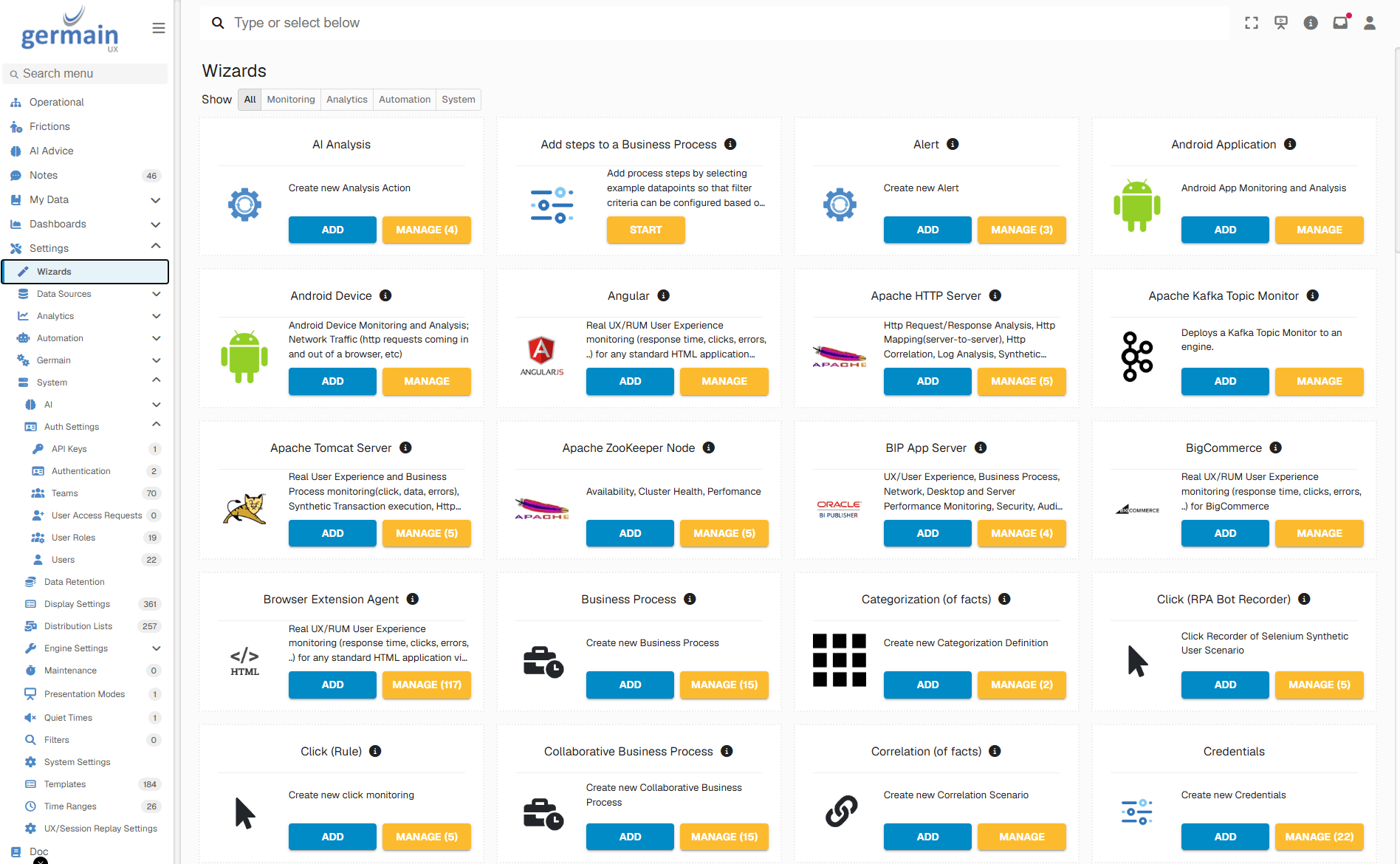
Wizards page for deploying GermainUX monitoring components - GermainUX
2. Configure Network Access
Allow the Engine to communicate with the SOAP endpoint over the required HTTP or HTTPS port. Verify:- DNS
- Routing
- Firewall
- Proxy
- HTTP/HTTPS access
- TLS
- Certificates
3. Verify Authentication Requirements
Determine the authentication mechanism required by the SOAP service. Depending on the service and GermainUX configuration, this can include:- HTTP Basic authentication
- Request headers
- SOAP-specific headers
- Client certificates
- Customer-defined tokens or credentials
4. Verify the SOAP Request
Before configuring continuous monitoring, verify that you have a working request. Confirm:- Endpoint
- HTTP method
- SOAP version
- Content-Type
- SOAPAction when required
- XML namespaces
- Request headers
- Request body
- Authentication
- Required parameters
5. Verify That the Request Is Safe
SOAP monitoring executes the configured request repeatedly. Use an operation that is safe for synthetic monitoring. Avoid requests that unintentionally:- Create production orders
- Submit payments
- Modify customer records
- Send messages
- Trigger irreversible workflows
- Generate unwanted production data
6. Validate Engine Connectivity
From the Engine environment, verify that:- The endpoint resolves.
- The endpoint is reachable.
- TLS negotiation succeeds.
- Authentication succeeds.
- The SOAP request can be submitted.
- A response is received within the expected time.
Get Help
GermainUX can help determine which monitoring, analytics and automation capabilities are appropriate for your SOAP environment.Contact GermainUX Support
The GermainUX team helps you get up and running faster, empower your team, turn data into actionable insights, and optimize performance to deliver measurable business outcomes.
Can't Find What You Need?
Search all GermainUX docs with Ctrl + K, or use the feedback buttons at the bottom of this page to tell us what is missing.
The content of this document is proprietary to GERMAIN SOFTWARE.