

Deploy Browser Monitoring
Three independent components
Deploy the JS Profiler
Profile JavaScript execution
Deploy Browser Monitoring
GermainUX provides three components for monitoring browser-based applications:
The components can be deployed independently or together, depending on the required monitoring coverage.
Choose the Deployment Method
Deployment Architecture
Deploy the JS Profiler
Use the GermainUX JS Profiler to continuously monitor and analyze JavaScript execution in a supported browser. The JS Profiler can help identify:- Slow JavaScript functions
- Functions consuming excessive execution time
- Repeated or inefficient function calls
- JavaScript activity associated with slow user interactions
- Browser-side code contributing to freezes or poor responsiveness
- Performance differences across pages, workflows, and application versions
Deployment
- Download the GermainUX JS Profiler extension for a supported browser.
- Install it manually for selected users or deploy it through an approved enterprise browser-management mechanism.
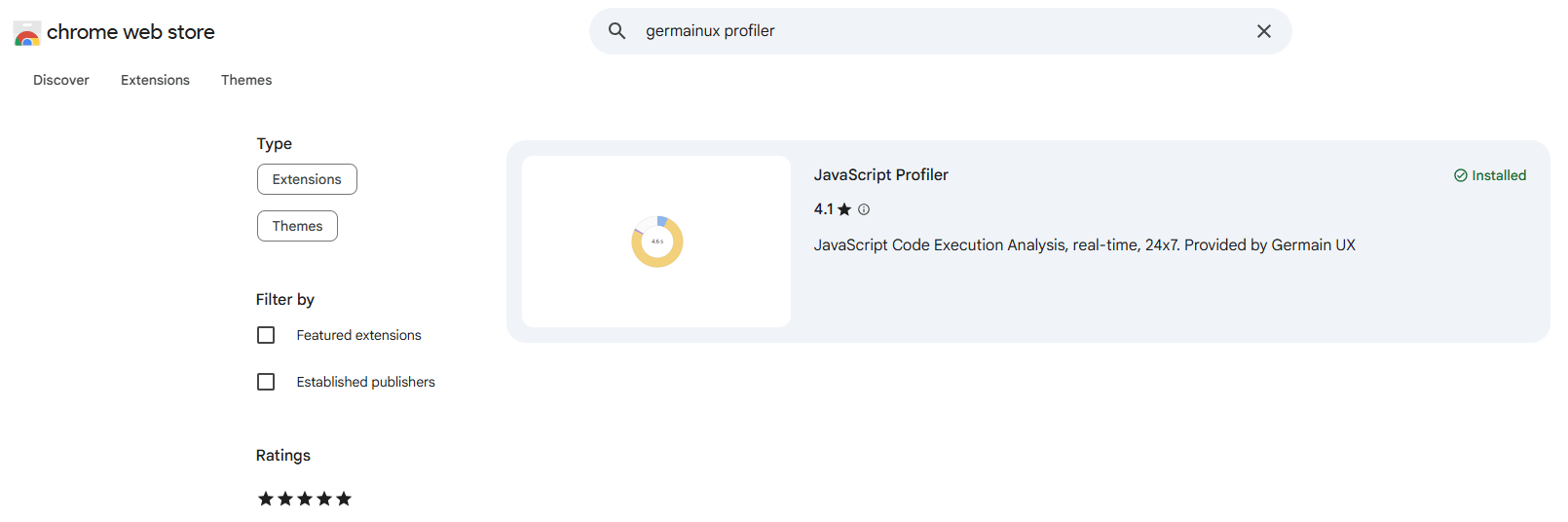
JavaScript Profiler extension in the Chrome Web Store - GermainUX
- Configure the GermainUX environment.
- Configure the websites and applications to be monitored.
- Associate the deployment with the corresponding GermainUX application and profile.
- Enable the required JavaScript profiling capabilities.
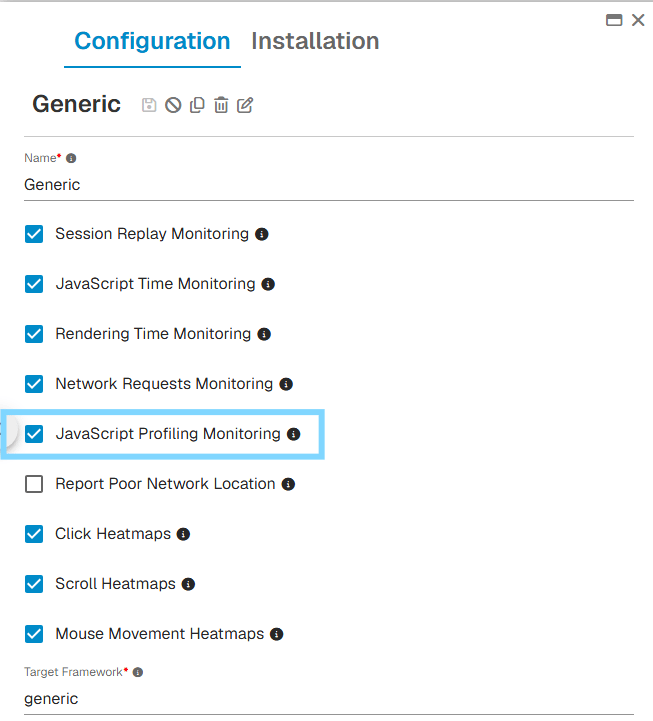
JavaScript Profiling Monitoring enabled in a UX Monitoring Profile - GermainUX
- Open the monitored application and execute representative workflows.
- Confirm that JavaScript profiling data is received by GermainUX.
- Validate browser performance and data volume before expanding the deployment.
Get Help
Contact GermainUX Support
The GermainUX team helps you get up and running faster, empower your team, turn data into actionable insights, and optimize performance to deliver measurable business outcomes.
Can't Find What You Need?
Search all GermainUX docs with Ctrl + K, or use the feedback buttons at the bottom of this page to tell us what is missing.
The content of this document is proprietary to GERMAIN SOFTWARE.