

Configure a Schedule
Visual scheduler or CRON
CRON Expression Examples
Sample recurring schedules
Overview
GermainUX can execute actions and tasks automatically on a recurring schedule or at a specific time. Supported actions include:- Click and synthetic-user scenarios
- HTTP actions
- Local programs
- Scripts
- SQL queries
- SSH commands
- WMI commands
Configure a Schedule
You can define a schedule using the visual scheduler in the GermainUX Workspace or an advanced CRON expression.Using the Visual Scheduler
- Open the action you want to schedule in the GermainUX Workspace.
- Enable Run on Schedule.
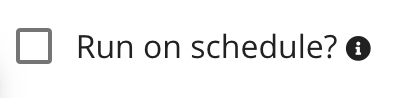
Run on Schedule checkbox in action configuration - GermainUX
- Use the scheduler to configure the execution frequency.
- Every minute
- Hourly
- Daily
- Weekly
- At specific times
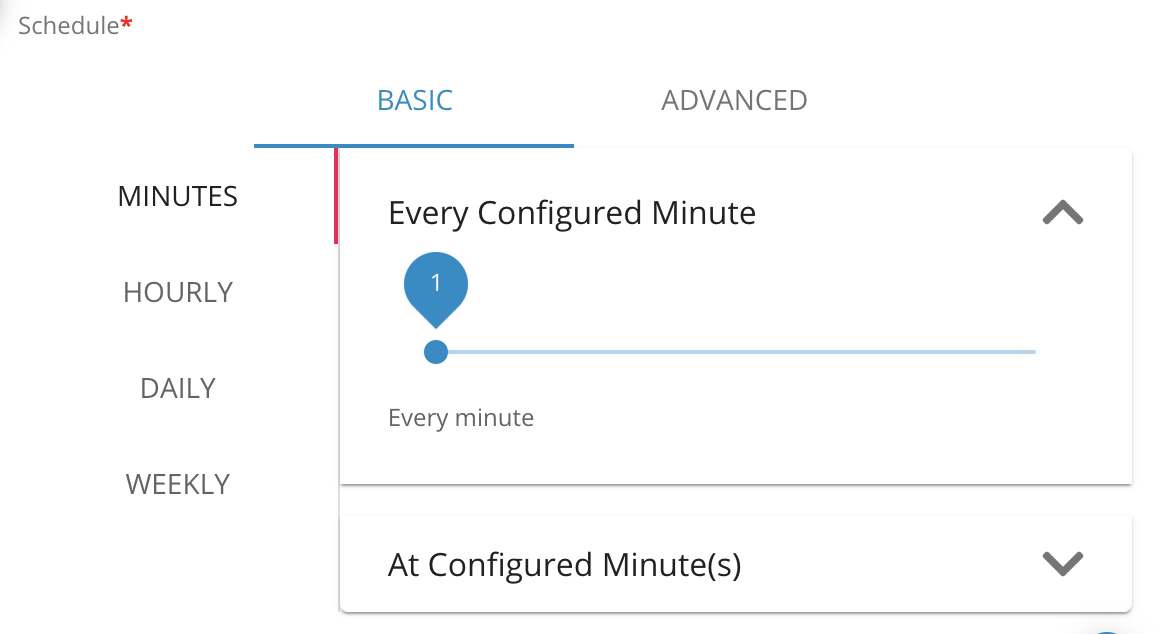
Visual scheduler showing Basic and Advanced scheduling options - GermainUX
Using a CRON Expression
For more advanced scheduling requirements, select the advanced scheduling option and enter a valid Quartz CRON expression. A Quartz CRON expression generally uses the following fields: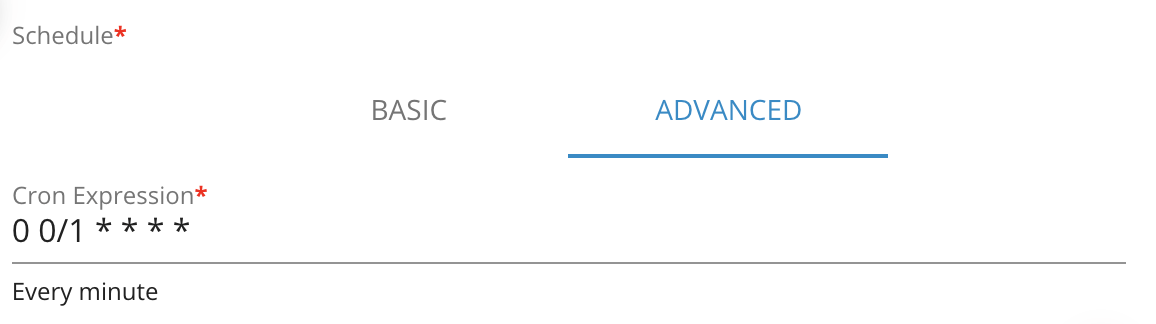
Advanced CRON expression input with schedule preview - GermainUX
CRON Expression Examples
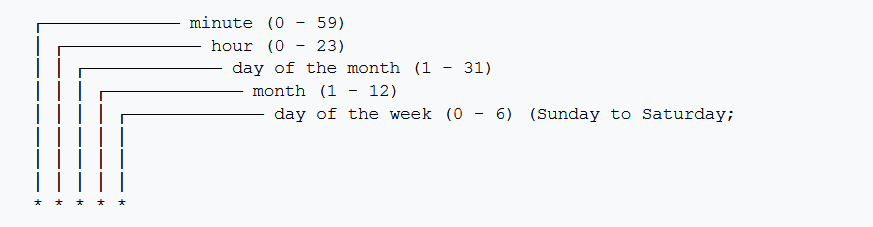
CRON expression field diagram showing seconds, minutes, hours, day, month, and weekday fields - GermainUX
Get Help
Contact GermainUX Support
The GermainUX team helps you get up and running faster, empower your team, turn data into actionable insights, and optimize performance to deliver measurable business outcomes.
Can't Find What You Need?
Search all GermainUX docs with Ctrl + K, or use the feedback buttons at the bottom of this page to tell us what is missing.
The content of this document is proprietary to GERMAIN SOFTWARE.