

Audit Engine
Lighthouse-powered quality checks
Start a Website Audit
Launch an audit from Automation
Drill Down into an Audit
Review detailed audit findings
KPI, Measures, and Pivots
Segment audit results by page
Overview
GermainUX Website Audit analyzes individual pages across a web application to identify performance, technical, accessibility, and SEO issues that may affect discoverability, usability, engagement, and conversion.Audit Engine
Website Audit is powered by Google Lighthouse and can identify issues across the following areas:Start a Website Audit
In the left menu, go to Settings > Analytics > Website Audit. From this screen, select the website or page to analyze and start the audit.Start an Audit
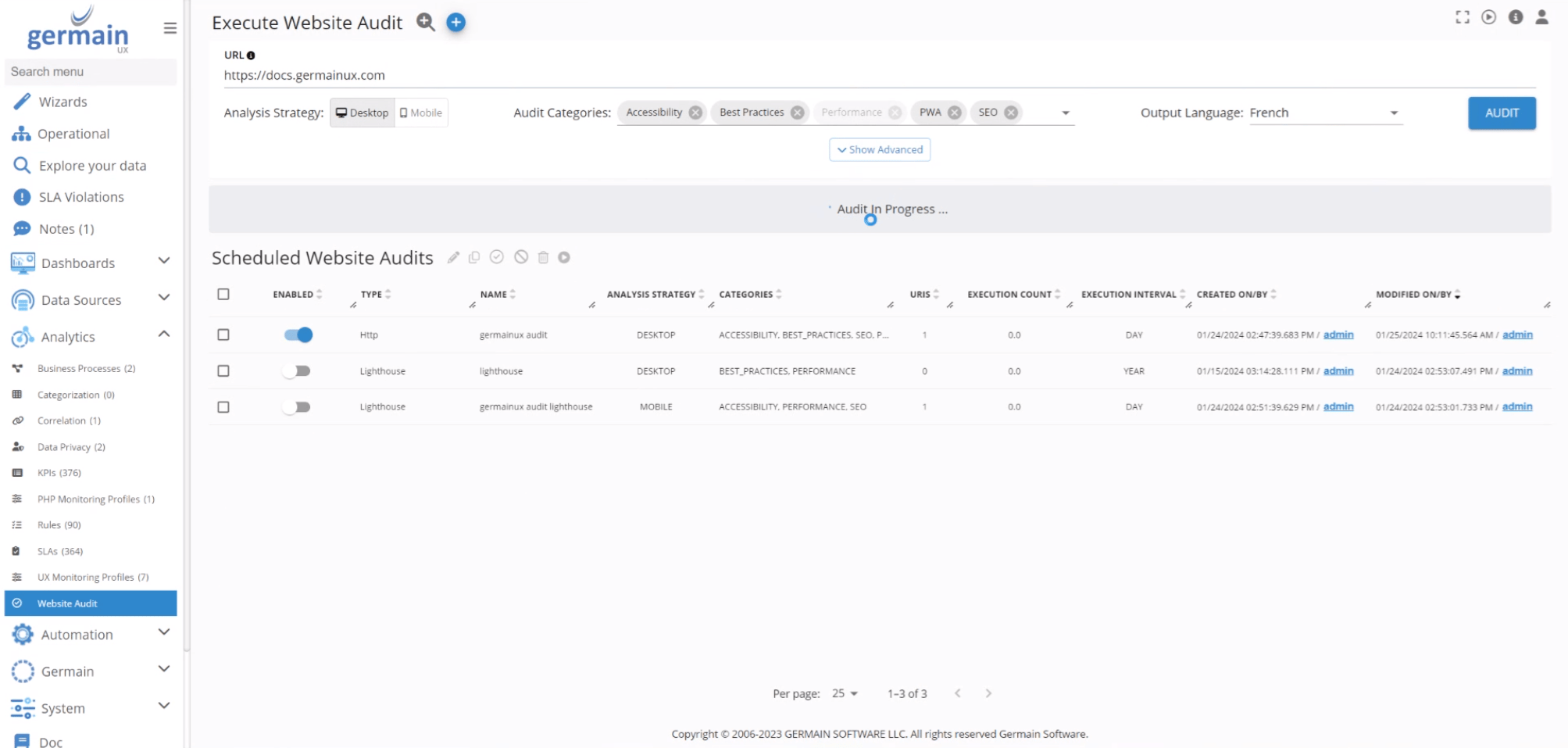
Execute Website Audit page with scheduled audits list - GermainUX
Website Audit Results
GermainUX consolidates audit results across the monitored website to help teams:- Identify pages with the most significant performance or SEO issues.
- Compare results across pages.
- Quantify the impact of third-party technologies.
- Prioritize issues based on their potential user and business impact.
- Track improvements over time.
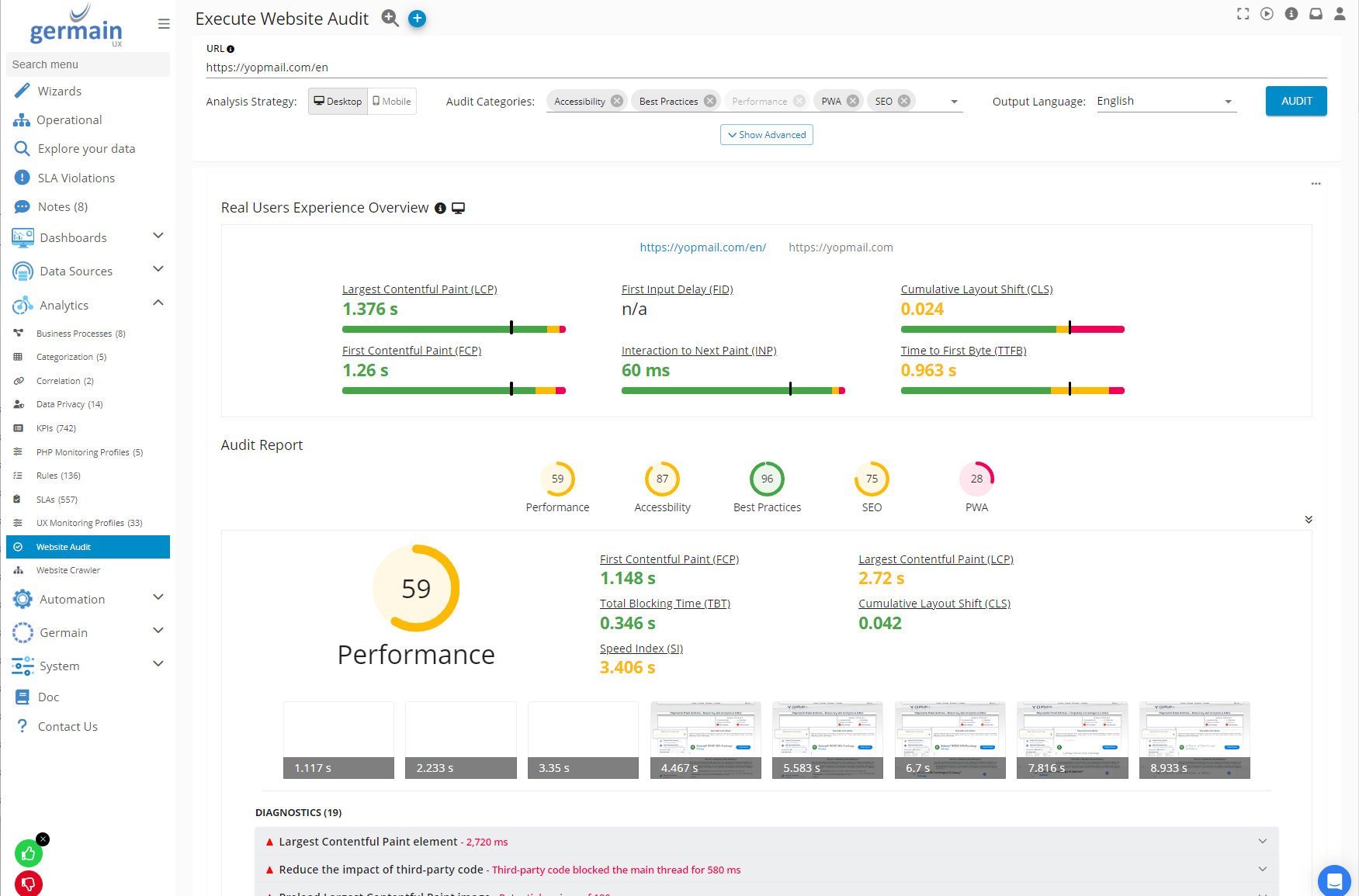
Website Audit Results showing performance scores and diagnostics - GermainUX
Drill Down into an Audit
Select a Website Audit result to review its detailed findings. The drill-down view provides:- Page-level evidence
- Audit measurements and scores
- Affected resources
- Detected performance and technical issues
- Page-specific recommendations
KPI, Measures, and Pivots
Website Audit results are available through the following KPI: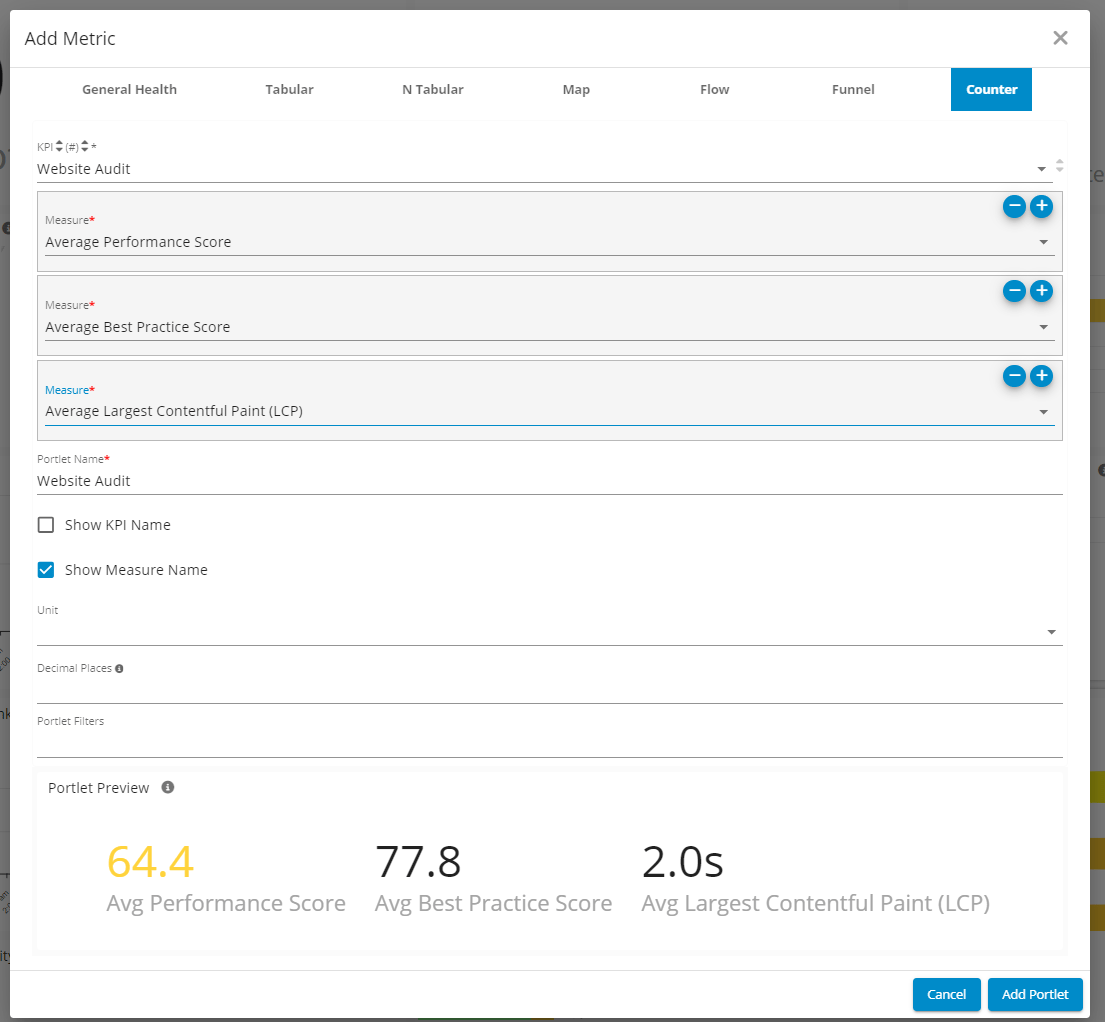
Add Metric dialog showing Website Audit KPI measures and pivots - GermainUX
Get Help
Contact GermainUX Support
The GermainUX team helps you get up and running faster, empower your team, turn data into actionable insights, and optimize performance to deliver measurable business outcomes.
Can't Find What You Need?
Search all GermainUX docs with Ctrl + K, or use the feedback buttons at the bottom of this page to tell us what is missing.
The content of this document is proprietary to GERMAIN SOFTWARE.