

Automatically Adjust Application Log Levels
Raise logging during incidents
Configuration Methods
Three ways to change levels
Recommended Safeguards
Limit cost and privacy risk
Automatically Adjust Application Log Levels
GermainUX can automatically change an application’s log level when configured conditions occur. For example, GermainUX can temporarily increase logging when an error, performance degradation, or SLA breach is detected. After the investigation period or issue resolution, it can restore the application’s normal log level. This provides additional diagnostic detail when it is needed without requiring verbose logging to remain enabled continuously.Example Workflow
A typical automated workflow is:Configuration Methods
GermainUX supports three primary methods for changing application log levels:Configure Local Program Execution
In the left menu, go to Settings > Wizards > Local Program.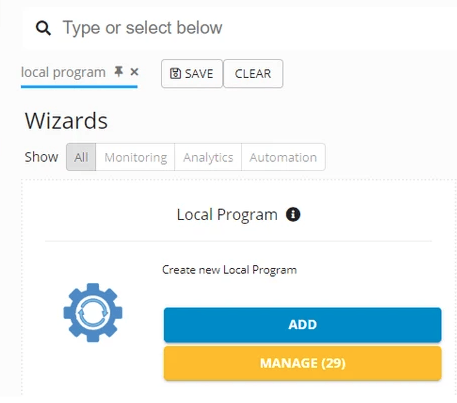
Local Program wizard for creating a new local program action - GermainUX
Configure Script Execution
In the left menu, go to Settings > Wizards > Script.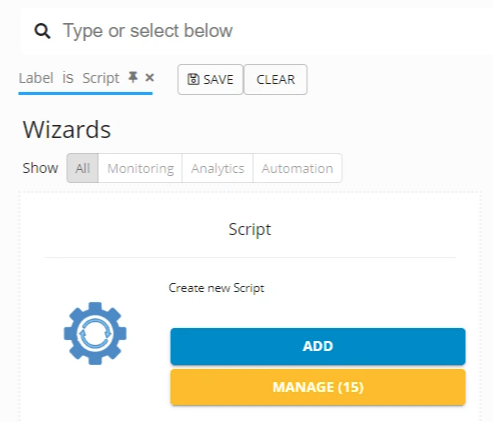
Script wizard for creating a new script action - GermainUX
Configure Rule Execution
In the left menu, go to Settings > Wizards > Rule.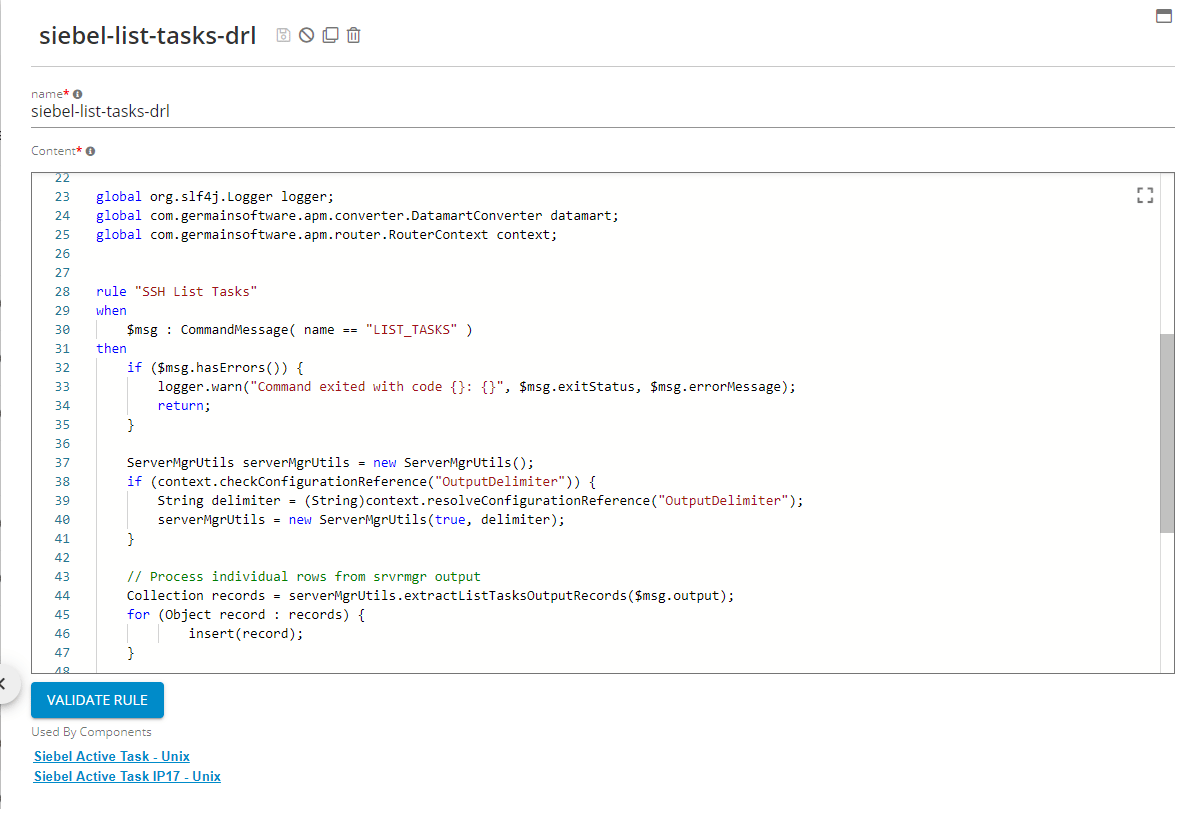
Drools rule editor showing a sample rule for task listing - GermainUX
Recommended Safeguards
Increasing application logging can affect performance, disk usage, data privacy, and operational cost. Before enabling automatic log-level changes:- Limit verbose logging to the affected application, component, user, or transaction whenever possible.
- Set a maximum duration for
DEBUGorTRACElogging. - Configure an automatic action that restores the normal log level.
- Prevent repeated executions through Quiet Time or execution limits.
- Confirm that the log directory has sufficient available capacity.
- Ensure that sensitive data is not exposed through verbose logs.
- Test the action in a nonproduction environment.
- Record who or what changed the log level and when.
- Notify the appropriate team when logging is increased or restored.
Get Help
Contact GermainUX Support
The GermainUX team helps you get up and running faster, empower your team, turn data into actionable insights, and optimize performance to deliver measurable business outcomes.
Can't Find What You Need?
Search all GermainUX docs with Ctrl + K, or use the feedback buttons at the bottom of this page to tell us what is missing.
The content of this document is proprietary to GERMAIN SOFTWARE.