

What Is Not a Data Source?
Applications, credentials, executables
Configure a Data Source
Connect and monitor resources
Tag a Data Source
Organize sources with labels
Data Source Classes
Available source categories
Overview
In GermainUX, a Data Source is a concrete software or hardware resource that the platform can access to collect data or execute an automated transaction. A Data Source represents a specific infrastructure instance, endpoint, file location, or service, not a general application category. GermainUX has four types of Data Sources: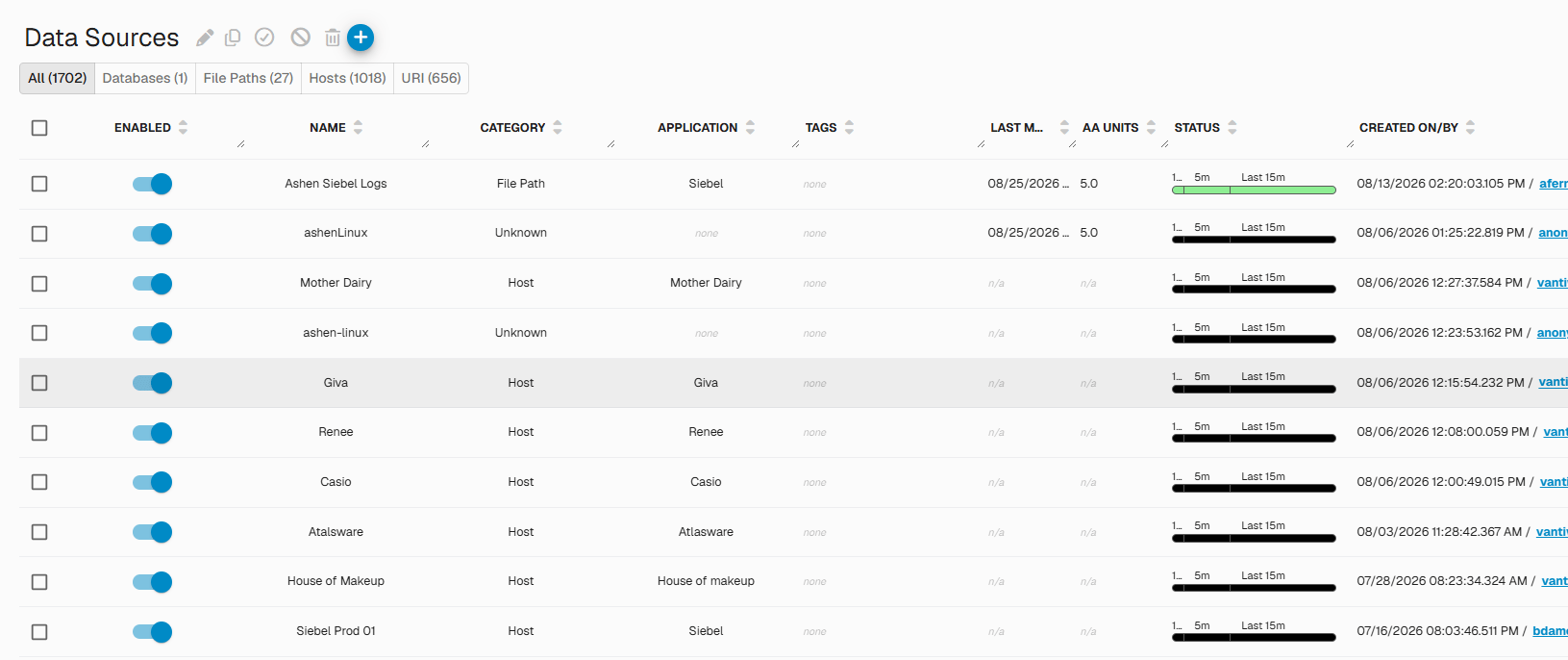
Data Sources list - GermainUX
Common Data Source Types
Preconfigured Data Sources and Integrations
GermainUX provides preconfigured integrations for many supported technologies. See GermainUX Integrations for the available options.What Is Not a Data Source?
Applications
An Application entry is not a Data Source. Applications are logical groupings that represent the programs, services, servers, and other components that collectively deliver an application or business service. Individual Data Sources can be associated with an Application. For example:- A log directory can belong to a Salesforce application.
- A web-service endpoint can belong to an Oracle Siebel CRM application.
- A database can support an eCommerce application.
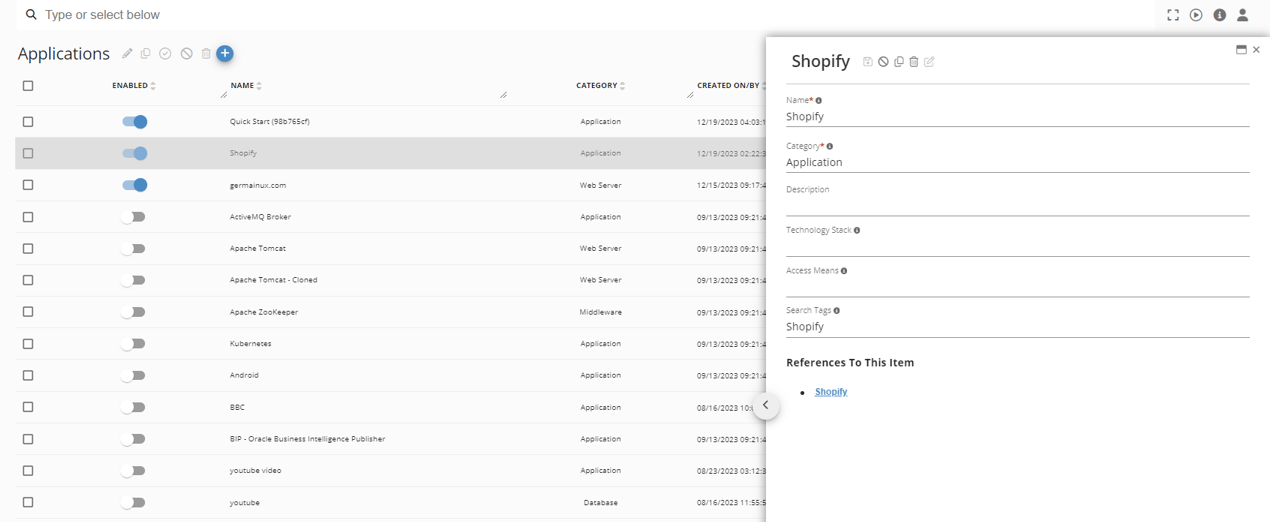
Applications - GermainUX
Credentials
Credentials are not Data Sources. They provide the authentication information required to connect to a Data Source. GermainUX does not collect monitoring data from the credential configuration itself.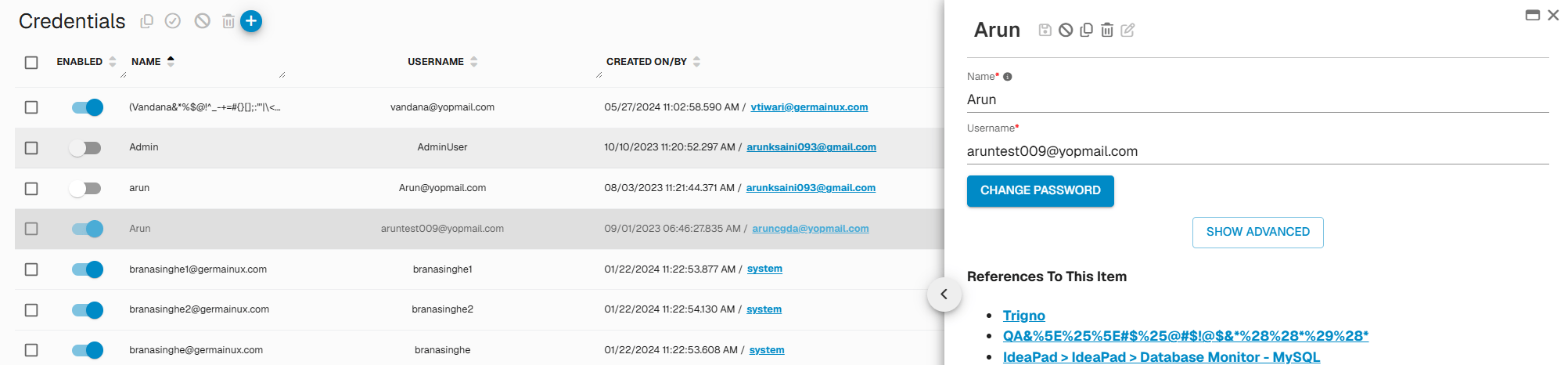
Credentials - GermainUX
Executables
Executables are not Data Sources. An executable is a program or command used by a monitoring or automation component to interact with a Data Source.Configure a Data Source
A Data Source configuration contains the information GermainUX requires to connect to, monitor, or execute actions against the resource. Data Sources can be configured through:- The Data Sources configuration screen
- The Data Source Wizard
- Hostname or URI
- Port
- File or directory path
- Parent host
- Associated application
- Credentials
- Tags
- Enabled status
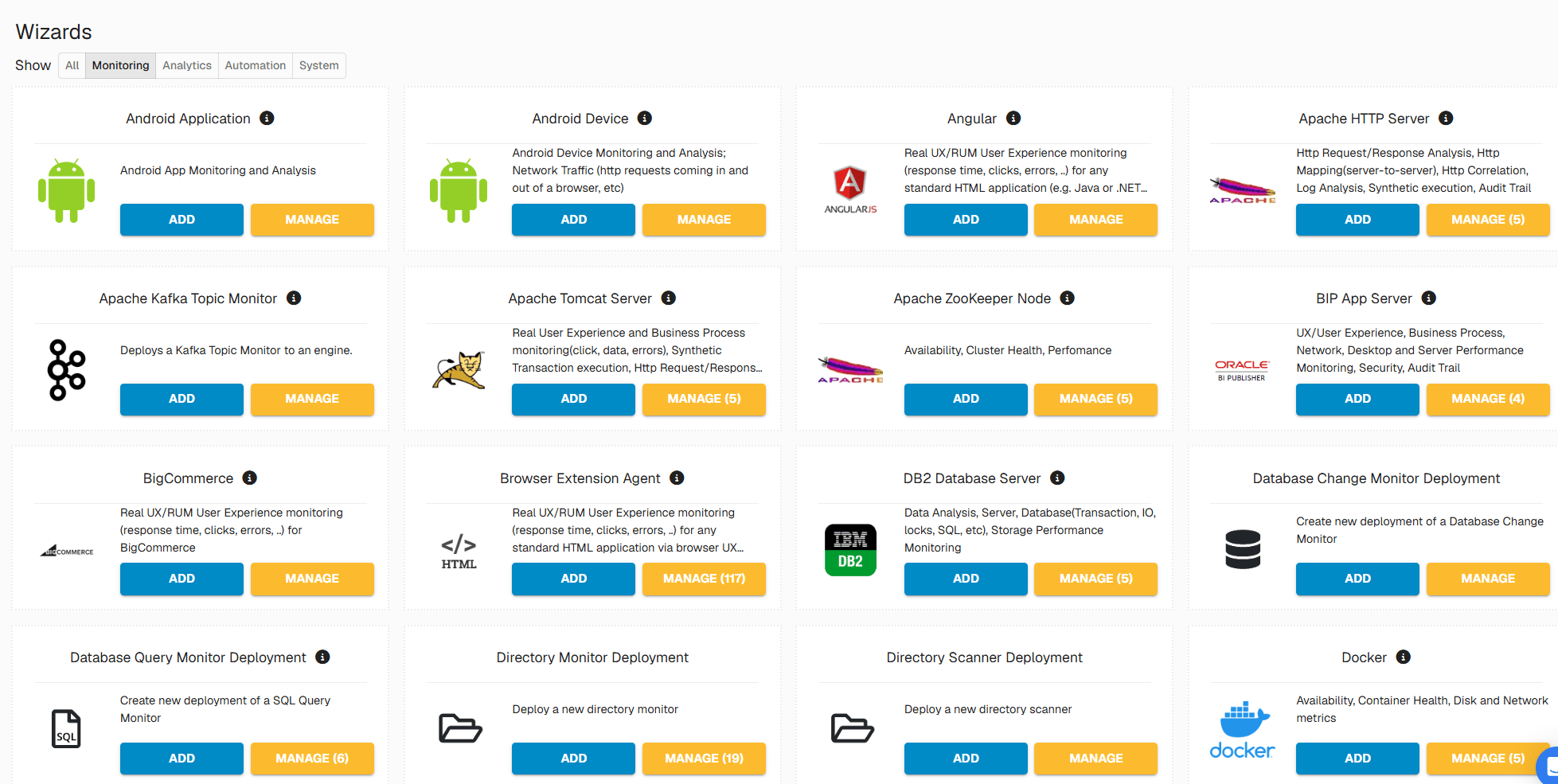
Configure a Data Source - GermainUX
Tag a Data Source
Tags help organize and filter Data Sources. They can be created as needed and used to locate related Data Sources across environments, similar to labels in GitHub. Common tags include:productionstagingdevelopmentcriticalcustomer-facing

Tag a Data Source - GermainUX
Data Source Classes
Every Data Source class includes these common properties:
Each class adds its own properties:
These relationships allow GermainUX to associate each concrete Data Source with its host, application, environment, and operational context.
Get Help
Contact GermainUX Support
The GermainUX team helps you get up and running faster, empower your team, turn data into actionable insights, and optimize performance to deliver measurable business outcomes.
Can't Find What You Need?
Search all GermainUX docs with Ctrl + K, or use the feedback buttons at the bottom of this page to tell us what is missing.
The content of this document is proprietary to GERMAIN SOFTWARE.