
🔗 Integrations for Hubspot
Germain UX integrates with all access points that are offered by Hubspot, including:
|
Access Point |
Description / Integration |
|
|---|---|---|
|
1 |
Hubspot UI/Browser |
Real user monitoring - via Germain UX RUM JS. |
|
2 |
Hubspot UI/Browser |
Advanced Troubleshooting (eScript, Browser, Network, Integration..) - via Germain UX - JS Profiler. |
|
3 |
Hubspot UI/Browser |
Proactive Issue Detection / Synthetic User RPA Bots - via Germain UX-RPA Bot Recorder. |
|
4 |
Hubspot Admin UI |
Real user monitoring - via Germain UX RUM Extension. |
|
5 |
Hubspot frontend (CMS pages, content published by HubSpot) |
Hubspot frontend (CMS pages, content published by HubSpot) -> that indeed looks like we might be able to inject our UX on all of these pages and UX Extension won't be needed (https://knowledge.hubspot.com/website-pages/add-code-to-the-head-or-footer-html-of-hubspot-content ) |
|
6 |
Hubspot Rest APIs |
Hubspot health, usage, troubleshooting and enhancement - via Germain UX Engine. |
⚙️ Monitoring Deployment for Hubspot
Steps for deploying Germain UX's monitoring for Hubspot.
|
Step |
Details |
|---|---|
|
Start Hubspot wizard |
Start Hubspot wizard
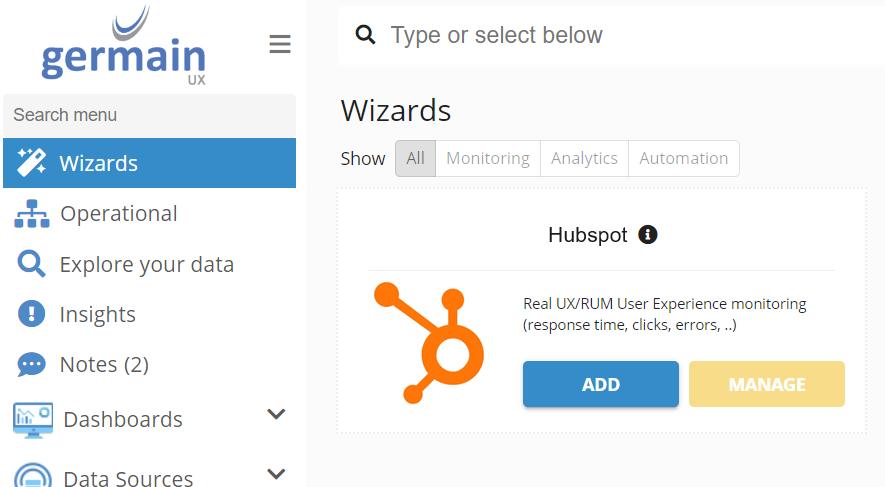
|
|
RUM JS injection guidance |
For Germain UX RUM JS injection into Hubspot UI, please check (https://knowledge.hubspot.com/website-pages/add-code-to-the-head-or-footer-html-of-hubspot-content ) |
Component: Engine, JS Profiler, RPA Bot Recorder, RUM JS
Feature Availability: 8.6.0 or later