

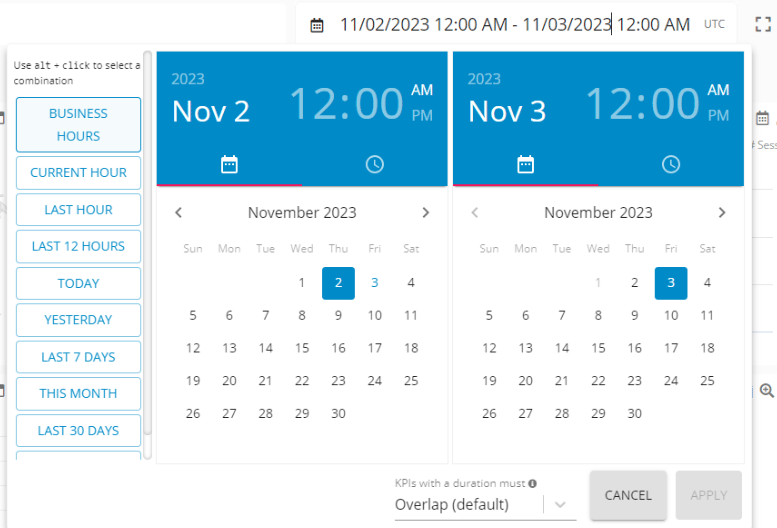
Time Range on workspace - GermainUX
Configure Time Ranges
Go to Germain Workspace > Left Menu > System > Time Ranges. From this page, you can:- Review available Time Ranges
- Create a custom Time Range
- Edit an existing Time Range
- Remove a Time Range that is no longer required
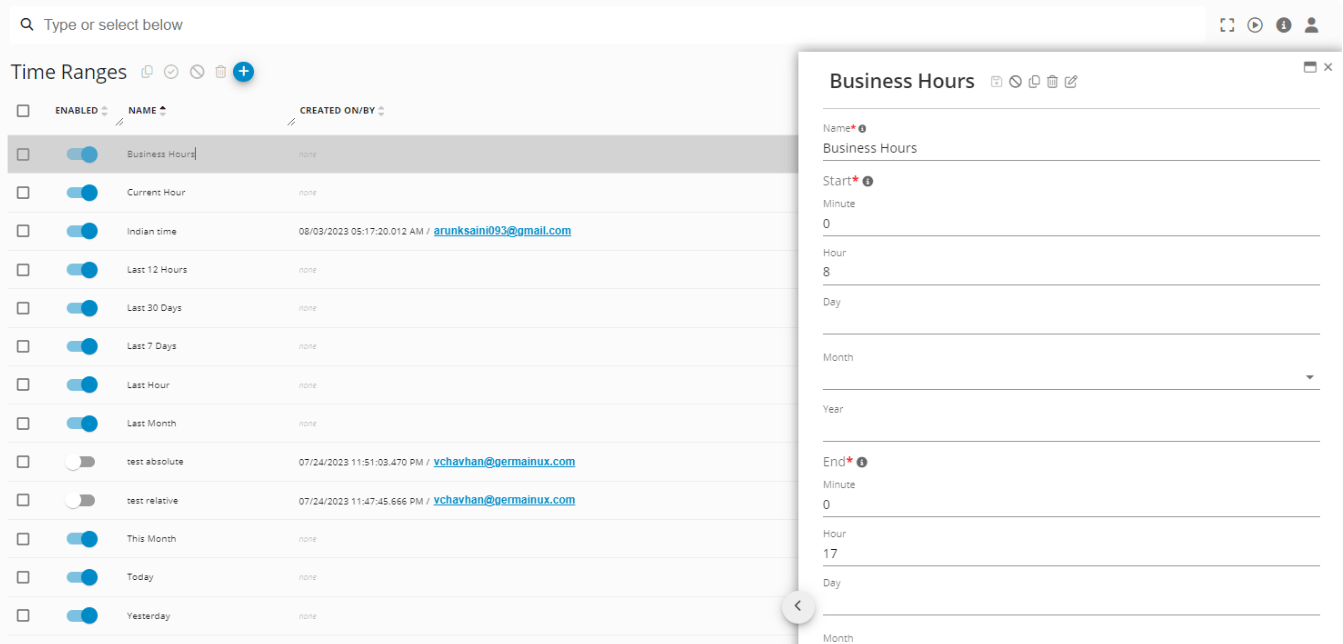
Time Range Configuration -GermainUX
Get Help
Contact GermainUX Support
The GermainUX team helps you get up and running faster, empower your team, turn data into actionable insights, and optimize performance to deliver measurable business outcomes.
Can't find what you need?
Search all GermainUX docs with Ctrl + K, or use the feedback buttons at the bottom of this page to tell us what is missing.
The content of this document is proprietary to GERMAIN SOFTWARE.